
TapText
More Text, Less Taps.
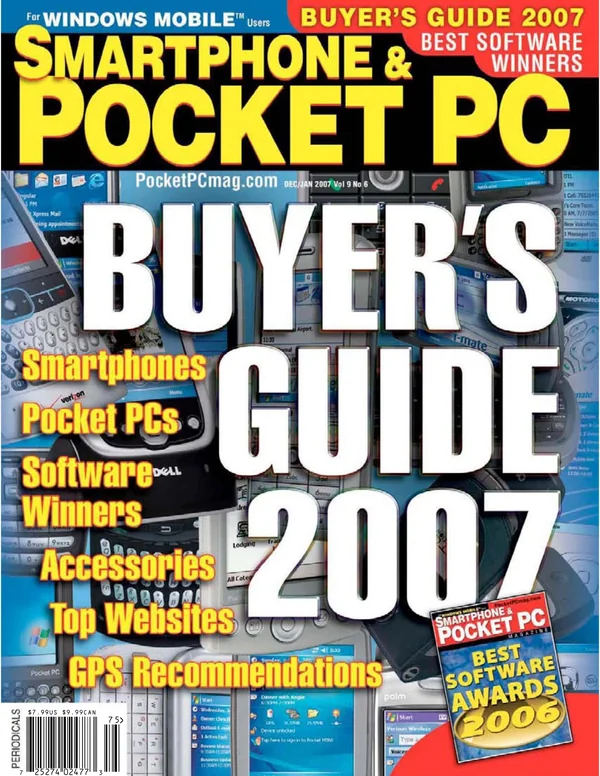
Saved text, typed into any app in two taps: signatures, replies, addresses, form answers and date stamps. Best Misc. Utility of 2007.
- Latest
- 1.3, February 2006
- First
- 1.0, March 2005
- Price then
- $9.99
- Today
- Free
- Runs on
- Pocket PC 2002, Windows Mobile 2003 and 5. Portrait, landscape and square screens

The story
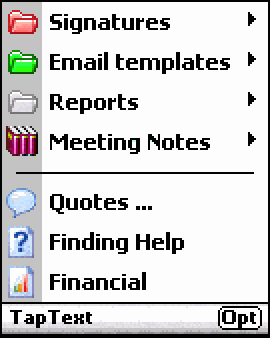
Typing on a Pocket PC meant a stylus and a tiny keyboard on the screen. TapText put a small icon at the top of the screen that opened your own menus of saved text. Pick an item, and TapText typed it into whatever app you were in, Word, Notes, email or a web form, without leaving it and without changing your keyboard. Today, text replacement and saved replies in your mail app do the same.
It wrote date and time stamps in the format you chose, nested menus inside menus, gave each item an icon from its own library, and filled forms field by field. Smartphone & Pocket PC magazine named it the best Misc. Utility of 2007.
Every version
From DinarSoft’s revision history and installers. Press Run to play through them, or step one at a time.
-
TapText 1.0 March 7, 2005
- The first release.
-
TapText 1.1 March 28, 2005
- Notes up to 8,000 characters each.
- Keeps the first letter in the case you chose.
- Works fully with TextMaker.
- More date formats.
- Copy, cut, paste and undo inside the options.
-
TapText 1.2 April 14, 2005
- More date formats.
- Special keys: Ctrl+B, Ctrl+I, Ctrl+U and Tab.
-
TapText 1.3 February 27, 2006
- Import and export your menus, to back up or switch profiles.
- Room for longer text.
- Smarter {tap} for filling forms.
- Square screens.
Saved text, two taps away
On a Pocket PC you typed with a stylus, one letter at a time, on a keyboard the size of a stamp. TapText put a pen on the top bar. Tap it, tap a saved text, and TapText types it into whatever program is in front.
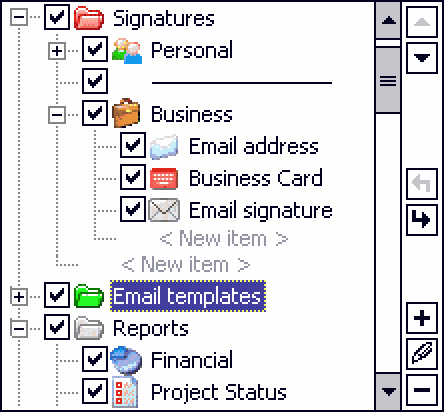
Signatures, email replies, addresses, report outlines, meeting notes, links: its sample menus show what people typed again and again. Menus nest inside menus, each entry has an icon, and dates and times fill themselves in. Try it in Pocket Word, then switch to Notes and pick the same text. TapText takes a different road into each, and the next two sections show both.

Pick a saved text from TapText’s menu.
Groups open beside each other as cascading menus, or one at a time, with a Previous Menu entry to go back. The setting is global, and each group can overrule it: the Quotes group always opens as one menu. Today your phone does the same job with text replacements and saved replies, built into the system. In 2005 no system offered it, so Yasser and Hosam built it for every program at once.
Borrowing another program’s focus
To type into Pocket Word, TapText must know which box inside it has the cursor. Windows answers that question only for Pocket Word itself. So for the length of one message, TapText becomes part of Pocket Word.
Every window has a window procedure, the one function that receives all its messages. TapText swaps in a helper of its own and sends one message that only that helper understands. The helper, now running inside Pocket Word, asks Windows for the focus. Then the original procedure goes straight back. Step through it:
Pocket Word’s own zoom list the page| TapText found the page in Pocket Word and types into it.
- 1E1EC
bl RegisterWindowMessageW; its own message - 1E214
cmp r1,lr; helper: my message? - 1E21C
bl GetFocus; yes: ask from inside - 1E240
bl CallWindowProcW; no: pass it on - 1E254
bl GetForegroundWindow; the program in front - 1E25C
bl IsWindow; still there? - 1E274
bl GetWindowLongW; its window procedure - 1E284
str r0,[r5]; keep the old one - 1E28C
bl SetWindowLongW; swap in the helper - 1E2A8
bl SendMessageW; send its message - 1E2BC
bl SetWindowLongW; swap the old one back - 1E2CC
pop {r4,r5,r6,pc}; return the focus
-
msg = RegisterWindowMessage( -
L"SpecialGetFocusMessage"); -
LRESULT Helper(HWND w, UINT m, -
WPARAM a, LPARAM b) { -
if (m == msg) -
return (LRESULT)GetFocus(); -
return CallWindowProc(old, w, m, a, b); -
} -
HWND BorrowFocus(void) { -
HWND w = GetForegroundWindow(); -
if (!IsWindow(w)) return 0; -
old = GetWindowLong(w, GWL_WNDPROC); -
SetWindowLong(w, GWL_WNDPROC, Helper); -
HWND f = SendMessage(w, msg, 0, 0); -
SetWindowLong(w, GWL_WNDPROC, old); -
return f; -
}
TapText now knows exactly where to type, in any program, without changing a byte of it.
It works in any program, including ones written years after TapText, because it asks nothing of them. Today, a keyboard app on iPhone or Android gets the same answer from the system: an input connection to the text box in focus. TapText had no such door, so it made one that closed behind it.
One key press at a time
Once TapText knows the box, it types the way your finger would: one WM_CHAR message per character, the same message a real key press makes.
A new line gets the character and the Enter key too, so programs that listen for either one see it. Notes is the one exception. TapText recognizes its editor by name, puts the whole text on the clipboard, and presses Notes’ own Paste command: one message instead of hundreds. This is the sample General email reply going into Pocket Word:
Messages posted: 35
- WM_CHAR “s”
- WM_CHAR Enter
- WM_KEYDOWN Enter
- WM_KEYUP
- WM_CHAR space
- WM_CHAR backspace
- 13820
bl wcslen; how long? - 13834
bl GetClassNameW; what kind of box? - 13840
bl lstrcmpW; "noteeditclass"? - 1388C
bl SetClipboardData; Notes: the clipboard - 138AC
bl PostMessageW; Notes: its Paste - 138D4
bl PostMessageW; WM_CHAR space - 138EC
bl PostMessageW; WM_CHAR backspace - 138F4
bl Sleep; 100 ms - 13900
ldrh r2,[r5]; next character - 13904
cmp r2,#0xa; line feed: skip - 1391C
bl PostMessageW; WM_CHAR: the character - 13924
cmp r3,#0xd; a new line? - 13940
bl PostMessageW; WM_KEYDOWN Enter - 1395C
bl PostMessageW; WM_KEYUP - 13974
bl PostMessageW; WM_CHAR space - 13994
bl PostMessageW; WM_CHAR backspace - 139A4
bhi 13900; to the end
-
void Type(HWND w, WCHAR *s, int n) { -
if (n == -1) n = wcslen(s); -
GetClassName(w, cls, 250); -
if (!lstrcmp(cls, L"noteeditclass")) { -
SetClipboardData(CF_UNICODETEXT, h); -
PostMessage(w, WM_COMMAND, 0x1647, 0); -
Sleep(100); return; -
} -
PostMessage(w, WM_CHAR, ' ', 1); -
PostMessage(w, WM_CHAR, '\b', 1); -
Sleep(100); -
for (; n > 0; n--, s++) { -
if (*s == '\n') continue; -
PostMessage(w, WM_CHAR, *s, 1); -
if (*s == '\r') { -
PostMessage(w, WM_KEYDOWN, VK_RETURN, 1); -
PostMessage(w, WM_KEYUP, ...); -
PostMessage(w, WM_CHAR, ' ', 1); -
Sleep(100); -
PostMessage(w, WM_CHAR, '\b', 1); -
} -
} -
}
To the end: 24 characters became 35 messages, each one a key press as far as Pocket Word knows.
Dates that write themselves
Saved text can hold macros. {{DATE:…}} and {{TIME:…}} stand for the moment of typing, and {{TAB}} jumps to the next box of a form. {{CTRL-B}} and friends switch on bold, italic and underline.
The item editor offers ten date formats and five time formats, each shown on a sample date, 16 March 2005 at 3:27:57 in the afternoon. Each kind of macro is a small C++ class with its own Read and Run, so the typing loop never needs to know which kind it holds. After every macro, TapText borrows the focus again: after a {{TAB}}, the next text lands in the next box. Pick a format and step through the sample “Date and time” item:
Ottawa in {{DATE:MMMM d, yyyy}}
The time is now {{TIME:h:mm tt}}
Ottawa in March 16, 2005
The time is now 3:27 PM
- 13A10
bl wcsstr; "{{DATE:"? - 13A20
bl operator new; a Date macro - 13A70
bl wcsstr; "{{TIME:"? - 13AB4
bl wcsstr; "{{TAB"? - 13B08
bl wcsstr; "{{CTRL-"? - 1E2F8
bl sub_1E250; borrow the focus - 1E310
bl sub_139F4; find a macro - 1E330
bl sub_1E2DC; type the text before - 1E33C
bl sub_13B78; read up to }} - 1E358
mov pc,r3; run it: vtable[1] - 1E35C
bl sub_1E250; borrow the focus again - 1E378
bl sub_1E2DC; type the rest
-
BOOL TypeItem(Item *it) { -
HWND f = BorrowFocus(); -
for (WCHAR *p = it->text; *p; ) { -
Macro *m; -
WCHAR *at = FindMacro(p, &m); -
if (!at) { Type(f, p, -1); break; } -
Type(f, p, at - p); -
p = m->Read(at);// up to }} -
m->Run(f); -
f = BorrowFocus(); -
} -
return TRUE; -
} -
WCHAR *FindMacro(WCHAR *p, Macro **m) { -
if ((at = wcsstr(p, L"{{DATE:"))) -
*m = new DateMacro; -
else if ((at = wcsstr(p, L"{{TIME:"))) -
*m = new TimeMacro; -
else if ((at = wcsstr(p, L"{{TAB"))) -
*m = new TabMacro; -
else if ((at = wcsstr(p, L"{{CTRL-"))) -
*m = new CtrlMacro; -
return at; -
}
Nothing left to find. Type the last new line, and the item is done.
The dates come from Windows’ own GetDateFormat and GetTimeFormat, so month and day names follow the language of the phone. Today a text expander does the same with a template variable like {date}.
Your menus in one small file
Every menu, every saved text and every icon choice lives in one file, TapText.dmd. Version 1.3 added Import and Export, to back it up or keep one set for work and one for home.
The file is plain text, two bytes a character: a G starts a group, an I an item, an S a separator. Every title and every text follows an X and its length in five digits. So a saved text can hold any character, new lines and all, and TapText never has to search for where it ends. Pick an entry in the editor’s tree, switch one off or fold a group, and watch the file change:
The file on this page is written by a few lines of code and comes out identical to the TapText.dmd in its installer, all 7,182 bytes. The icons are not in the file at all, only their numbers. All 60 sit side by side in one picture inside TapText.exe, 960 pixels wide and 16 tall. Each menu row shows its own 16-pixel slice, the same trick as a sprite sheet on a web page.
Four files in the box
The TapText 1.3 installer is a CAB file that unpacks four files on the Pocket PC, plus the instructions that say where each one goes.
TapText 1.3 installer, unpacked · 174,395 bytes
TapText.exe 153,088 bytes, 88%
The whole program: the pen on the top bar, the menus, the typing, the macros, the option pages and the key check. 67,584 bytes of ARM code and 69,632 bytes of pictures and dialogs, among them the 60-icon strip.
TapText.dmd 7,182 bytes, 4%
The sample menus, for a made-up James Watt: signatures, email replies, reports, meeting notes, links and quotes, ready to change into your own.
TapTextSetup.dll 8,192 bytes, 5%
Runs on the Pocket PC during the install. It closes a running TapText first, writes the start of the trial, makes the Start menu and Startup shortcuts and copies the sample menus. On uninstall it asks before deleting your menus.
TapTextLauncher.exe 5,632 bytes, 3%
Starts TapText each time the Pocket PC starts. It looks up where TapText was installed, in main memory or on a storage card, and starts it from there.
Setup instructions 301 bytes, 0.2%
The installer’s list: which file goes to which folder, and which DLL to run.
| 2005 to 2006 | 2026 | Why it is the same idea |
|---|---|---|
PostMessage(WM_CHAR) into the program in front | commitText on Android, insertText in an iOS keyboard | Text arrives in the box as if it were typed. |
| A helper swapped into the front window for one message | The system’s input connection to the focused field | Find the box with the cursor. |
GetDateFormat with dddd, MMMM d, yyyy | Intl.DateTimeFormat, DateFormatter | Dates in the phone’s own language. |
| A Startup shortcut to TapTextLauncher.exe | A login item, or a boot receiver on Android | Be ready the moment the device is. |
| TapText.dmd with Import and Export | Text replacements synced to the cloud | Your snippets outlive the device. |
The key and the 15 days
TapText cost $9.99 and ran free for 15 days. A key unlocked it, and its check is generous: it tries three families of keys made for each Pocket PC, then five keys that work on every Pocket PC.
The per-device keys come from the Pocket PC Code, each family with its own secret word. The five universal keys are built in. Four are made from people’s names, Yasser’s own among them. The fifth is made from GIVEAWAYVERSION1, and it is the key this site gives you. The word goes through the same 120-number shuffle as HijriDate’s key, with the word TapText. Step through it:
Built-in word: GIVEAWAYVERSION1
Key: XZTZ - CRYC - IGKN - UKFX
- 180A8
bl wcslen; length of the code - 180F0
strh r3,[r1]; S[i] = i - 1812C
strh r3,[r1]; K: the word, repeated - 1815C
add r1,r3,r1; j += S[i] + K[i] - 1816C
mov pc,r3; __rt_udiv: mod 120 - 18184
strh r7,[r0]; swap S[i], S[j] - 181A4next:
add r1,r7,#1; i += 1 - 181D4
add r1,r8,r5; j += S[i] - 181F8
strh r5,[r0]; swap them - 18204
add r1,r3,r2,lsr #16; t = S[i] + S[j] - 1822C
eor r1,r2,r3; char XOR S[t] - 1823C
mov pc,r3; __rt_udiv: mod 25 - 18248
add r0,r3,#0x41; + 'A' - 18258
cmp r3,#0x4f; skip 'O' - 18270
bhi next; next character
-
void Key(WCHAR *code, WCHAR *word) { -
WORD S[120], K[120]; n = wcslen(code); -
for (i = 0; i < 120; i++) S[i] = i; -
for (i = 0; i < 120; i++) -
K[i] = word[i % wcslen(word)]; -
for (i = j = 0; i < 120; i++) { -
j = (j + S[i] + K[i]) % 120; -
swap(&S[i], &S[j]); -
} -
for (i = j = 0; n--; code++) { -
i = (i + 1) % 120; -
j = (j + S[i]) % 120; -
swap(&S[i], &S[j]); -
t = (S[i] + S[j]) % 120; -
c = 'A' + (*code ^ S[t]) % 25; -
*code = c >= 'O' ? c + 1 : c; -
} -
}
All 16: XZTZ - CRYC - IGKN - UKFX. Type it on any Pocket PC, and TapText is registered.
TapText’s own check routine, running in an ARM emulator, accepted XZTZ - CRYC - IGKN - UKFX on 100 different Pocket PCs. It accepted the per-device key for each of another 100, and it turned away all 600 look-alike keys it was given.
The 15 days use DinarSoft’s 14-byte date record, the same one HijriDate keeps in a file. TapText hides it in the registry, in HKEY_CLASSES_ROOT, the crowded corner where programs register their file types, under a key named VB.register. Even the value’s name, Platform, never appears whole in the program: it is put together from Pl, at and form. Run the days forward, set the clock back, or reinstall:
| Name | Type | Data |
|---|---|---|
| Platform | REG_BINARY | 09 01 DD 08 EB 08 07 01 07 01 06 01 03 00 |
The trial version will expire after 12 day(s).
In 2026, Yasser Awad released TapText as freeware. The unlock section above gives you the key.
Awards and reviews
| App | 2003 | 2004 | 2005 | 2006 | 2007 | 2008 |
|---|---|---|---|---|---|---|
| TapText | No entry | No entry | Nominee | Nominee | Winner | Finalist |
NomineeTapText, 2005, Soft Keyboards
NomineeTapText, 2006, Soft Keyboards
WinnerTapText, 2007, Misc. Utilities
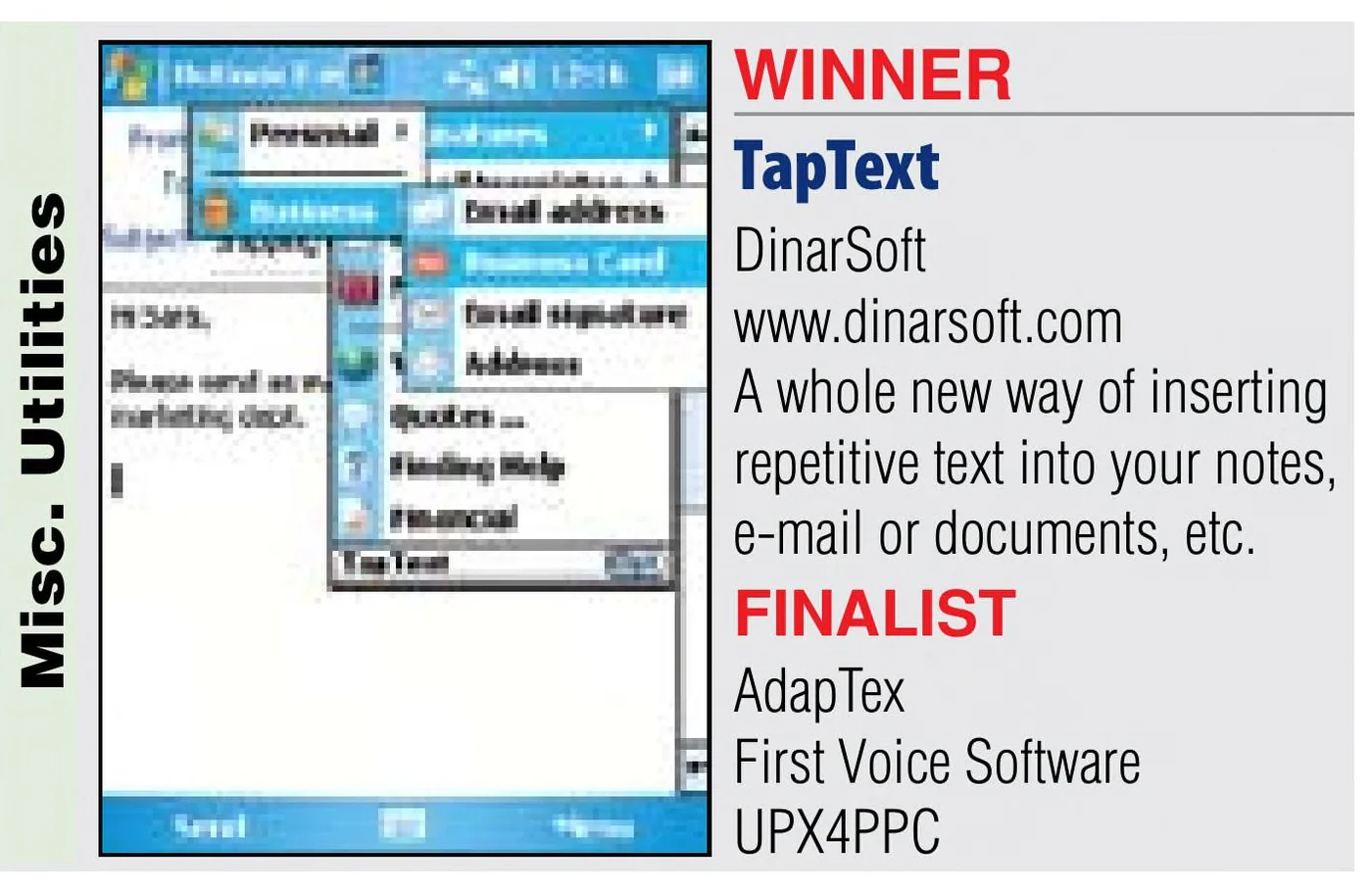

FinalistTapText, 2008, Misc. Utilities

Pocket PC Thoughts
TapText is quickly becoming a utility that I can’t live without
Read the reviewTapText · Brad Adrian, August 2, 2006
Arranged By: DateNewest on top
- Eten BlogDec 12, 2007TapText Data With Ease
TapText Data With Ease
a great text-entering application
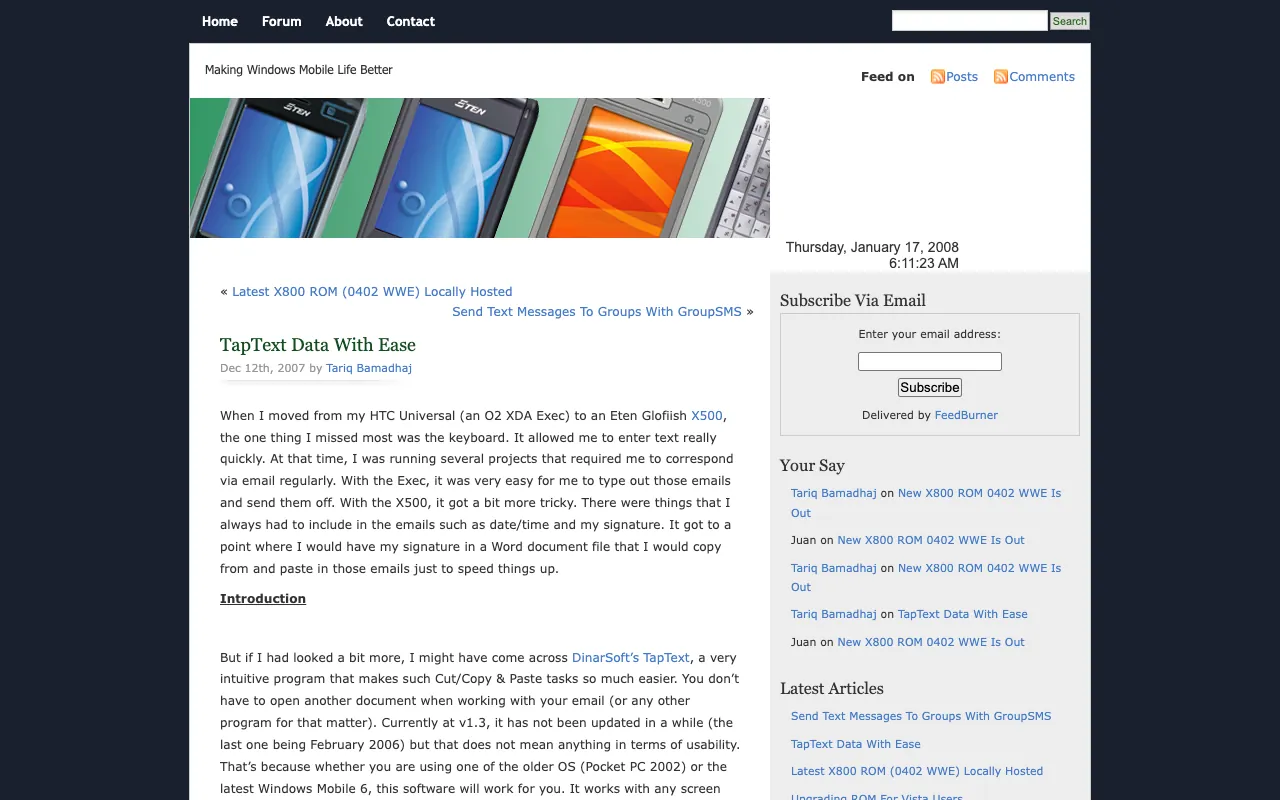
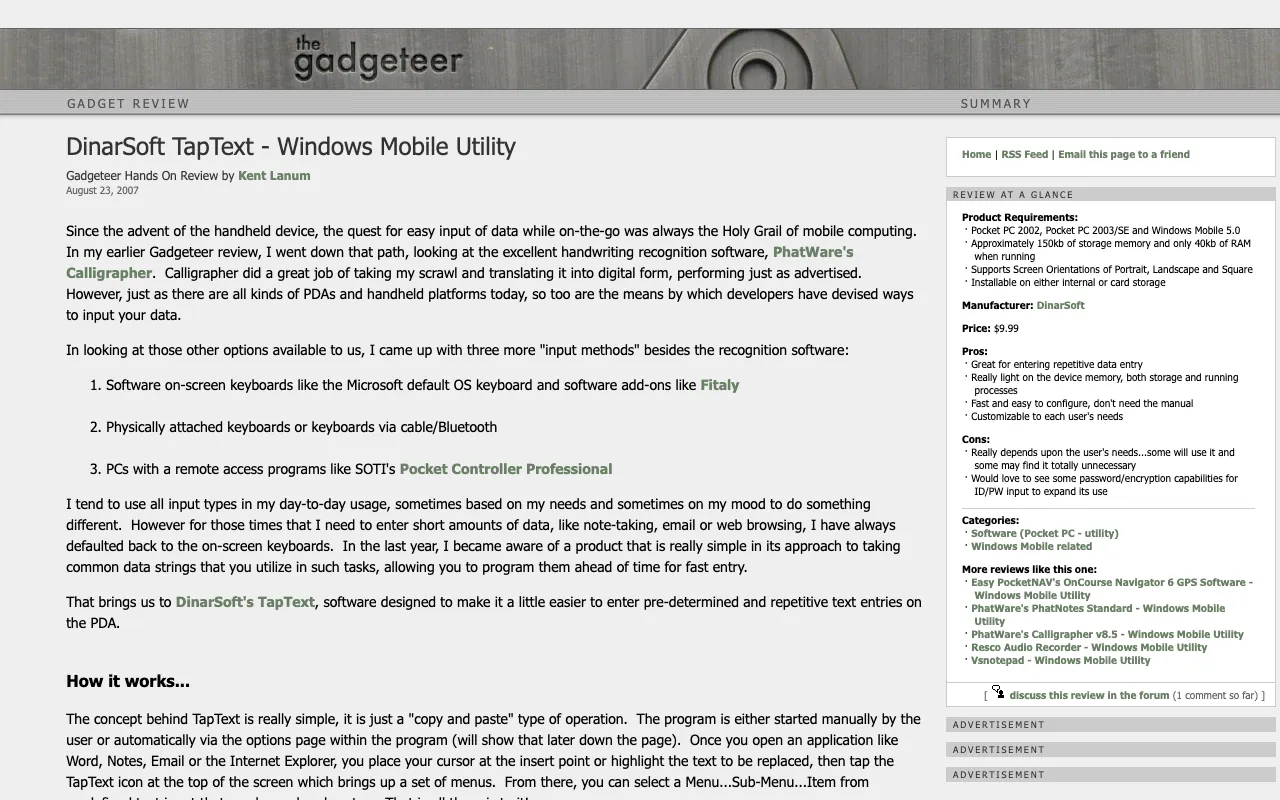
via the Internet Archive, Wayback Machine, December 13, 2007 - The GadgeteerAug 23, 2007DinarSoft TapText - Windows Mobile Utility
DinarSoft TapText - Windows Mobile Utility
I really cannot see any problems with DinarSoft’s TapText
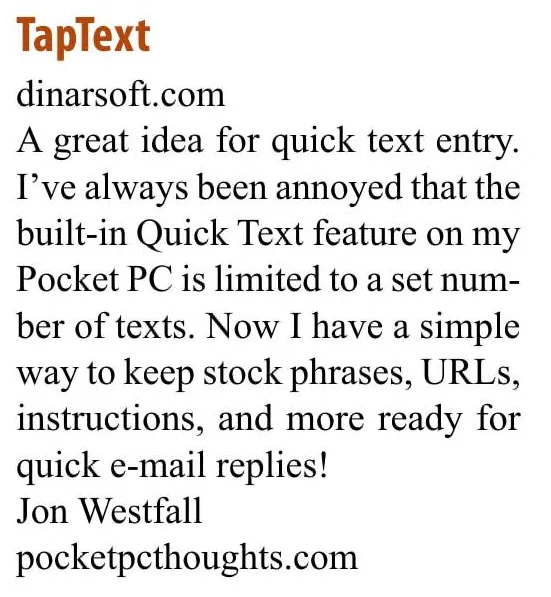
via the Internet Archive, Wayback Machine, September 11, 2007 - Smartphone & Pocket PC200Expert picks
Expert picks
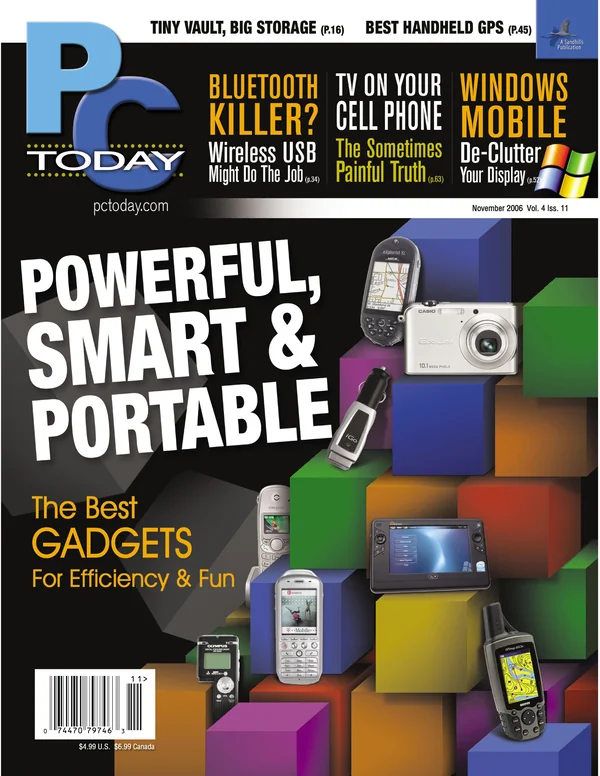
- PC TodayNov 2006New & Updated Mobile Software
New & Updated Mobile Software
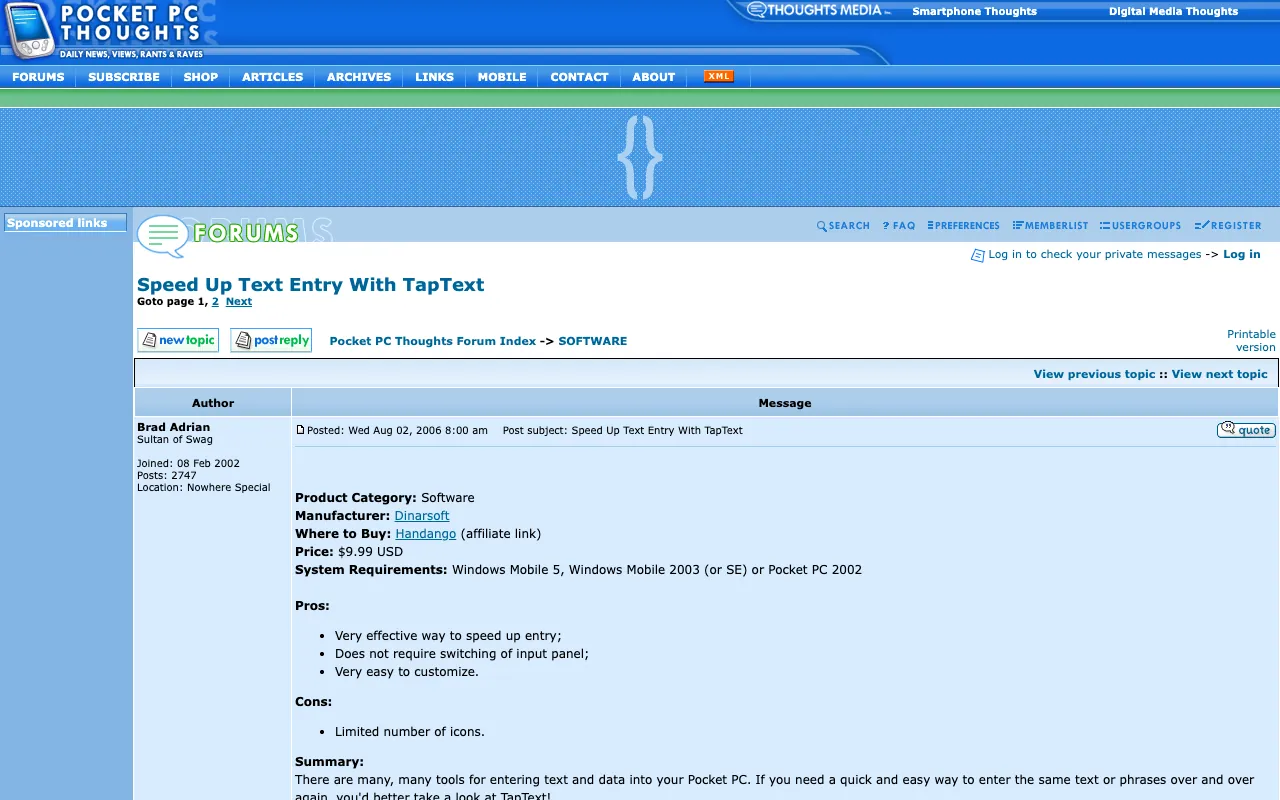
- Pocket PC ThoughtsAug 2, 2006Speed Up Text Entry With TapText
Speed Up Text Entry With TapText
TapText is quickly becoming a utility that I can’t live without
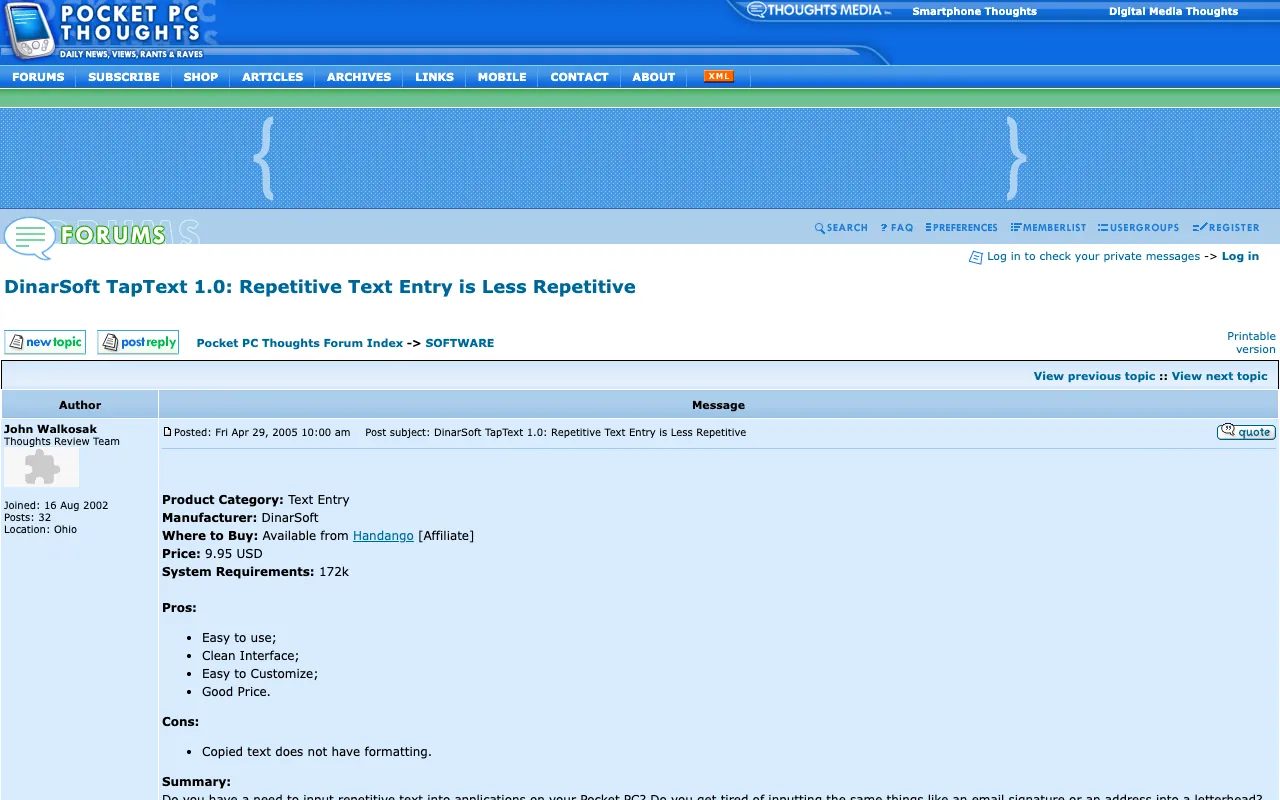
via the Internet Archive, Wayback Machine, November 18, 2006 - Pocket PC ThoughtsApr 29, 2005DinarSoft TapText 1.0: Repetitive Text Entry is Less Repetitive
DinarSoft TapText 1.0: Repetitive Text Entry is Less Repetitive
Easy to use; Clean Interface; Easy to Customize; Good Price.
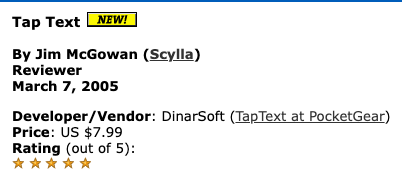
via the Internet Archive, Wayback Machine, April 30, 2005 - AximSiteMar 7, 2005Tap Text
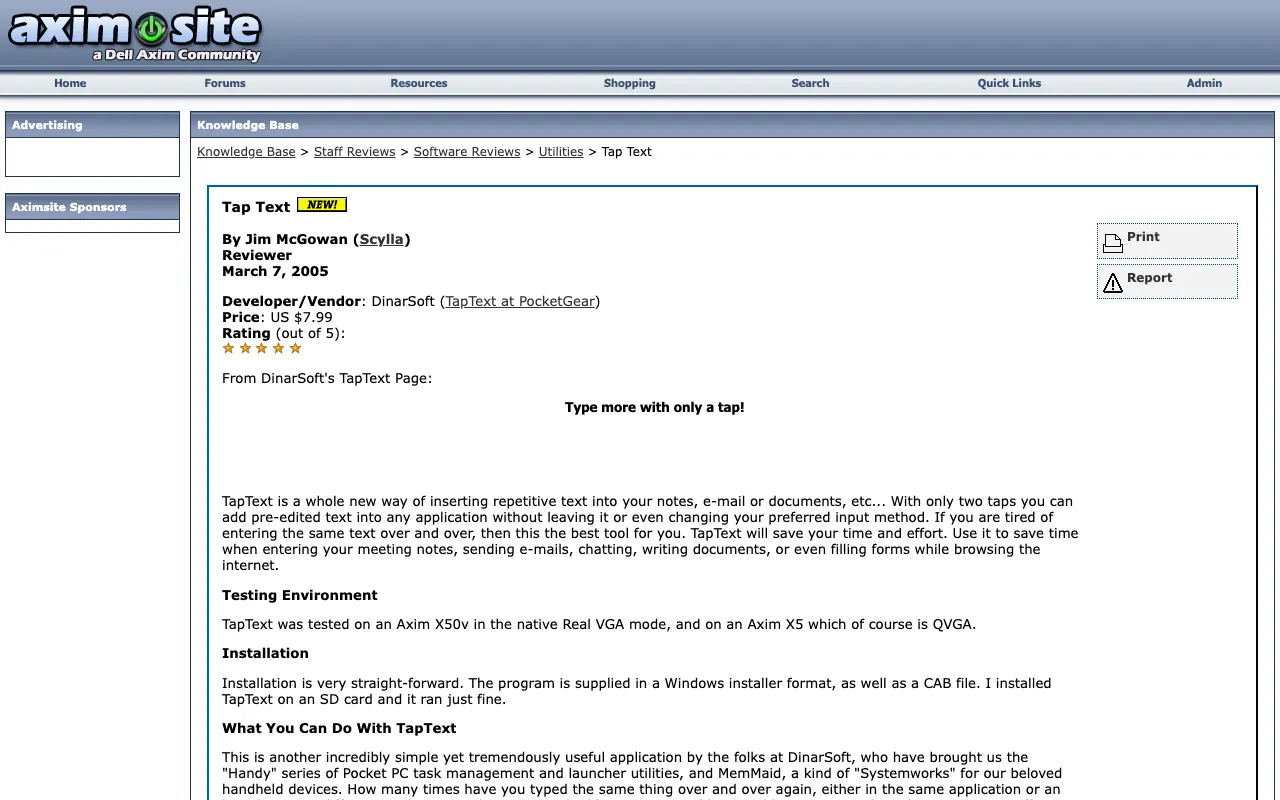
Tap Text
★★★★★
via the Internet Archive, Wayback Machine, March 7, 2005






Download
Here are all 2 installers the Internet Archive kept, as DinarSoft published them. Take the one marked latest: the .CAB installs straight on the device, the .exe installs from a Windows PC.
| File | Version | Size | SHA-256 |
|---|---|---|---|
| DinarSoftTapText13.CABInstall on the Pocket PC · latestRecovered from the Internet Archive (Wayback Machine, January 17, 2007) | 1.3 | 178.6 KB | 38dcaf0b243094b5c00ee54bea8e3e69802719b4485f70076b33e7aa6d7c7d1a |
| DinarSoftTapText13.exeRun on a Windows PC with ActiveSync · latestRecovered from the Internet Archive (Wayback Machine, December 29, 2006) | 1.3 | 280 KB | fb8bdfede6795ac253eca3e976b3767c24756ba684c9ed31b4afd53de3702c31 |
Pick an installer you downloaded. Your browser computes its SHA-256 fingerprint on your own device, nothing is uploaded, and looks for it among all 24 DinarSoft files. A match means every byte is the one the Internet Archive kept.
Unlock the full version
Every DinarSoft trial asked for an unlock key after 15 days. In 2026 Yasser Awad made TapText free, so here is the key, made the way DinarSoft made it.
One key for every device: the giveaway key built into TapText itself. Tap TapText’s icon at the top of the screen, tap Opt, open About, tap Register… and type the four groups of four letters.
For TapText 1.3.
Install it
- On a Pocket PC or Windows Mobile phone. Download the .CAB file marked latest. Copy it to the device on a memory card, through ActiveSync, or download it in Pocket Internet Explorer. Then open File Explorer on the device and tap it. It installs itself, like tapping an .apk on Android.
- From a Windows PC. Connect the device through ActiveSync on Windows XP, or Windows Mobile Device Center on later Windows, and run the Setup .exe. It sends the app to the device.
- In an emulator. Microsoft’s Device Emulator runs Windows Mobile 5 and 6 on a Windows PC. In its File menu, choose Configure and set a shared folder. The device sees that folder as its Storage Card. Put the .CAB there and tap it in File Explorer.
- Unlock it. Open TapText, find its Register screen, and type the key from this page.