Mobile Software for every need
Six apps for the smartphones before the iPhone. 22 nominations, 3 magazine wins, and all six free today.
In November 2002, Yasser Awad founded DinarSoft Corporation in Kanata, Ontario, the tech town its own website called “silicon valley north”. Alongside his work at Alcatel, he ran the company, and with his co-developer, Hosam Aly, he built its six apps for Pocket PC and Windows Mobile: the phones people carried before the iPhone. Reviewers from New Zealand to Dubai to Spain praised them. In October 2026 he released all six as freeware.
Recent Projects
-
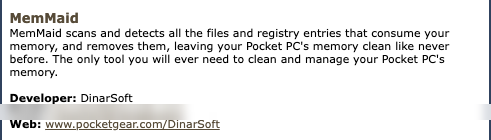
 MemMaidThe Best Maid for PocketPCs
 -
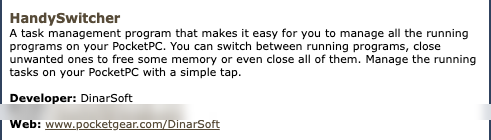
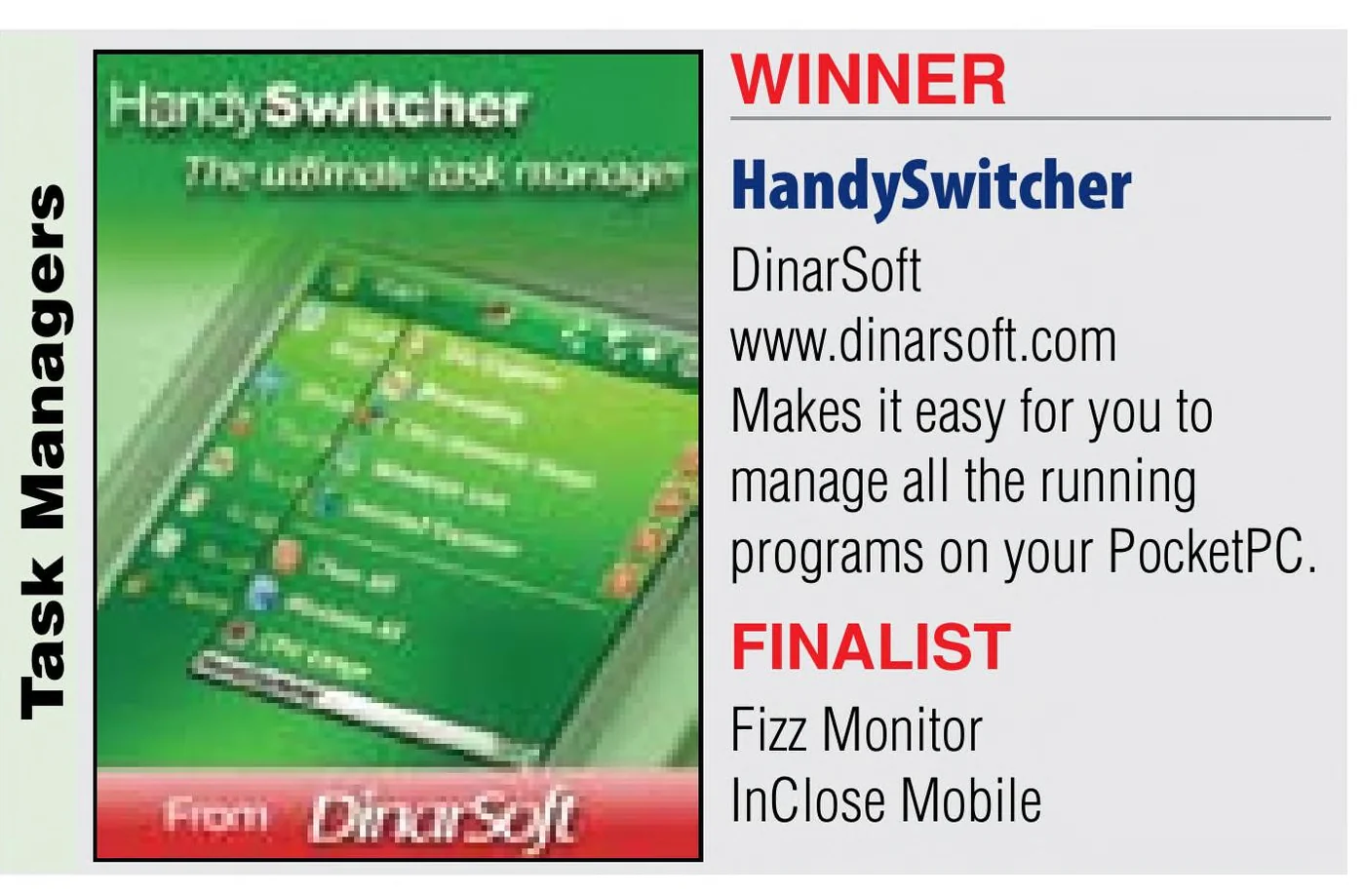
 HandySwitcherThe Ultimate Task Manager
 -
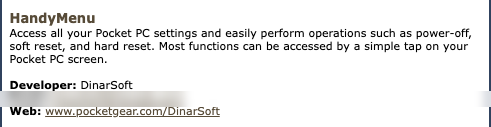
 HandyMenuPowerful System Access
 -
 HandyLauncherThe Seamless Launcher
 -
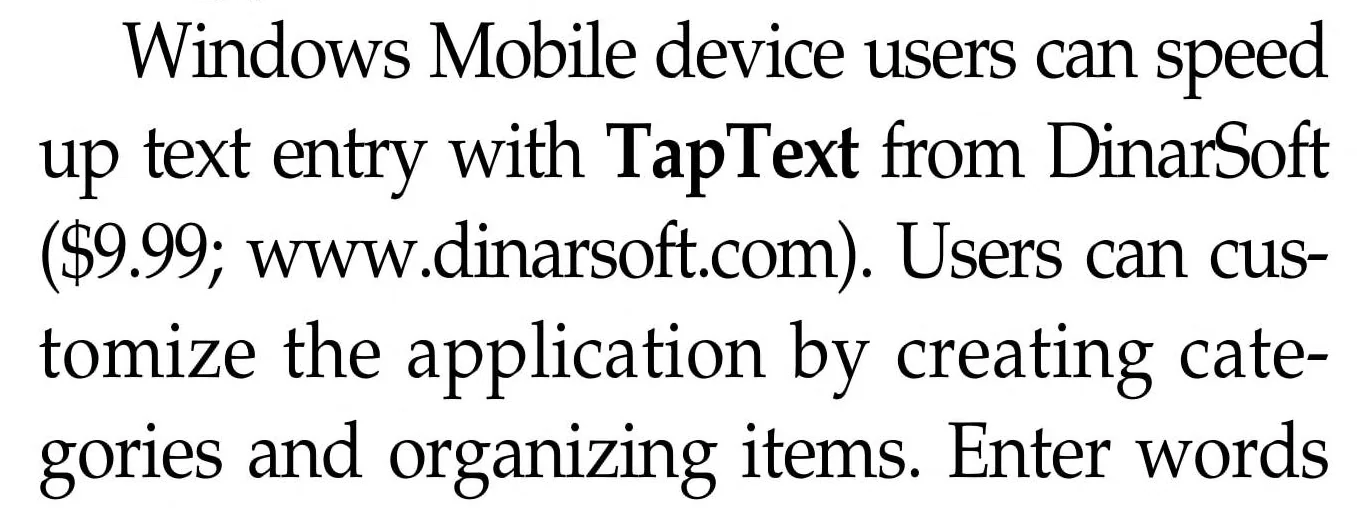
 TapTextMore Text, Less Taps.
 -
 HijriDateWhat is Today
DinarSoft News
He wrote the company’s news himself: 21 of its 31 press releases carry his name.
- MemMaid is updated to version 2.3
- HandySwitcher 3.1 released
- MemMaid 2.2 Released (more languages added) Yasser Awad
- MemMaid 2.1 Released with multi-language support Yasser Awad
- Eten Blog Dot Com reviewed TapText Yasser Awad
- MemMaid named one of the “Best Applications for 2007” by Handango Yasser Awad
- Two DinarSoft products selected as “Best software award 2007” by PocketPC Magazine Yasser Awad
- Three DinarSoft products announced finalists in the annual “Best Software for PocketPC (2007)” award Yasser Awad
- JustAnotherMobileMonday reviewed MemMaid 2.0 Yasser Awad
- the-gadgeteer reviewed TapText 1.3 Yasser Awad
- AximSite-MobilitySite reviewed MemMaid 2.0 Yasser Awad
- PocketPC Magazine nominates five DinarSoft titles for the “Best Software in 2007” award Yasser Awad
- All-new MemMaid 2.0 Released Yasser Awad
- Mobile-View reviewed the new MemMaid 2.0 Yasser Awad
- GadgetMix reviewed the new HandySwitcher 3.0 Yasser Awad
- All-new HandySwitcher 3.0 Released
- ClintonFITCH reviewed MemMaid Yasser Awad
- MemMaid 1.73 reviewed by GadgetMix.com
- HandySwitcher and HandyMenu reviewed by GadgetMix.com
- MemMaid gets a “Software Tip” Award from Pocketland Spain
- PocketLand reviewed MemMaid and gave it 5 stars Yasser Awad
- DinarSoft Corporation launches its newly renovated website
- DinarSoft Corporation changed its logo Yasser Awad
- PPC Magazine announced MemMaid a finalist in its annual “Best Software for PocketPC (2006)” award Yasser Awad
- tucows.com reviewed MemMaid 1.72 and selected it as a Dr. File Finder Favorite Yasser Awad
- DinarSoft Corporation releases MemMaid 1.72 with a new ReclaimRAM module
- PocketPCThoughts.com reviewed TapText 1.3 for PocketPC Yasser Awad
- MemMaid for PocketPC is selected as “editor’s choice” by PocketGear.com Yasser Awad
- Handango selects MemMaid among the finalists of its annual champion award Yasser Awad
- DinarSoft Corporation releases HandySwitcher 2.7 with hardware keys support
- DinarSoft Corporation releases TapText 1.3 for PocketPC with import/export ability
Every release links to its copy in the Internet Archive’s Wayback Machine.
Six apps from Kanata.
Pick one in Solution Explorer to see it on a Pocket PC, in its real screens from DinarSoft’s own product pages. Tap the screen to move through them, then open the app for its story, its installers, a free unlock key and a tour of how it works.
Solution ‘DinarSoft’ (6 projects)
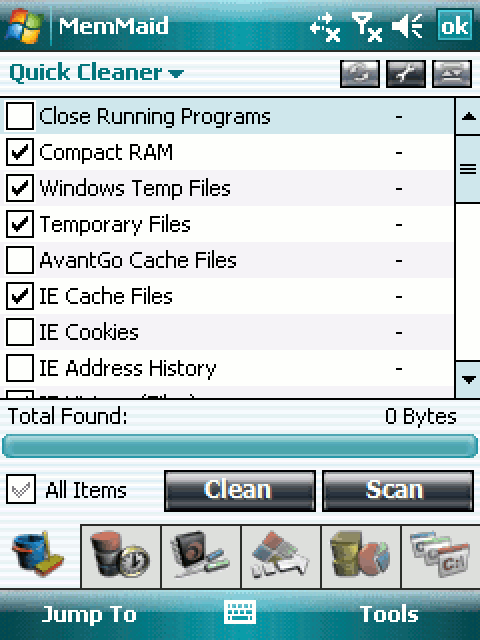
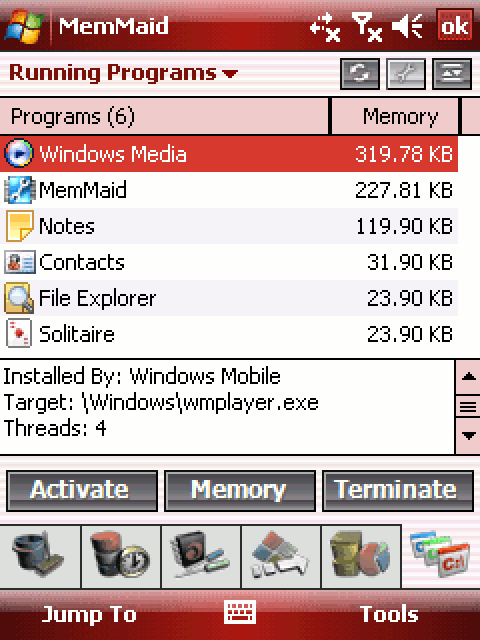
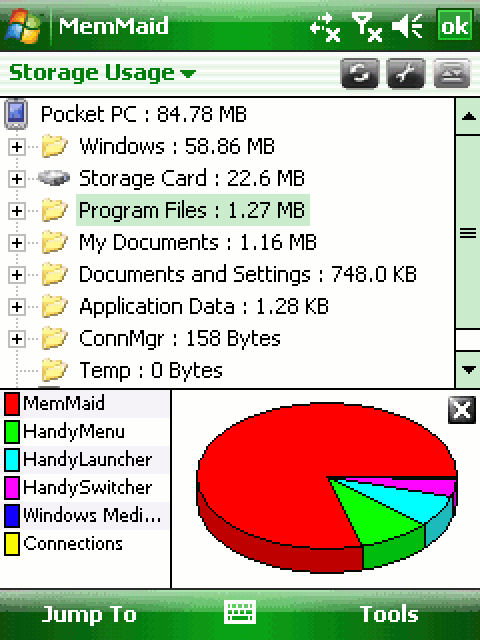
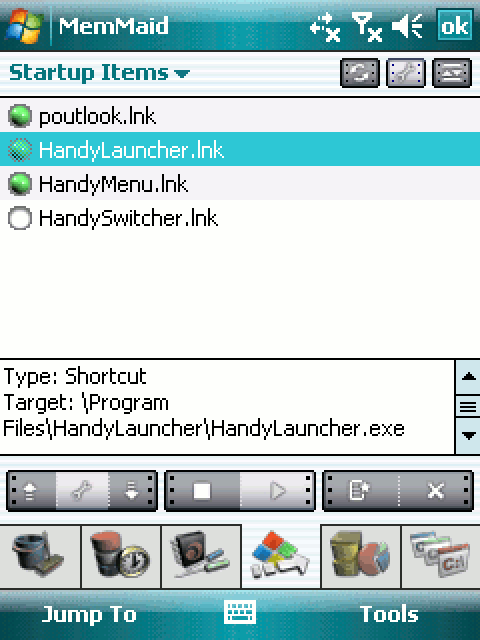
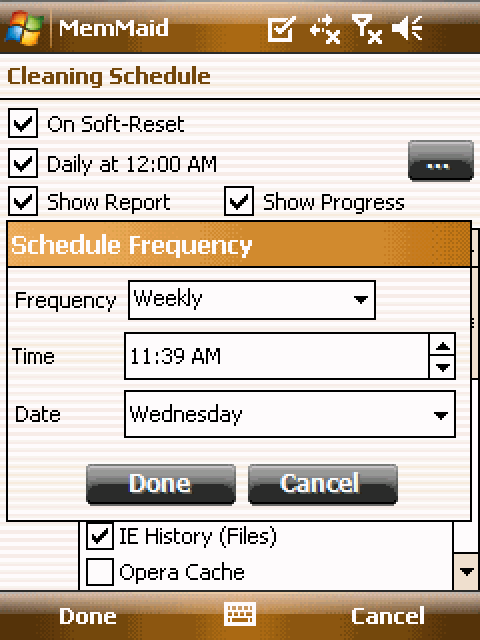
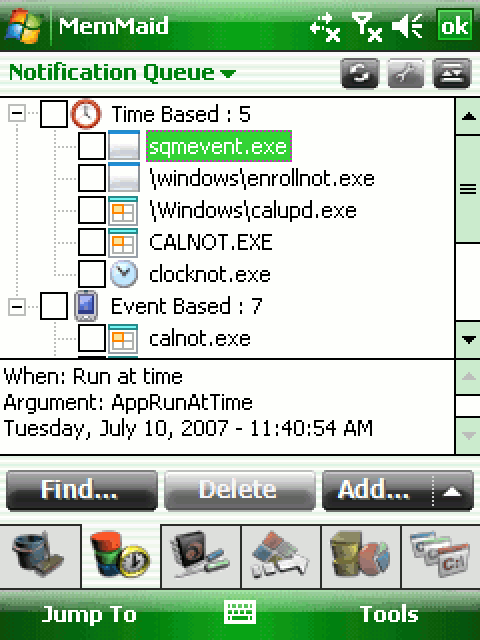
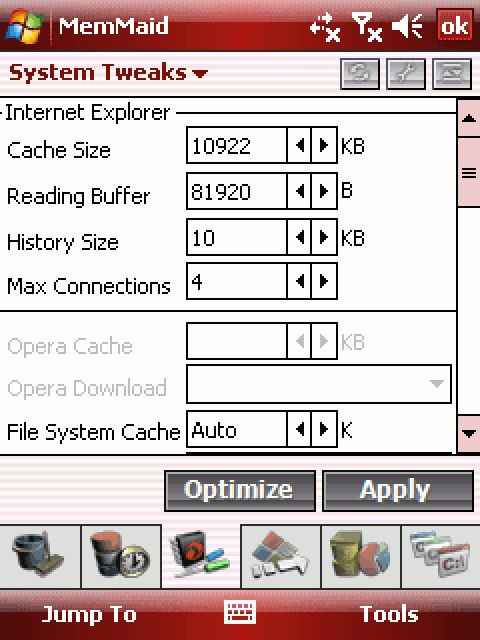
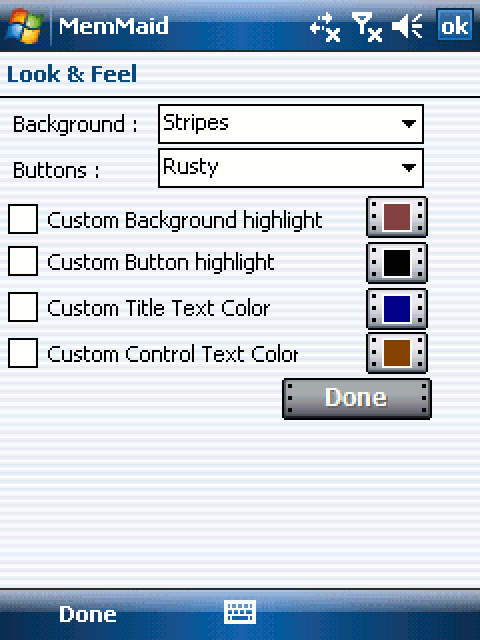
MemMaid
The Best Maid for PocketPCs
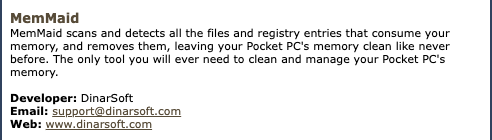
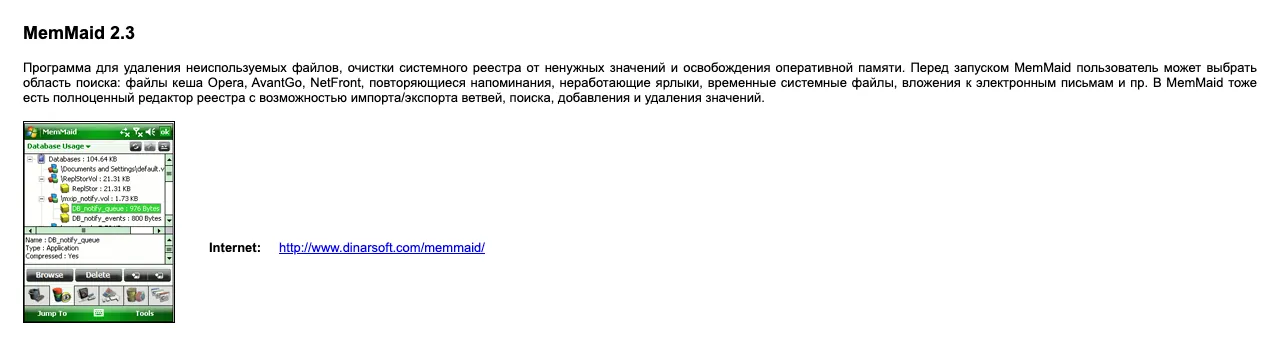
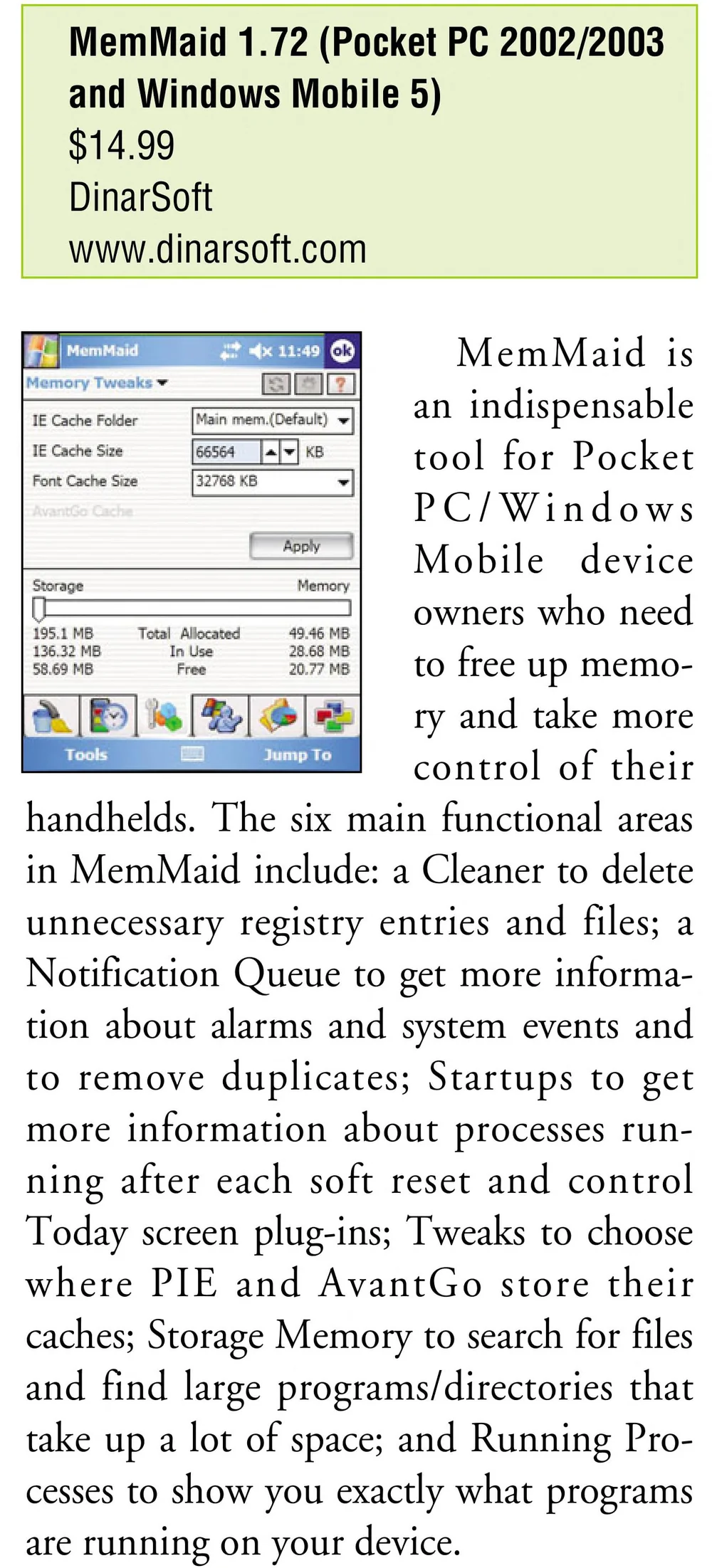
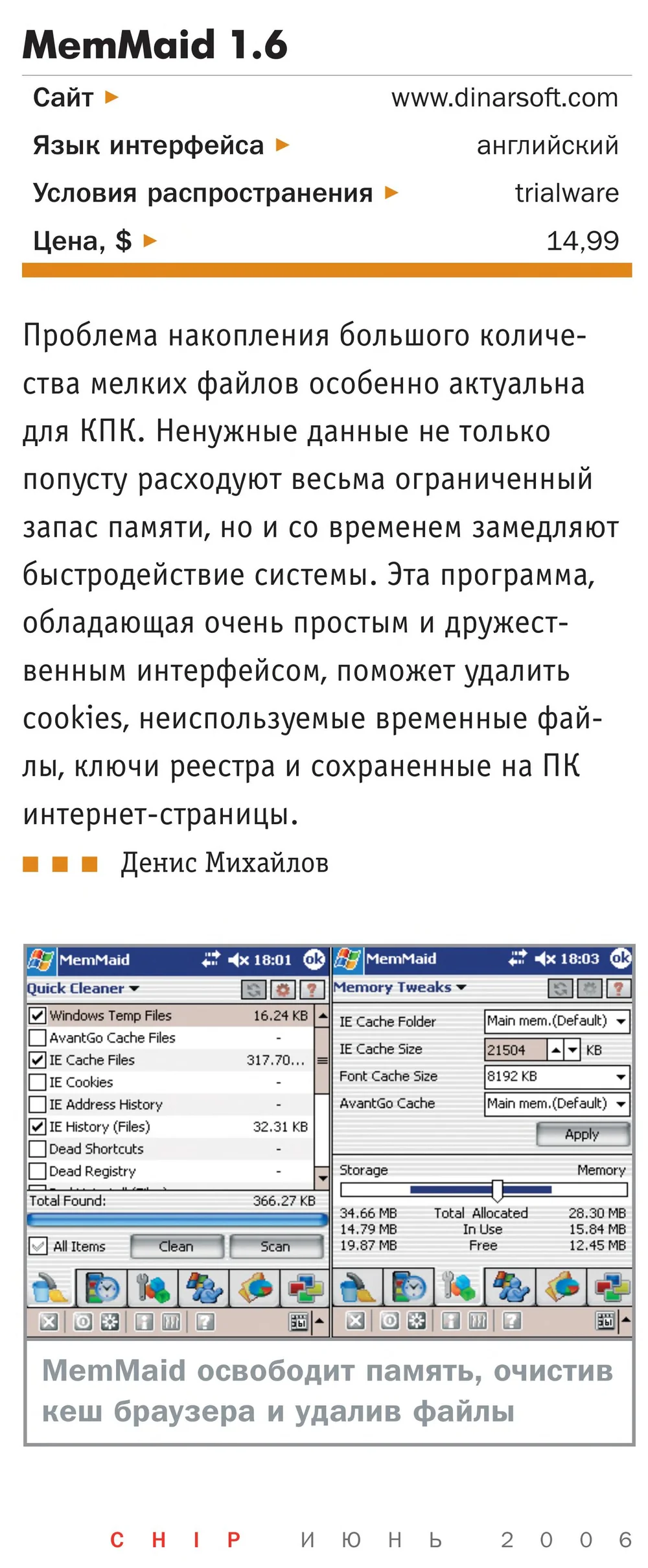
DinarSoft’s flagship: it finds everything that fills a Pocket PC’s memory, clears it in one tap, then hands you the controls for the rest of the device.
- First
- 1.0, June 2003
- Latest
- 2.3, June 2008
- Price then
- $14.99 in 2006, $19.99 in 2008
- Runs on
- Pocket PC 2002 (version 1.73), Windows Mobile 2003, 5 and 6. Portrait, landscape and square screens
- Awards
- Finalist, 2005 to 2008Nominee, 2004
- Reviews
- 28 archived
- Today
- Free, with a free unlock key
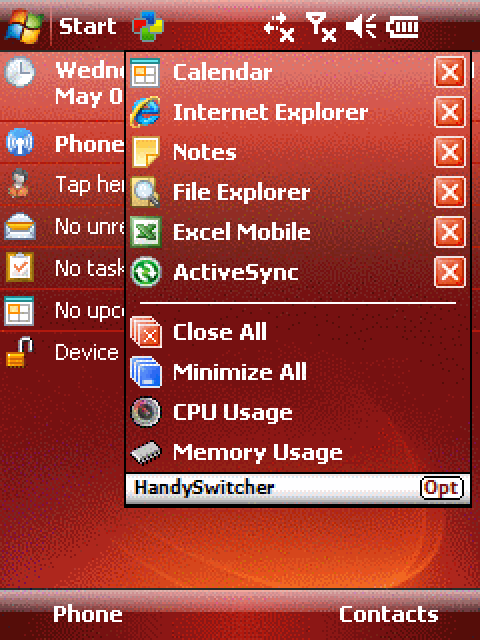
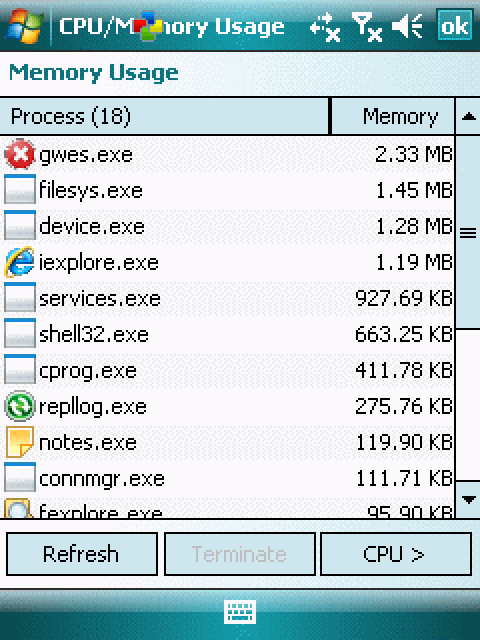
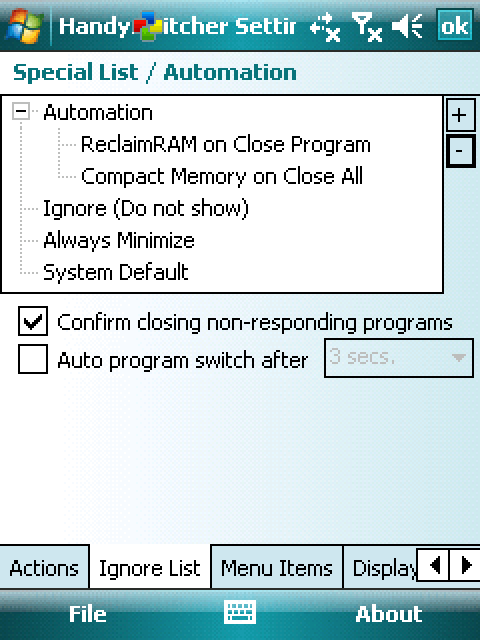
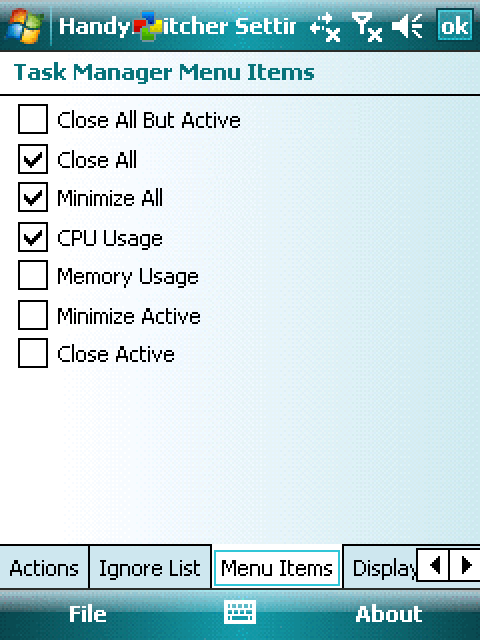
HandySwitcher
The Ultimate Task Manager
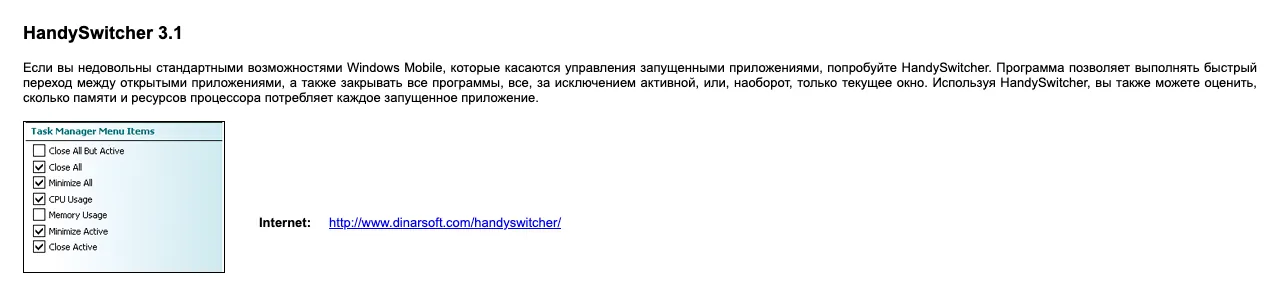
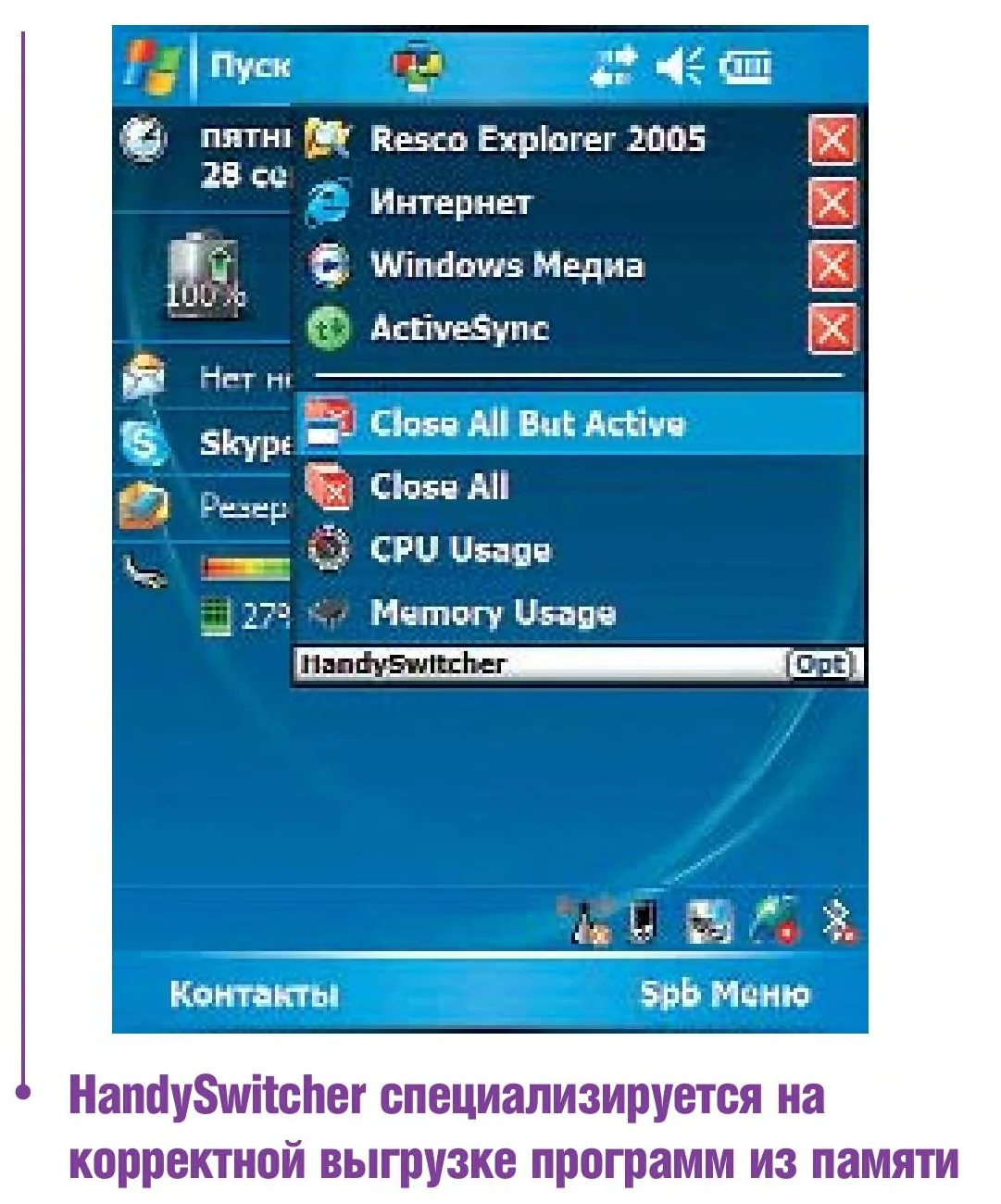
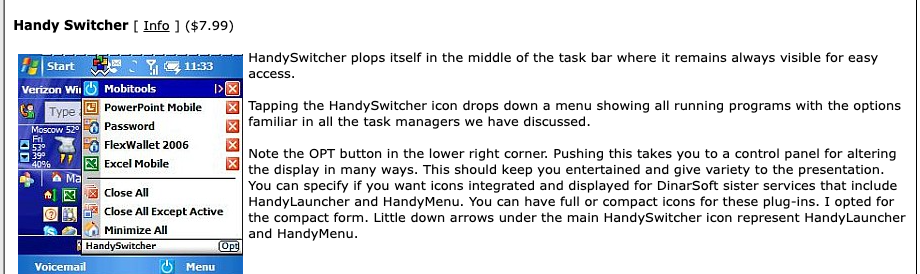
A task manager in the title bar: see every running app, switch with a tap, and close for real. The magazine’s best task manager of 2007 and of 2008.
- First
- 1.0, September 2003
- Latest
- 3.1, April 2008
- Price then
- $7.99 for 2.7, $9.99 for 3.x
- Runs on
- Pocket PC 2002, Windows Mobile 2003 and 5 (2.7); Windows Mobile 6 too (3.1). Portrait, landscape and square screens
- Awards
- Winner, 2007 and 2008Nominee, 2004 to 2006
- Reviews
- 9 archived
- Today
- Free, with a free unlock key
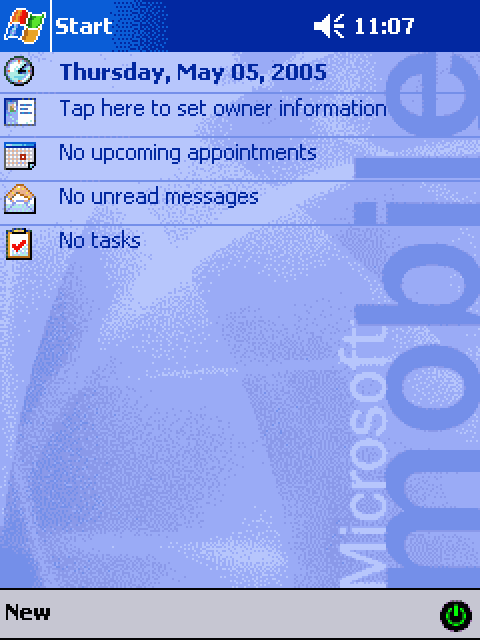
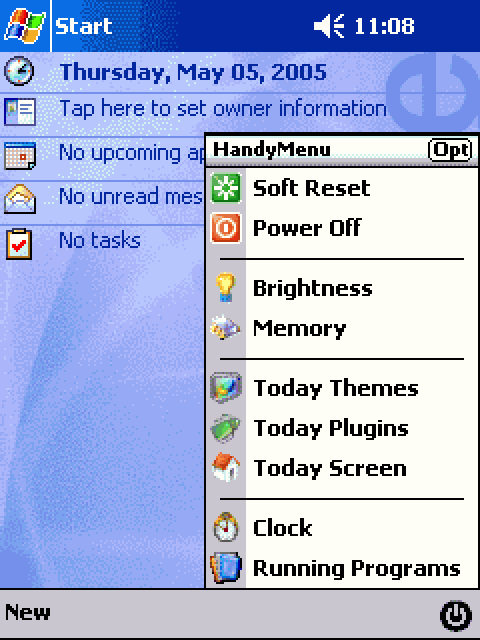
HandyMenu
Powerful System Access
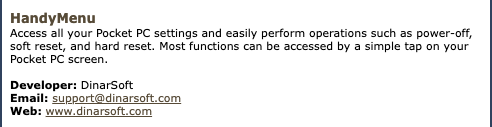
One tap in the corner for the things you reach for most: power off, reset, screen capture, brightness, memory, rotation.
- First
- 1.0, July 2003
- Latest
- 3.7, June 2008
- Price then
- $5.99
- Runs on
- Pocket PC 2002, Windows Mobile 2003 and 5 (3.6); Windows Mobile 6 too (3.7). Portrait, landscape and square screens
- Awards
- Finalist, 2008Nominee, 2003 to 2007
- Reviews
- 4 archived
- Today
- Free, with a free unlock key
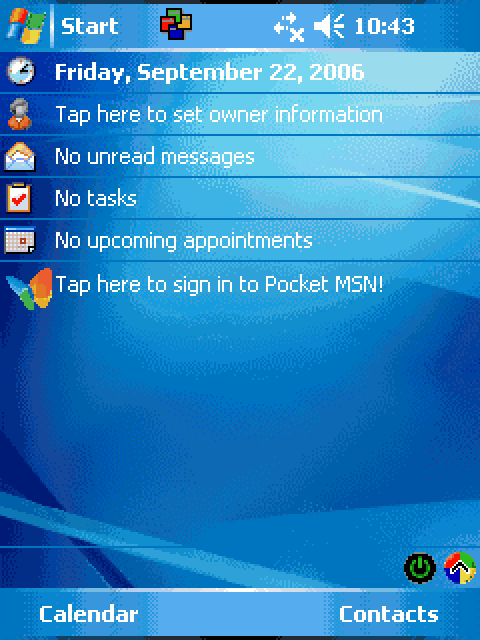
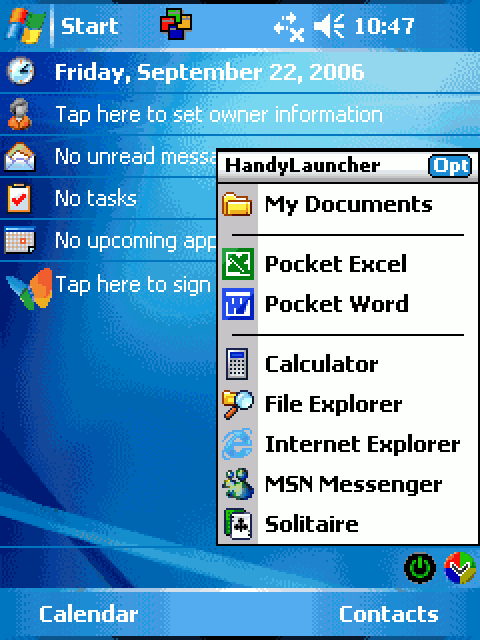
HandyLauncher
The Seamless Launcher
Your own start menu in the corner of the screen, and every shortcut opens in the screen direction you chose for it.
- First
- 1.0, August 2003
- Latest
- 3.4, March 2006
- Price then
- $5.49
- Runs on
- Pocket PC 2002, Windows Mobile 2003 and 5. Portrait, landscape and square screens
- Awards
- Nominee, 2007 and 2008
- Today
- Free, with a free unlock key

TapText
More Text, Less Taps.
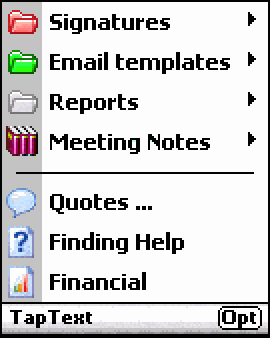
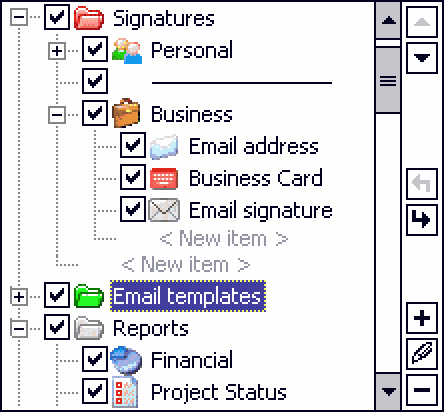
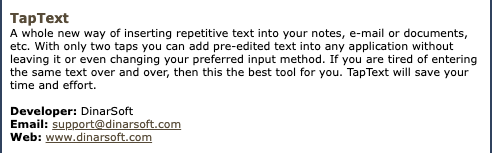
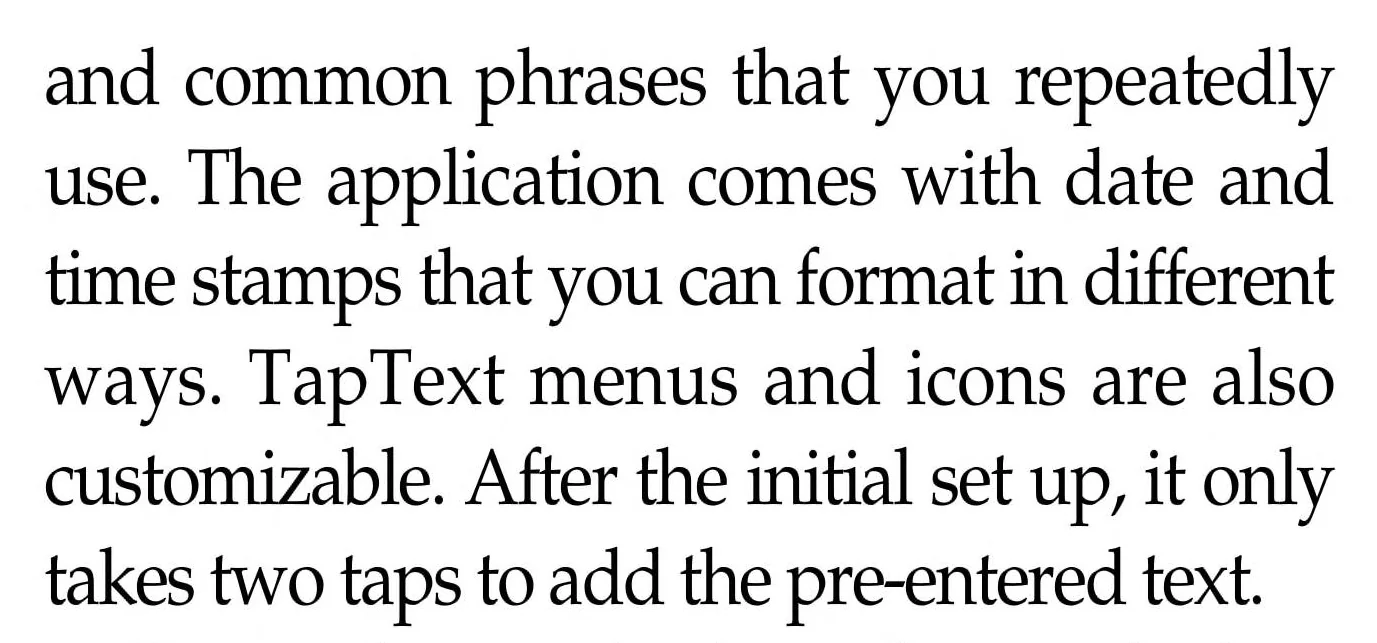
Saved text, typed into any app in two taps: signatures, replies, addresses, form answers and date stamps. Best Misc. Utility of 2007.
- First
- 1.0, March 2005
- Latest
- 1.3, February 2006
- Price then
- $9.99
- Runs on
- Pocket PC 2002, Windows Mobile 2003 and 5. Portrait, landscape and square screens
- Awards
- Winner, 2007Finalist, 2008Nominee, 2005 and 2006
- Reviews
- 7 archived
- Today
- Free, with a free unlock key
HijriDate
What is Today
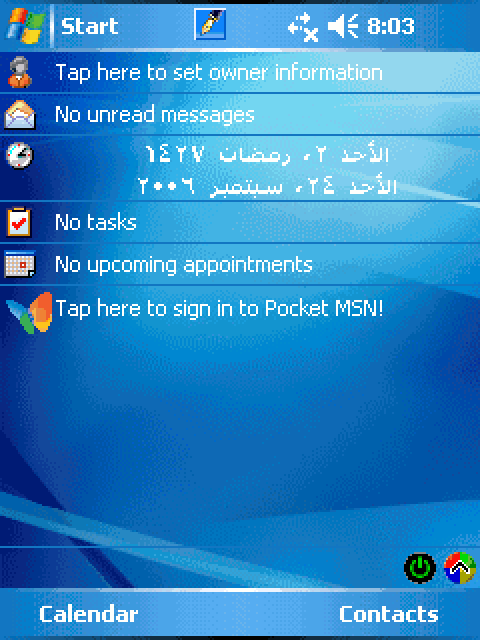
Today’s date in the Hijri calendar, in Arabic or English, right on the Pocket PC’s home screen.
- First
- 1.0, June 2003
- Latest
- 1.5, March 2005
- Price then
- $2.99
- Runs on
- Pocket PC 2002, Windows Mobile 2003 and 5
- Today
- Free, with a free unlock key
Five apps in one summer.
Between June and September 2003 DinarSoft shipped MemMaid, HijriDate, HandyMenu, HandyLauncher and HandySwitcher. TapText followed in 2005. Yasser and Hosam kept making them better: 44 releases in six years, each one in DinarSoft’s own revision histories. Read it like a commit log, one colored line per app. Press Run to watch DinarSoft grow year by year, or open any row for everything that version added.
2002the company is born
- DinarSoft Yasser Awad founds DinarSoft Corporation in Kanata, Ontario.November 2002
20036 releases · 1 nomination
- MemMaid 1.0 The first release.June 16, 2003
- HijriDate 1.0 The first release.June 27, 2003
- HandyMenu 1.0 The first release.July 6, 2003
-
MemMaid 1.3 Windows Mobile 2003 SE support.August 3, 2003+6
- Lists, cleans and deletes the device’s databases.
- Manages Today screen plug-ins: turn them on and off, reorder them, change their settings.
- Sets the order of startup programs.
- A file finder by name, with wildcards, and by size.
- A cleaner for the leftovers of removed apps.
- Help that follows the screen you are on.
- HandyLauncher 1.0 The first release.August 23, 2003
- HandySwitcher 1.0 The first release.September 11, 2003
-
Nominee HandyMenu, Today-screen Plug-insBest Software Awards 2003
200411 releases · 3 nominations
- HijriDate 1.1 A stronger date engine.March 10, 2004
-
HandySwitcher 2.0 Colorful menus, in the colors you choose.March 31, 2004+1
- Places HandyMenu’s icon in compact mode.
-
HandyMenu 2.0 English and German.March 31, 2004+1
- Colorful menus you design.
- HijriDate 1.2 Windows Mobile 2003 support.April 20, 2004
-
HandyMenu 2.5 English, German, Dutch and Portuguese, switched while it runs.July 29, 2004+4
- Windows Mobile 2003 SE support.
- Sharp icons for VGA screens.
- Shortcuts to MemMaid.
- Turns the screen left or right.
- HandySwitcher 2.0 update Speaks Dutch and Spanish.July 31, 2004
-
HandyLauncher 2.0 English and German.August 12, 2004+2
- Colorful menus you design.
- A -X option to open the menu from the top of the screen.
- HandyLauncher 3.0 Two menus: one for tap, one for tap-and-hold, for twice the shortcuts.September 24, 2004
- HandyMenu 2.6 Follows the theme colors.October 6, 2004
- HandyMenu 2.7 Speaks Spanish, with a fresh Dutch.November 1, 2004
-
MemMaid 1.4 The DLL Optimizer, a new memory tweak.November 30, 2004+4
- A 2D or 3D chart of storage use.
- Running processes sorted by the memory they hold.
- A light QuickCleaner shortcut.
- Remembers your last tab and screen.
-
Nominee MemMaid, System and RegistryBest Software Awards 2004
-
Nominee HandyMenu, System and RegistryBest Software Awards 2004
-
Nominee HandySwitcher, Task ManagementBest Software Awards 2004
200513 releases · 1 finalist · 3 nominations
- MemMaid 1.41 A stronger DLL Optimizer and uninstall cleaner.January 1, 2005
- HijriDate 1.5 Windows Mobile 5 support.March 5, 2005
- TapText 1.0 The first release.March 7, 2005
- HandyLauncher 3.2 Turns the screen to portrait or landscape before it opens each shortcut.March 11, 2005
-
TapText 1.1 Notes up to 8,000 characters each.March 28, 2005+4
- Keeps the first letter in the case you chose.
- Works fully with TextMaker.
- More date formats.
- Copy, cut, paste and undo inside the options.
-
TapText 1.2 More date formats.April 14, 2005+1
- Special keys: Ctrl+B, Ctrl+I, Ctrl+U and Tab.
-
MemMaid 1.44 The DLL Optimizer moves Today plug-ins too.May 1, 2005+1
- Storage use handles memory cards bigger than 4 GB.
-
HandyMenu 2.9 Flips the screen 180 degrees.June 8, 2005+2
- Screen off and screen refresh.
- An IP helper: view, release and renew addresses.
-
HandySwitcher 2.1 The menu follows the theme colors.June 13, 2005+1
- Close All shows even with one program running.
-
HandyMenu 3.0 Screen capture and screen orientation.June 30, 2005+1
- VGA and Windows Mobile 5 support.
- HandySwitcher 2.5 Windows Mobile 5 support.October 31, 2005
- HandyLauncher 3.3 Windows Mobile 5 support.November 8, 2005
- MemMaid 1.5 Windows Mobile 5 support.November 11, 2005
-
Finalist MemMaid, MaintenanceBest Software Awards 2005
-
Nominee TapText, Soft KeyboardsBest Software Awards 2005
-
Nominee HandyMenu, System and RegistryBest Software Awards 2005
-
Nominee HandySwitcher, Task ManagementBest Software Awards 2005
20066 releases · 1 finalist · 3 nominations
-
TapText 1.3 Import and export your menus, to back up or switch profiles.February 27, 2006+3
- Room for longer text.
- Smarter {tap} for filling forms.
- Square screens.
- HandyMenu 3.6 Square screens.March 6, 2006
- HandyLauncher 3.4 Square screens.March 15, 2006
-
HandySwitcher 2.7 Square screens.March 27, 2006+3
- The hardware keys: Enter switches, Right closes, Left cancels, for one-hand use.
- Auto switch: rest on an app in the menu and HandySwitcher switches to it after a delay you set.
- Better phone edition support.
-
MemMaid 1.61 AvantGo 6.2 support.May 23, 2006+1
- The DLL Optimizer shows every DLL on the device.
-
MemMaid 1.72 Reclaim RAM: frees the memory that running programs hold, by the megabyte.July 20, 2006+3
- Switches between portrait and landscape on the fly.
- New cleaners for Opera, NetFront, Virtual Earth, Windows Media DRM and leftover reminders.
- Menus that match Windows Mobile 5.
-
Honor Handango: Finalist, Handango Champion Awards, Best Application for Work, for MemMaidJuly 26, 2006
-
Honor PocketGear: Editor’s Choice, for MemMaidAugust 1, 2006
-
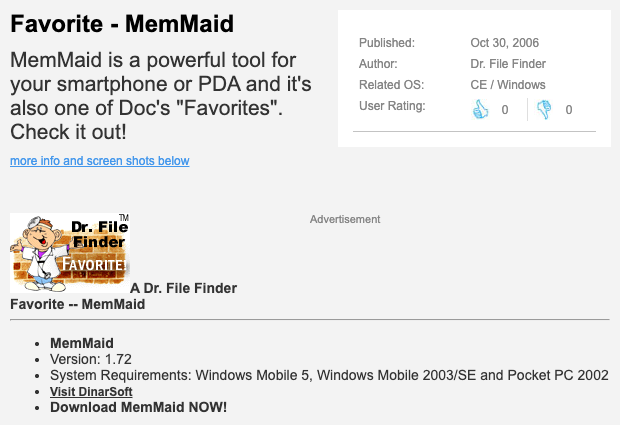
Honor Tucows: A Dr. File Finder Favorite, for MemMaidOctober 30, 2006
- DinarSoft A new logo: two red crescents around a red dot.November 1, 2006
- DinarSoft The new dinarsoft.com goes live, with its own store.November 15, 2006
-
Honor Pocketland: Five stars, for MemMaidDecember 11, 2006
-
Finalist MemMaid, MaintenanceBest Software Awards 2006
-
Nominee TapText, Soft KeyboardsBest Software Awards 2006
-
Nominee HandyMenu, System and RegistryBest Software Awards 2006
-
Nominee HandySwitcher, Task ManagementBest Software Awards 2006
20074 releases · 2 wins · 1 finalist · 2 nominations
-
Honor Pocketland Spain: Software Tip of the month, for MemMaidJanuary 9, 2007
-
MemMaid 1.73 A new setup program.February 17, 2007+1
- The new DinarSoft logo on the About screen.
-
HandySwitcher 3.0 Skins and a menu you arrange yourself.May 5, 2007+5
- Your own actions for tap and tap-and-hold.
- An X that really closes, and Close All.
- CPU and memory usage.
- Ends background processes and frees the memory they leave.
- Windows Mobile 6, VGA and QVGA, every screen direction.
-
MemMaid 2.0 A new look, rebuilt from the ground up.July 11, 2007+6
- More than 25 new and updated cleaners.
- Scheduled cleaning.
- A full registry editor with import and export.
- A database manager and explorer.
- CPU and memory usage, card tools, a CAB installer, file types, system tweaks.
- Windows Mobile 6, and VGA and QVGA screens.
-
Honor Handango: One of the Best Applications for 2007, for MemMaidNovember 17, 2007
-
MemMaid 2.1 Speaks German, French and Simplified Chinese.December 15, 2007+2
- Choose which browser cookies to keep.
- New cleaners for the Recycle Bin and the Google Maps cache.
-
★ Winner TapText, Misc. UtilitiesBest Software Awards 2007
-
★ Winner HandySwitcher, Task ManagersBest Software Awards 2007
-
Finalist MemMaid, Multifunction Maintenance ToolsBest Software Awards 2007
-
Nominee HandyMenu, System and RegistryBest Software Awards 2007
-
Nominee HandyLauncher, Today LaunchersBest Software Awards 2007
20084 releases · 1 win · 3 finalists · 1 nomination
-
MemMaid 2.2 Speaks Russian, Italian, Slovak and Czech too.February 13, 2008+1
- Installed programs sorted by name.
- HandySwitcher 3.1 Faster, and a free upgrade for 3.0 owners.April 13, 2008
-
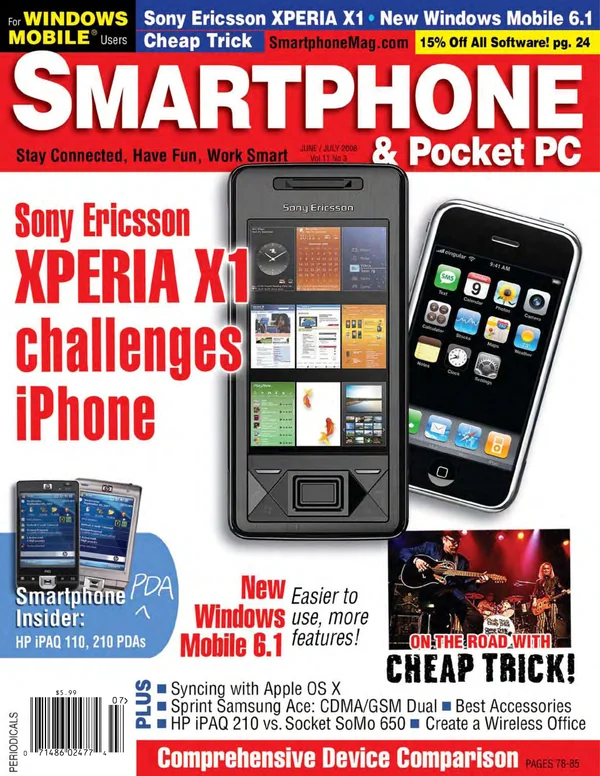
MemMaid 2.3 800 by 480 screens, like the Sony Ericsson Xperia X1.June 16, 2008+2
- The latest AvantGo and Opera.
- Sort installed apps by date, name or size.
- HandyMenu 3.7 Windows Mobile 6, in the 2008 installer.June 24, 2008
-
★ Winner HandySwitcher, Task ManagersBest Software Awards 2008
-
Finalist MemMaid, Multifunction Maintenance ToolsBest Software Awards 2008
-
Finalist TapText, Misc. UtilitiesBest Software Awards 2008
-
Finalist HandyMenu, System and RegistryBest Software Awards 2008
-
Nominee HandyLauncherBest Software Awards 2008
- DinarSoft
- MemMaid
- HandySwitcher
- HandyMenu
- HandyLauncher
- TapText
- HijriDate
- update major version award
22 nominations. Three wins.
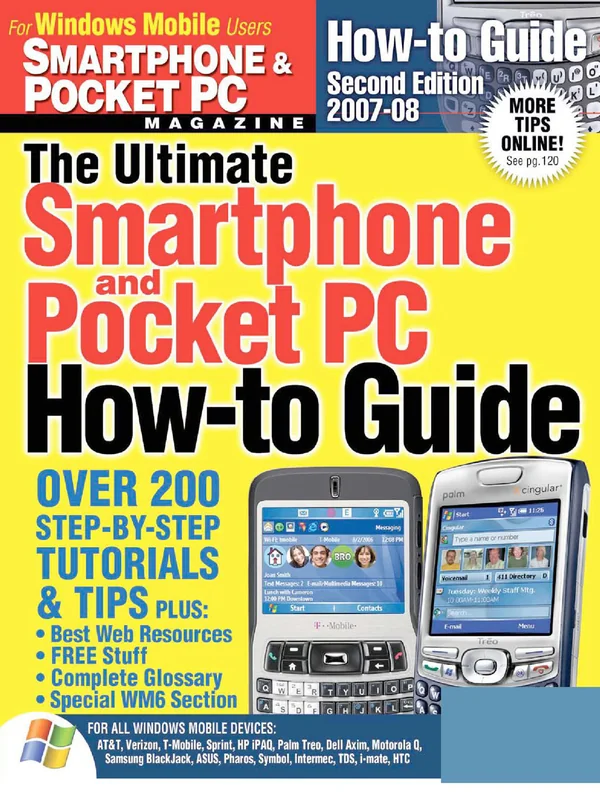
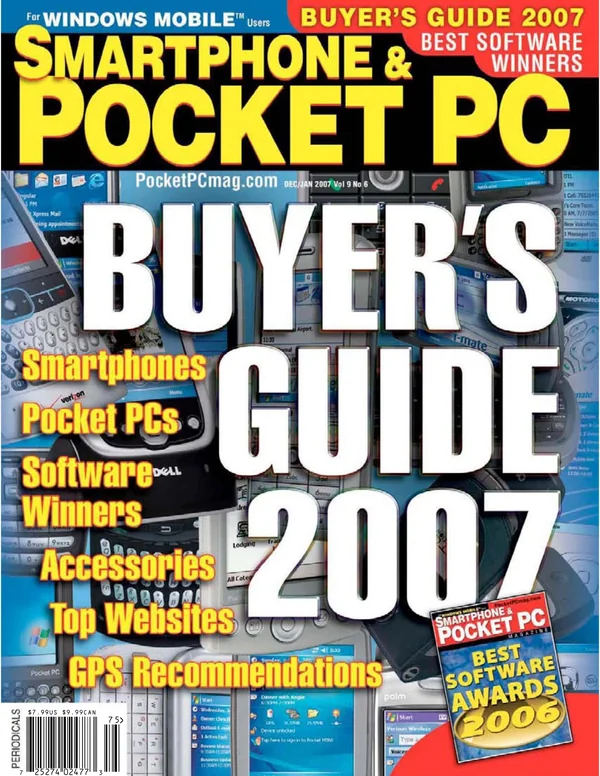
For eight years, Pocket PC Magazine, later renamed Smartphone & Pocket PC, held the Best Software Awards for Windows Mobile. A DinarSoft app was nominated every year from 2003 to 2008. HandySwitcher won Task Managers in 2007 and again in 2008, TapText won Misc. Utilities in 2007, and MemMaid was a finalist four years running.
Tap a year to open the magazine’s own page, as the Internet Archive kept it. Stores and review sites honored DinarSoft’s apps too.
| App | 2003 | 2004 | 2005 | 2006 | 2007 | 2008 |
|---|---|---|---|---|---|---|
| MemMaid | No entry | Nominee | Finalist | Finalist | Finalist | Finalist |
| HandySwitcher | No entry | Nominee | Nominee | Nominee | Winner | Winner |
| HandyMenu | Nominee | Nominee | Nominee | Nominee | Nominee | Finalist |
| HandyLauncher | No entry | No entry | No entry | No entry | Nominee | Nominee |
| TapText | No entry | No entry | Nominee | Nominee | Winner | Finalist |
NomineeHandyMenu, 2003, Today-screen Plug-ins
NomineeMemMaid, 2004, System and Registry
NomineeHandyMenu, 2004, System and Registry
NomineeHandySwitcher, 2004, Task Management
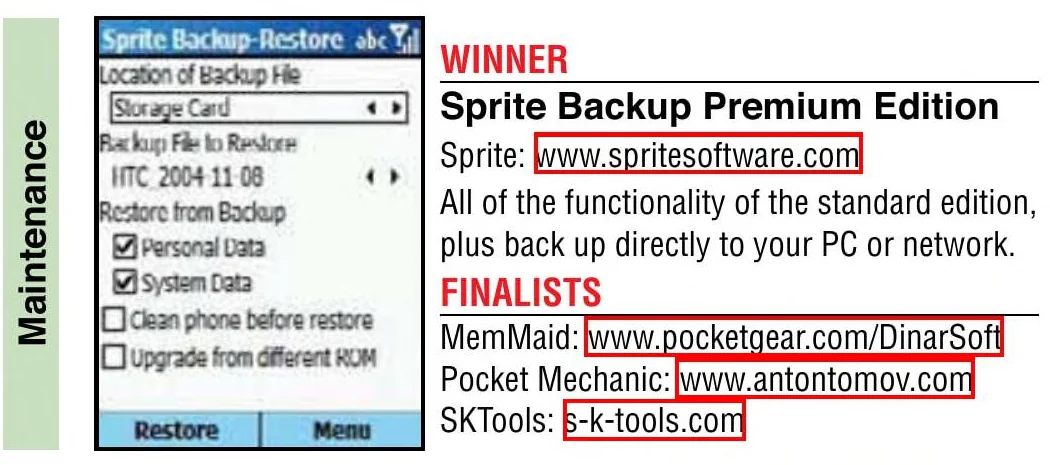
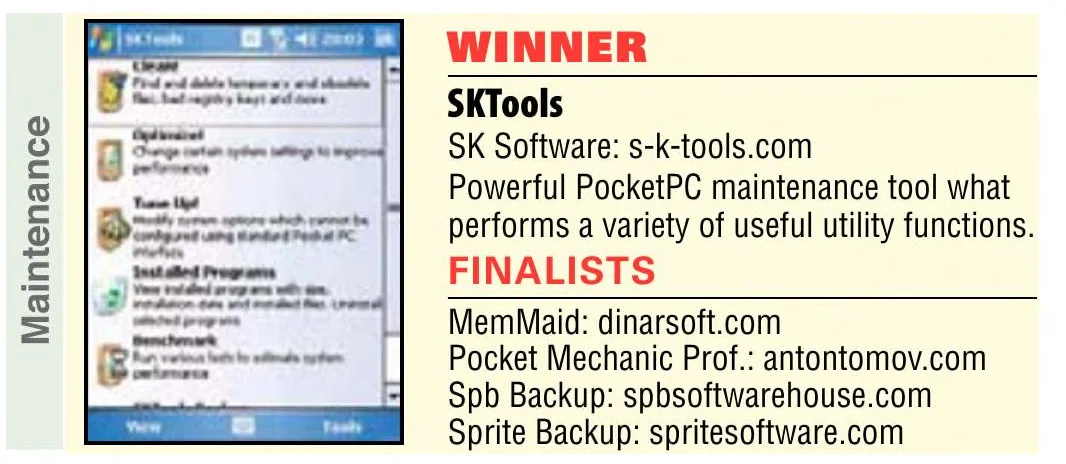
FinalistMemMaid, 2005, Maintenance

NomineeTapText, 2005, Soft Keyboards
NomineeHandyMenu, 2005, System and Registry
NomineeHandySwitcher, 2005, Task Management
FinalistMemMaid, 2006, Maintenance

NomineeTapText, 2006, Soft Keyboards
NomineeHandyMenu, 2006, System and Registry
NomineeHandySwitcher, 2006, Task Management
FinalistMemMaid, 2007, Multifunction Maintenance Tools

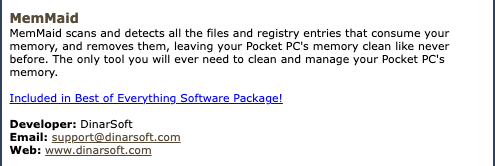
WinnerTapText, 2007, Misc. Utilities

WinnerHandySwitcher, 2007, Task Managers

NomineeHandyMenu, 2007, System and Registry
NomineeHandyLauncher, 2007, Today Launchers
WinnerHandySwitcher, 2008, Task Managers

FinalistMemMaid, 2008, Multifunction Maintenance Tools

FinalistTapText, 2008, Misc. Utilities

FinalistHandyMenu, 2008, System and Registry

NomineeHandyLauncher, 2008

Foxpop Gold
Foxpop · HandySwitcher · 2003
Finalist, Handango Champion Awards, Best Application for Work
Handango · MemMaid · July 26, 2006 · DinarSoft’s release, via the Internet Archive
Editor’s Choice
PocketGear · MemMaid · August 1, 2006 · DinarSoft’s release, via the Internet Archive
A Dr. File Finder Favorite
Tucows · MemMaid · October 30, 2006 · Tucows’s page, via the Internet Archive
Five stars
Pocketland · MemMaid · December 11, 2006 · DinarSoft’s release, via the Internet Archive
Software Tip of the month
Pocketland Spain · MemMaid · January 9, 2007 · DinarSoft’s release, via the Internet Archive
One of the Best Applications for 2007
Handango · MemMaid · November 17, 2007 · DinarSoft’s release, via the Internet Archive
Number 7 in the Top 10 of 2007
Clinton Fitch · MemMaid · 2007
Staff Pick, “what we can’t live without”
Handango · HandySwitcher · 2007
What the reviewers said.
Reviewers in the US, the UK, New Zealand, the UAE, Germany and Spain wrote about DinarSoft’s apps online. Magazines printed them too, 15 times in 7 magazines, PC Magazine among them, and Russia’s CHIP put them on its cover discs. Here are all 52, as mail in DinarSoft’s inbox, each with the page it appeared on.
PC Magazine
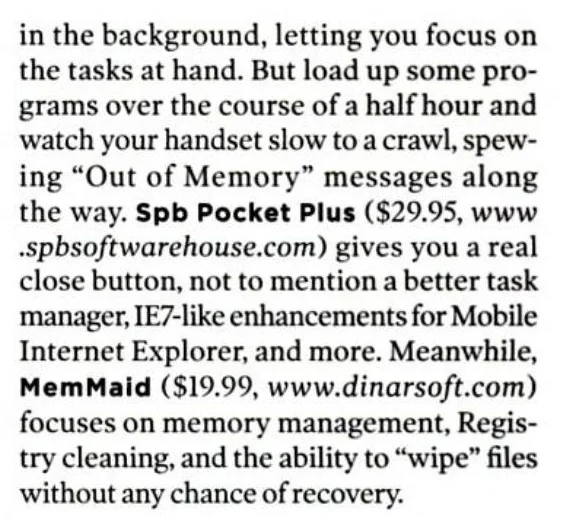
focuses on memory management, Registry cleaning, and the ability to “wipe” files
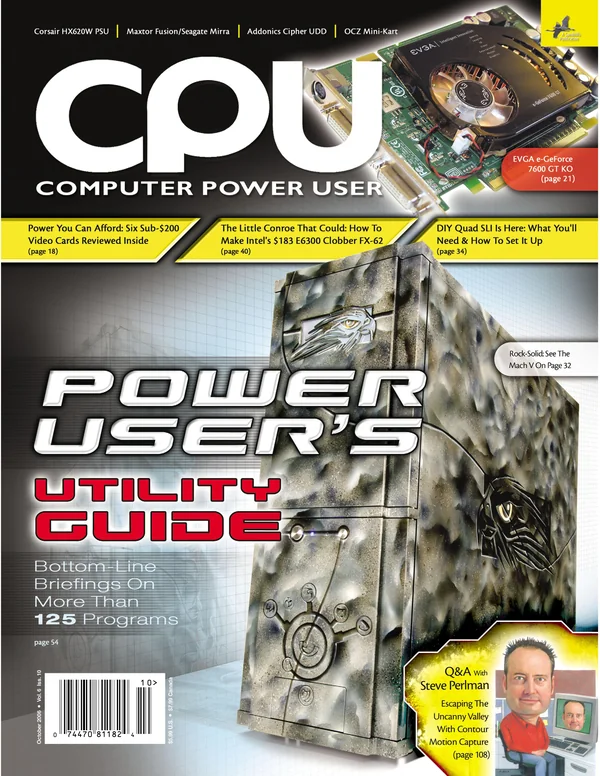
See the pageMemMaid · Jamie Lendino, May 2008Computer Power User
an indispensable tool for Pocket PC/Windows Mobile device owners
See the pageMemMaid · October 2006Smartphone & Pocket PC
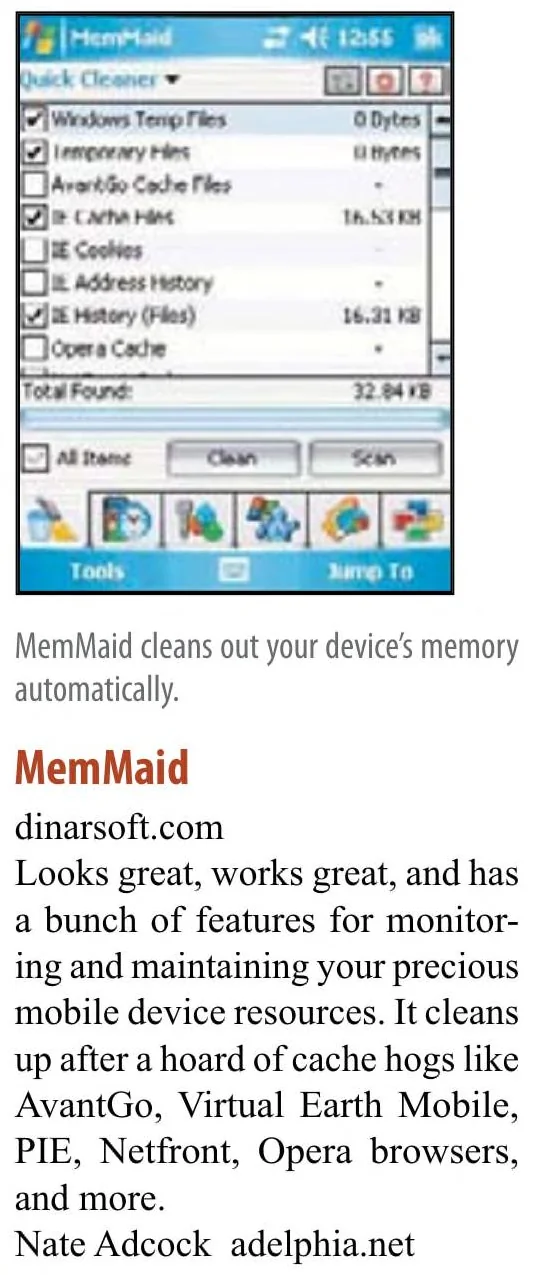
Looks great, works great
See the pageMemMaid · Nate Adcock, an expert judge, 2007eMobie
the Swiss Army Knife of PPC utilities
★★★★★
Read the reviewMemMaid · Russ Terrell, September 9, 2004PocketPC Reviews
MemMaid is a godsend!
Read the reviewMemMaid · November 4, 2004Mobile-View
Definitely deserves a 10/10 rating!
Read the reviewMemMaid · Allistair Lee, July 11, 2007Pocket PC Thoughts
A steal at $5.99!
Read the reviewHandyMenu · Doug Raeburn, September 8, 2004GadgetMix
functional and must have on every Pocket PC
Read the reviewHandySwitcher · Kamaldeep Singh, January 17, 2007Pocket PC Thoughts
TapText is quickly becoming a utility that I can’t live without
Read the reviewTapText · Brad Adrian, August 2, 2006Tucows
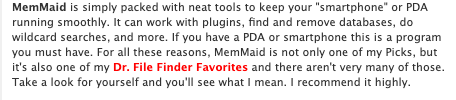
If you have a PDA or smartphone this is a program you must have.
Read the reviewMemMaid · Michael E. Callahan, “Dr. File Finder”, September 11, 2006Eten Blog
MemMaid fills a gap left by Microsoft in the memory management department
Read the reviewMemMaid · Tariq Bamadhaj, September 12, 2007Windows Central
Extremely powerful and comprehensive suite of memory and storage management utilities
★★★★★
Read the reviewMemMaid · January 3, 2009
Arranged By: DateNewest on top
- Hard’n’SoftAug 2010Mobile janitor (in Russian), rated excellent
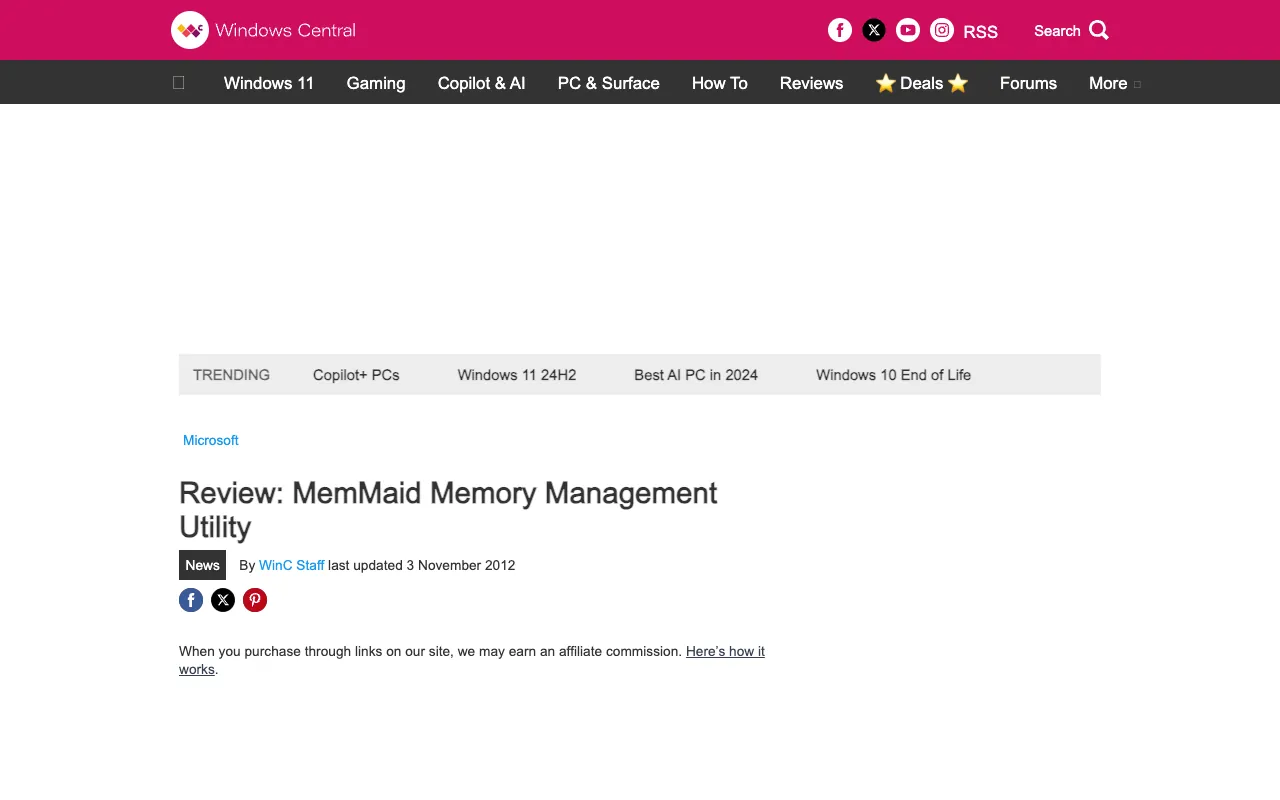
- Windows CentralJan 3, 2009Review: MemMaid Memory Management Utility
Review: MemMaid Memory Management Utility
Extremely powerful and comprehensive suite of memory and storage management utilities
★★★★★
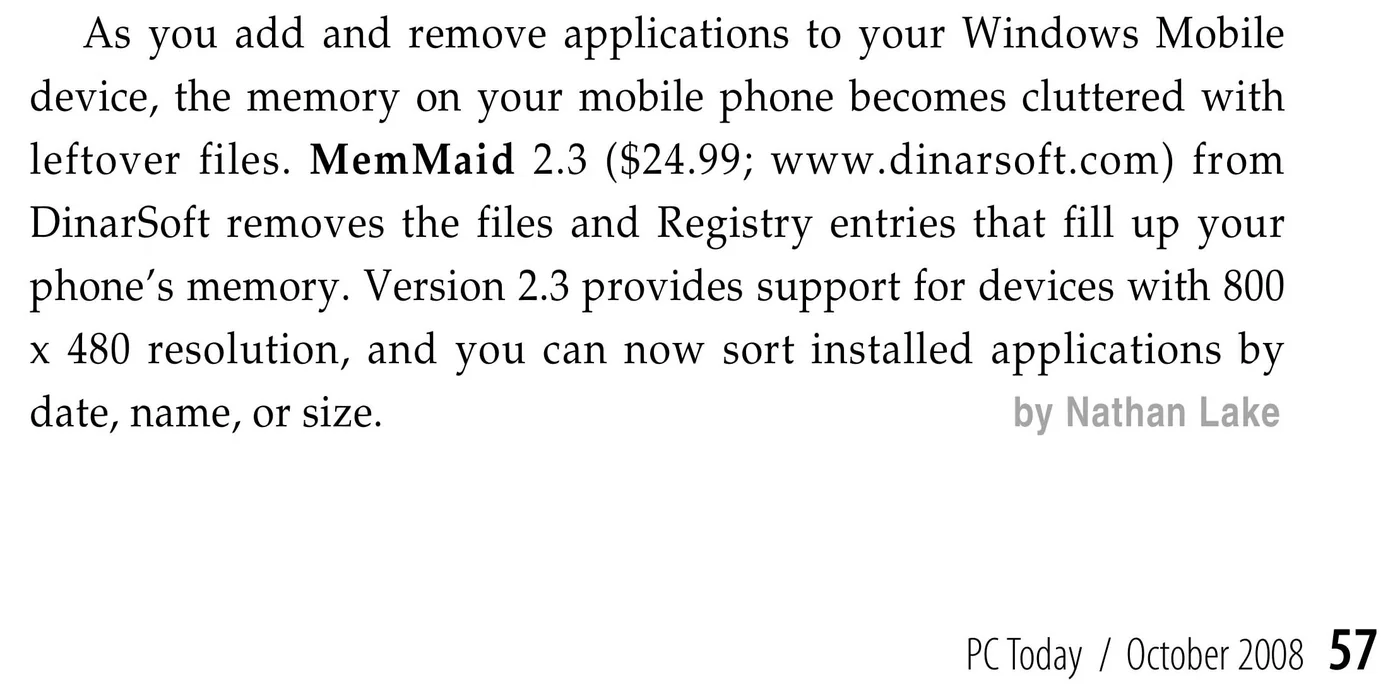
via the Internet Archive, Wayback Machine, November 4, 2024 - PC TodayOct 2008Updated Software
Updated Software
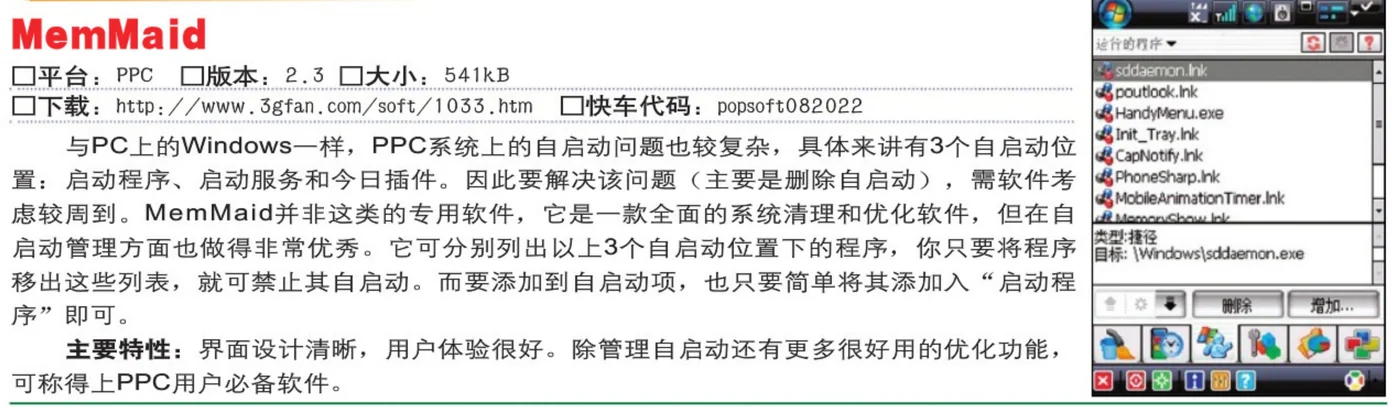
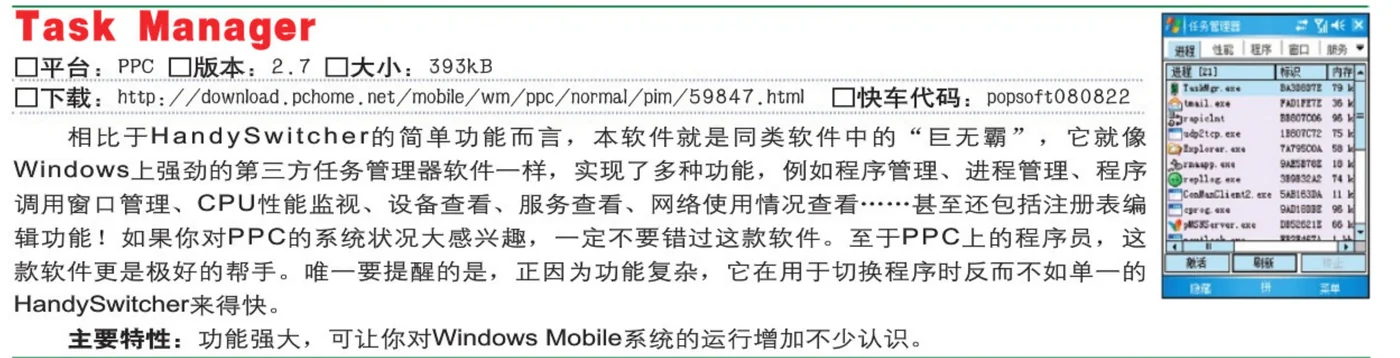
- PopsoftOct 2008Startup managers (in Chinese)
Startup managers (in Chinese)
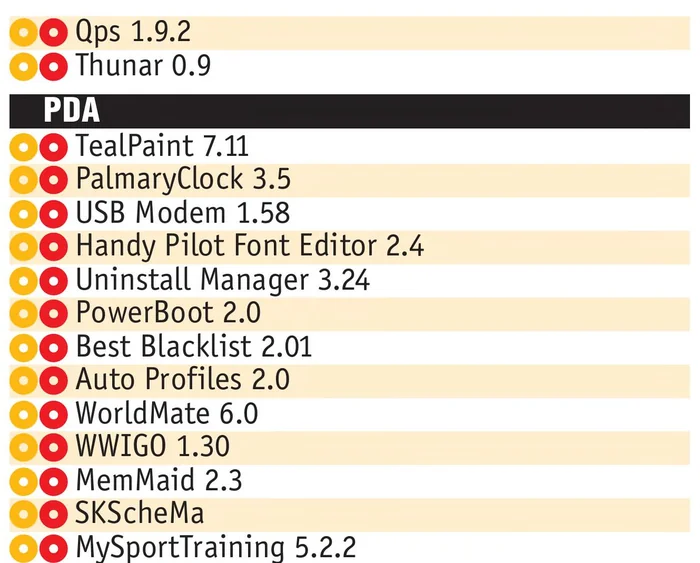
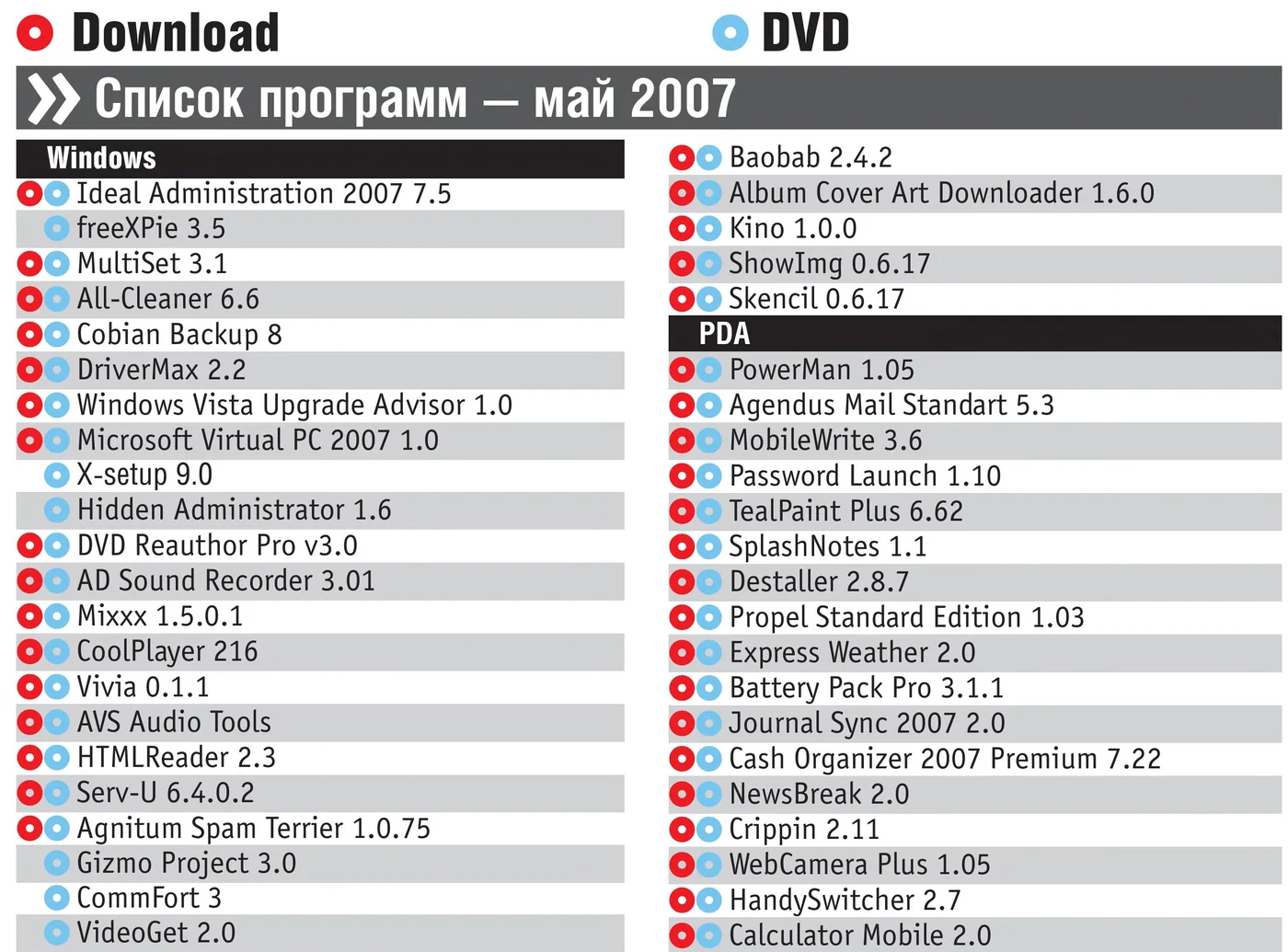
- CHIP magazine, RussiaSep 2008MemMaid 2.3, on the cover disc
MemMaid 2.3, on the cover disc
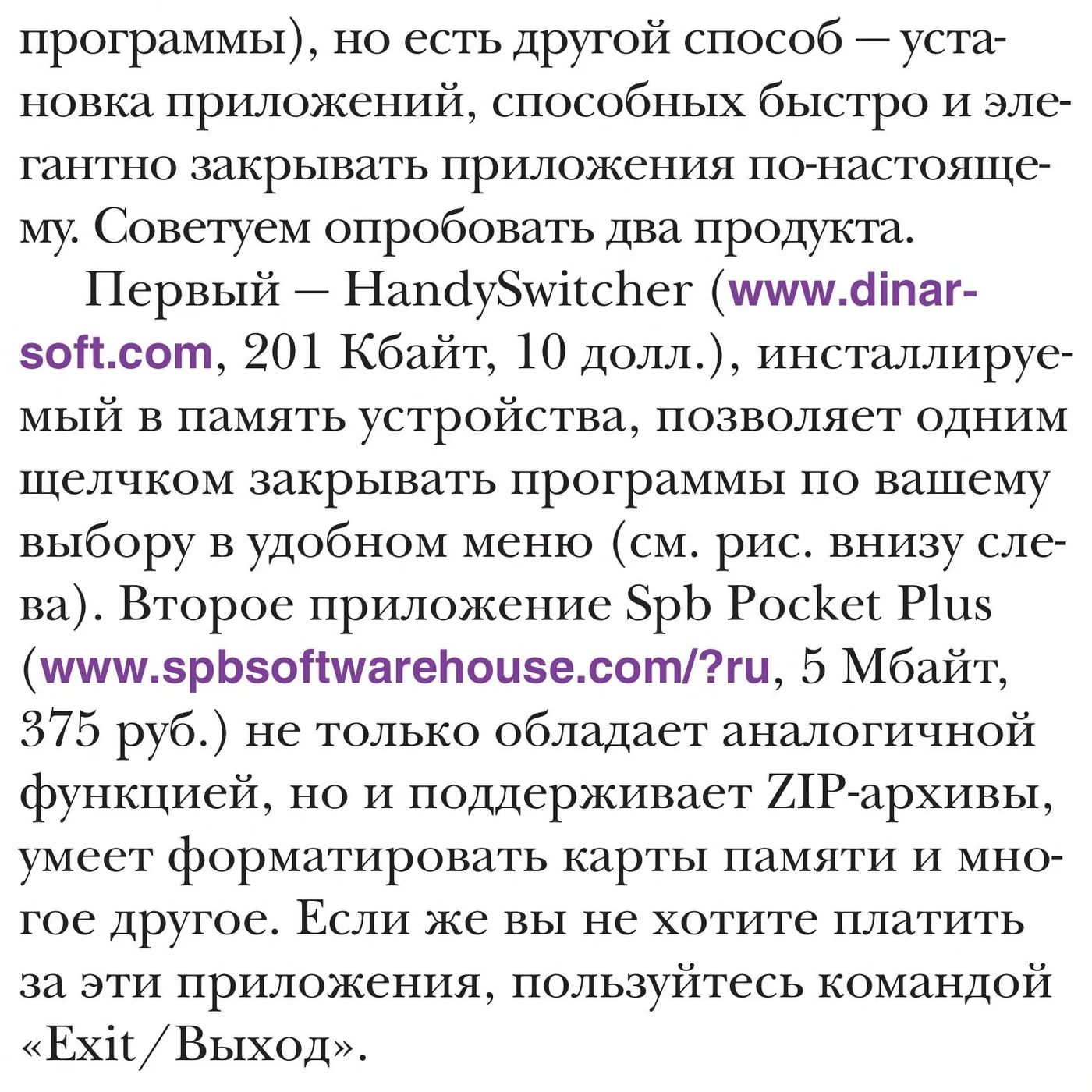
via the Internet Archive, archive.org item chip-dvd-ru-2008-09 - Hard’n’SoftJul 2008Academy: closing programs for real (in Russian)
Academy: closing programs for real (in Russian)
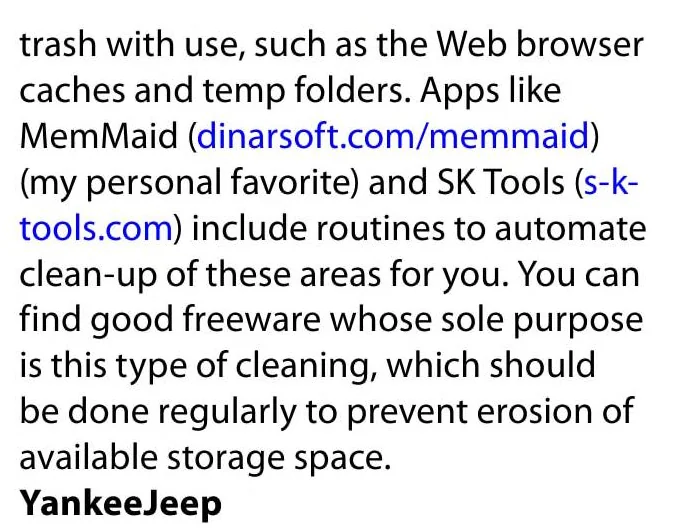
- Smartphone & Pocket PCJun 2008Tips From The SmartphoneMag.com Forums
Tips From The SmartphoneMag.com Forums
my personal favorite
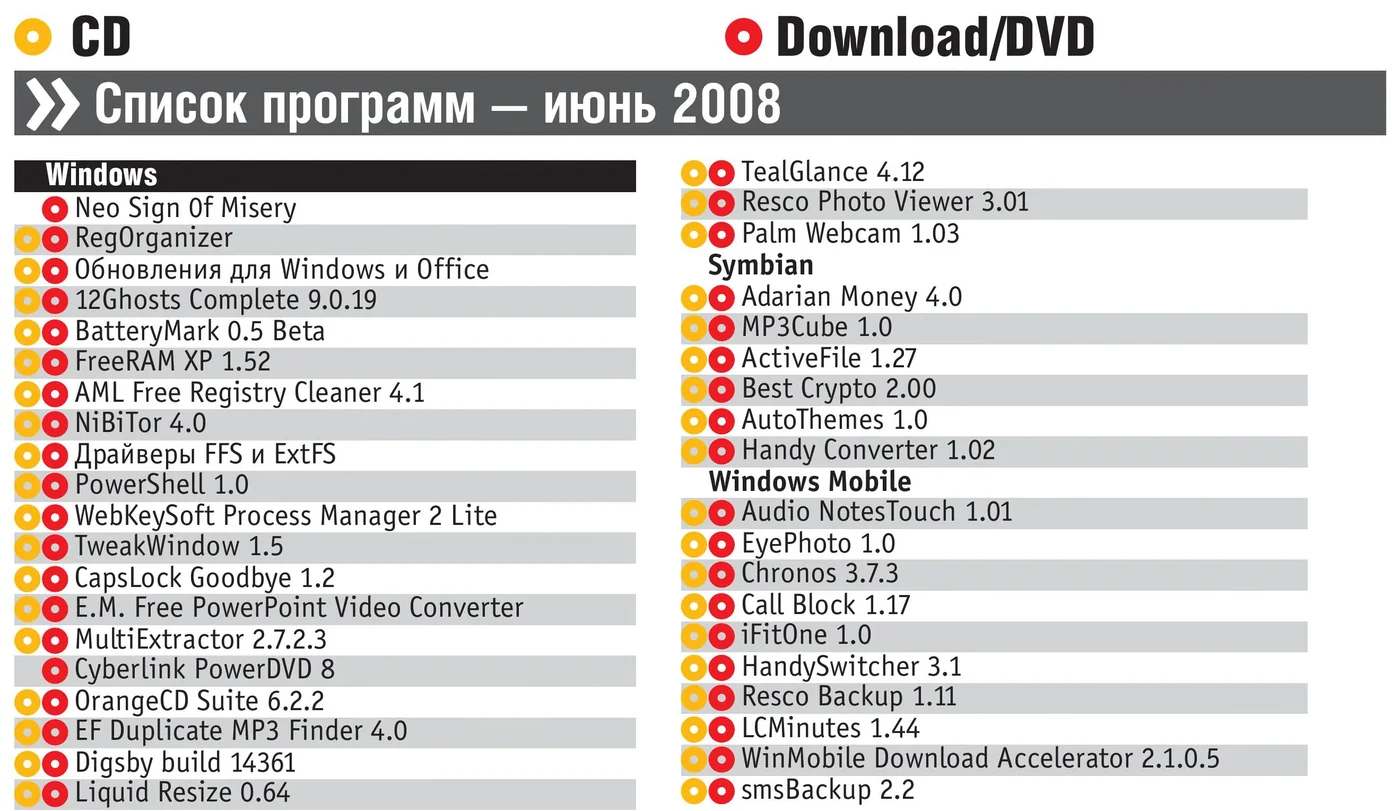
- CHIP magazine, RussiaJun 2008HandySwitcher 3.1, on the cover disc
HandySwitcher 3.1, on the cover disc
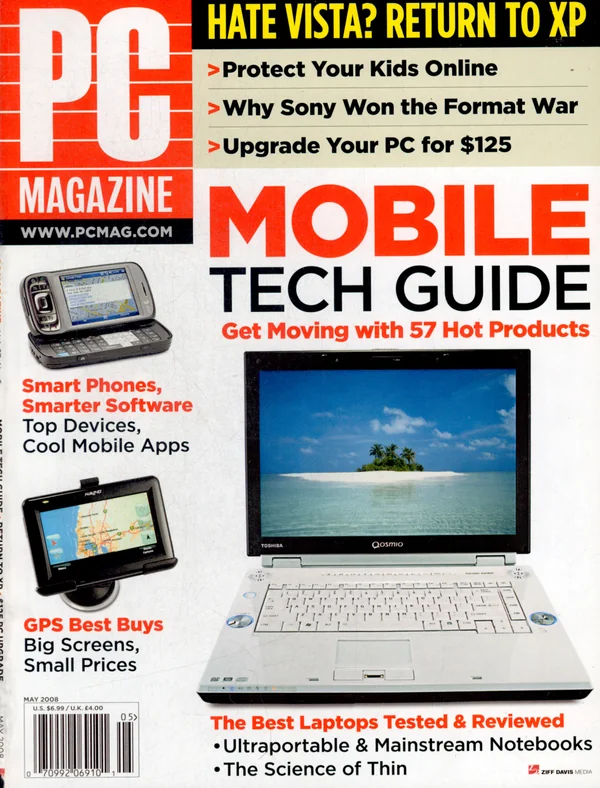
via the Internet Archive, archive.org item chip-dvd-ru-2008-06 - PC MagazineMay 2008Schooling Your Smartphone
Schooling Your Smartphone
focuses on memory management, Registry cleaning, and the ability to “wipe” files
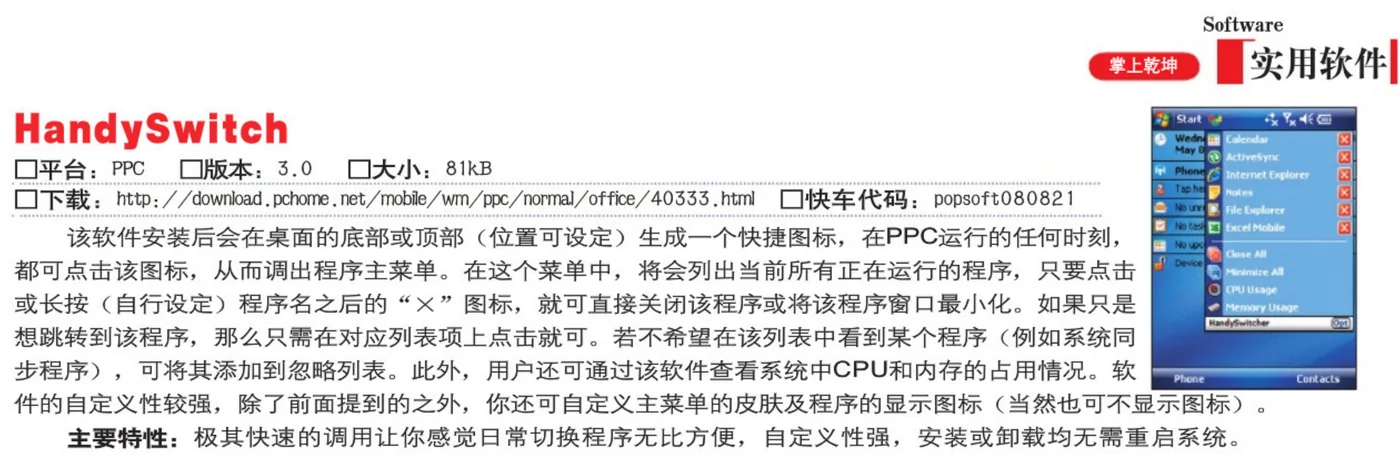
- PopsoftApr 2008Task managers (in Chinese)
Task managers (in Chinese)
- Eten BlogDec 12, 2007TapText Data With Ease
TapText Data With Ease
a great text-entering application
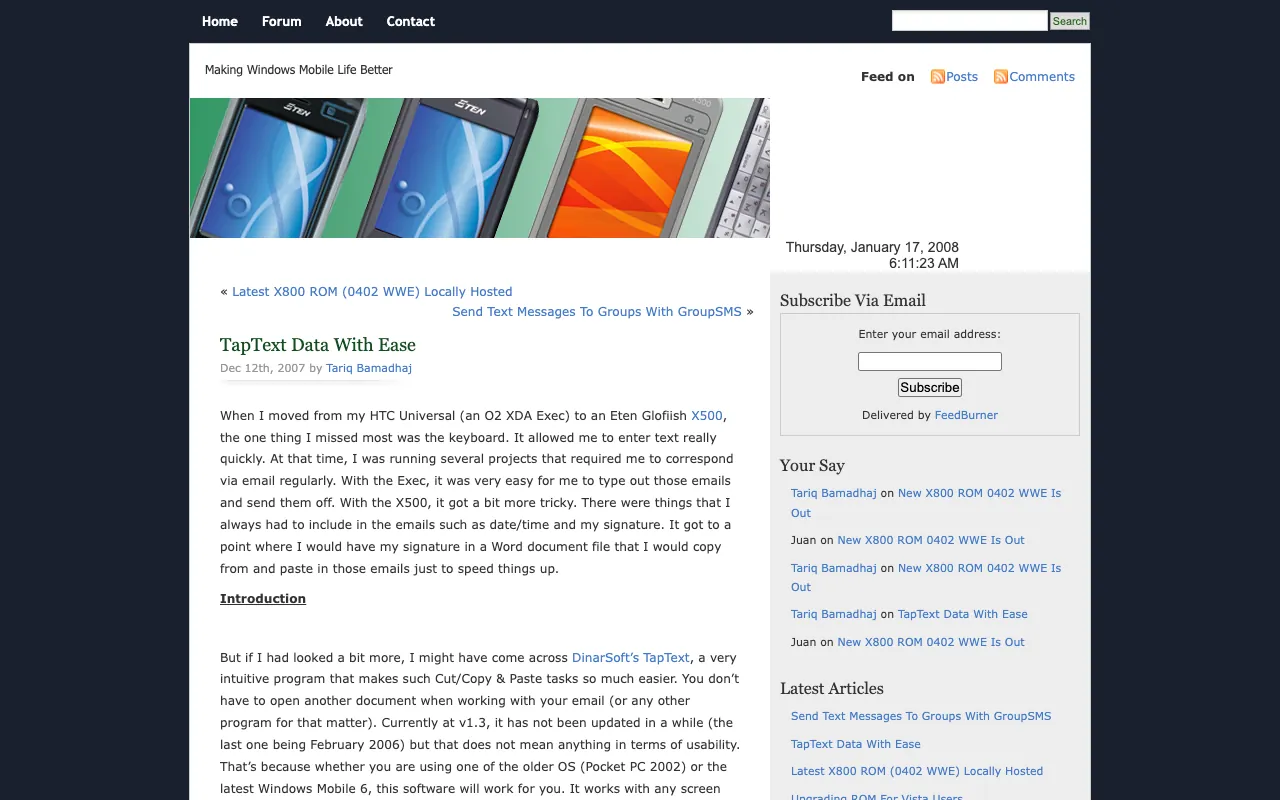
via the Internet Archive, Wayback Machine, December 13, 2007 - Eten BlogSep 12, 2007Spring Cleaning With DinarSoft’s MemMaid
Spring Cleaning With DinarSoft’s MemMaid
MemMaid fills a gap left by Microsoft in the memory management department
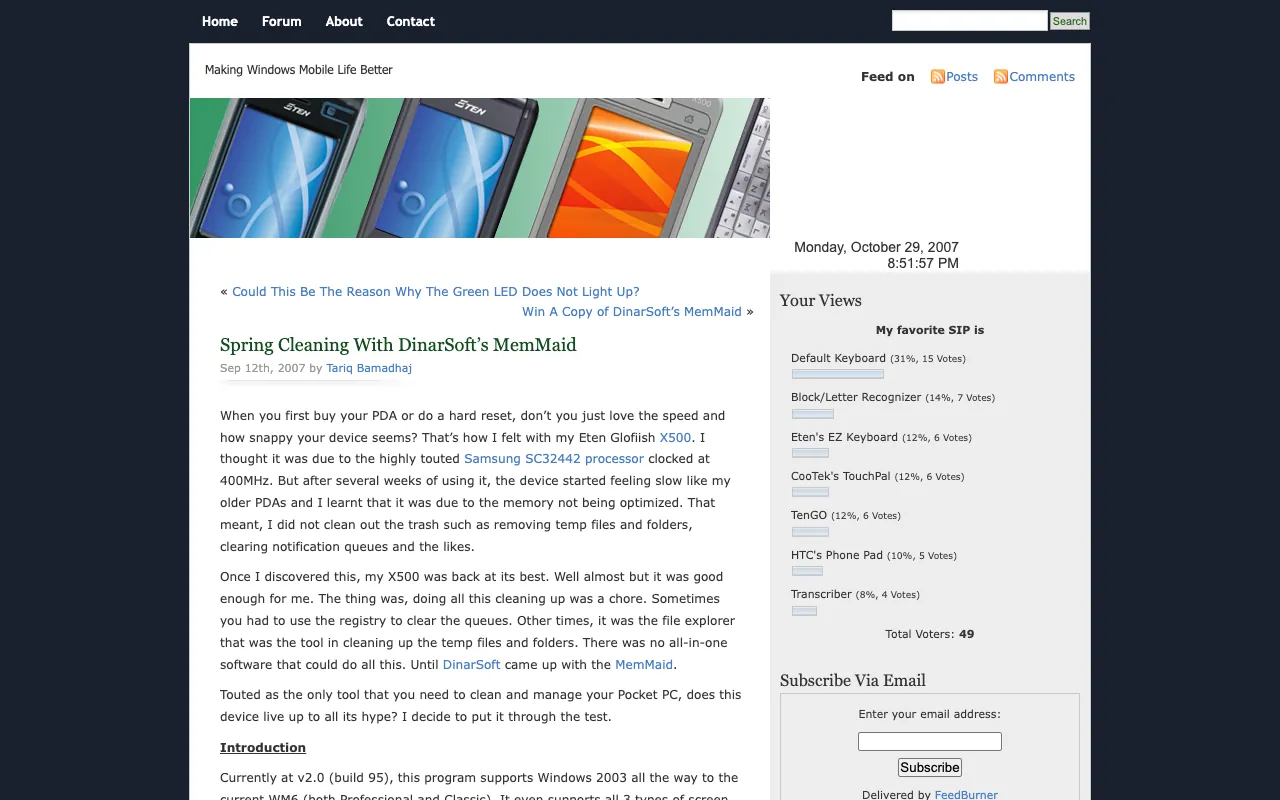
via the Internet Archive, Wayback Machine, December 3, 2007 - Just Another Mobile MondaySep 3, 2007Review: MemMaid 2.0 and/vs SKTools 3.1.9
Review: MemMaid 2.0 and/vs SKTools 3.1.9
I love MemMaid and its not going anywhere.
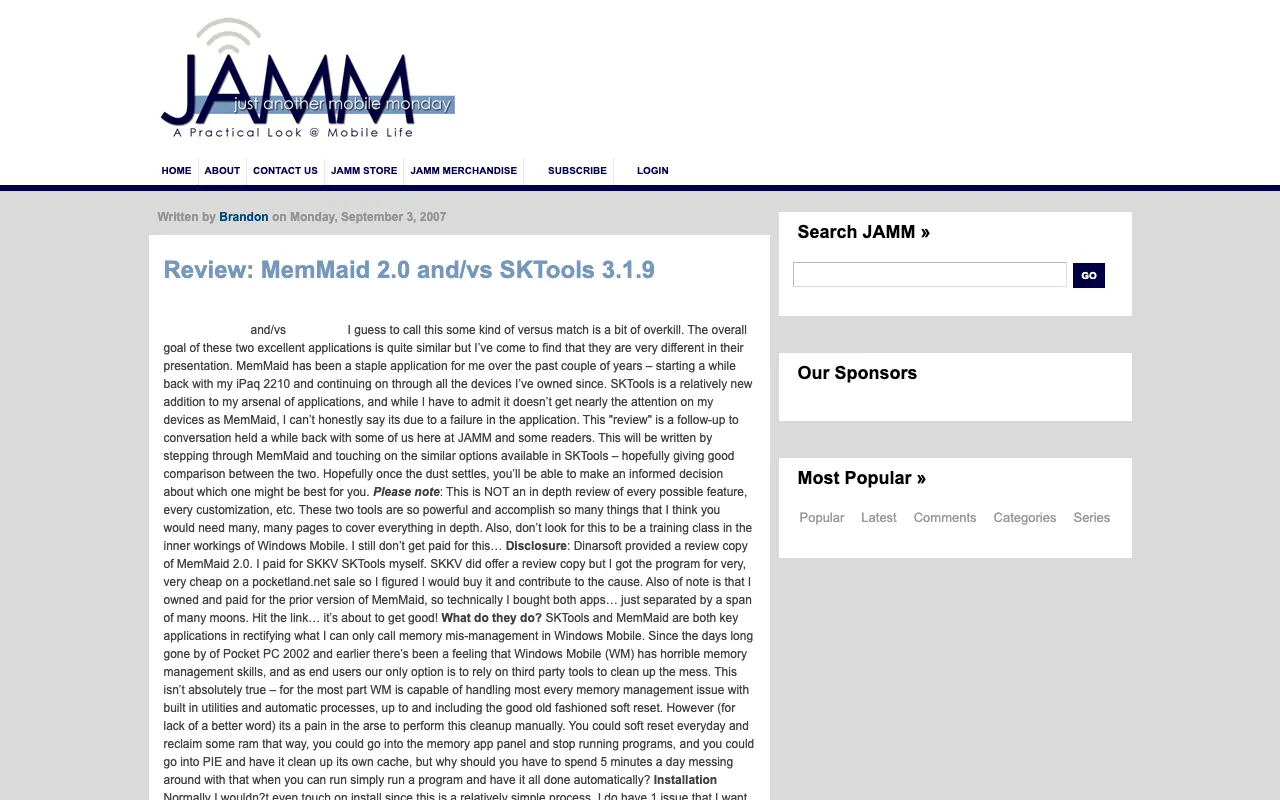
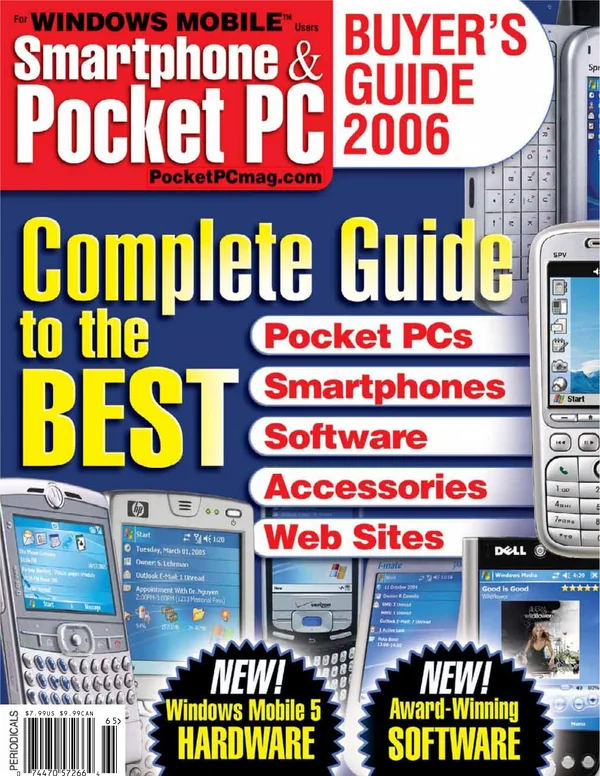
via the Internet Archive, Wayback Machine, August 14, 2009 - Smartphone & Pocket PCSep 2007The BEST Applications!
The BEST Applications!
- The GadgeteerAug 23, 2007DinarSoft TapText - Windows Mobile Utility
DinarSoft TapText - Windows Mobile Utility
I really cannot see any problems with DinarSoft’s TapText
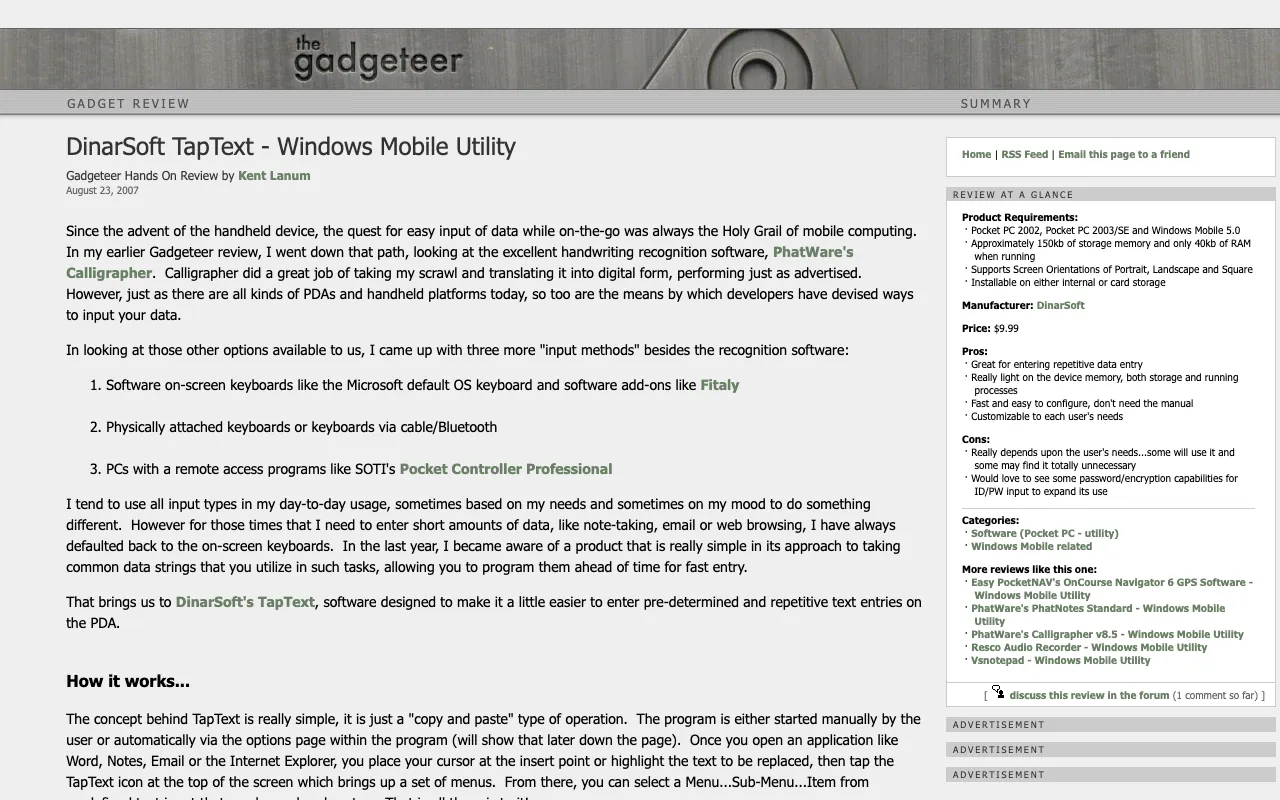
via the Internet Archive, Wayback Machine, September 11, 2007 - AximSiteAug 18, 2007MemMaid 2.0
MemMaid 2.0
★★★★★
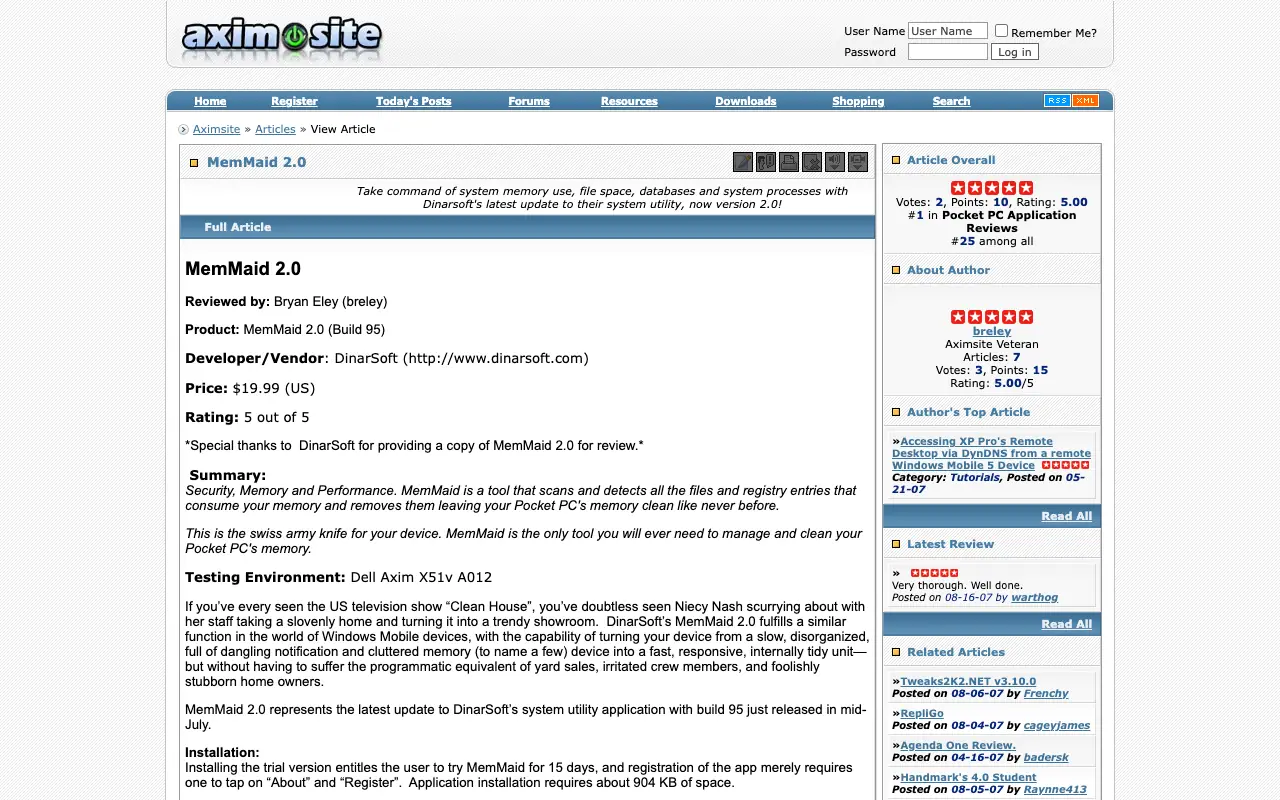
via the Internet Archive, Wayback Machine, October 12, 2007 - Mobile-ViewJul 11, 2007DinarSoft’s MemMaid 2.0 Reviewed!
DinarSoft’s MemMaid 2.0 Reviewed!
Definitely deserves a 10/10 rating!
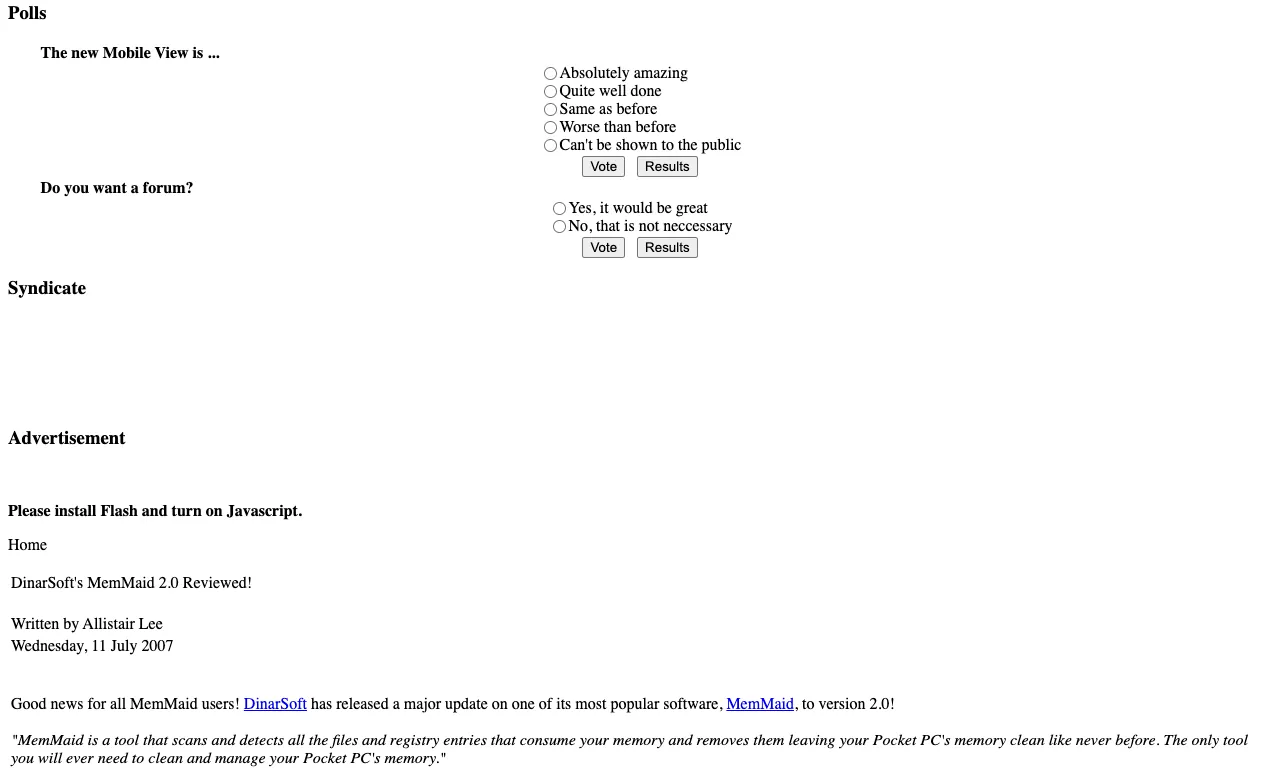
via the Internet Archive, Wayback Machine, October 13, 2007 - GadgetMixMay 17, 2007Dinarsoft HandySwitcher 3 Reviewed!
Dinarsoft HandySwitcher 3 Reviewed!
simple-yet-powerful application
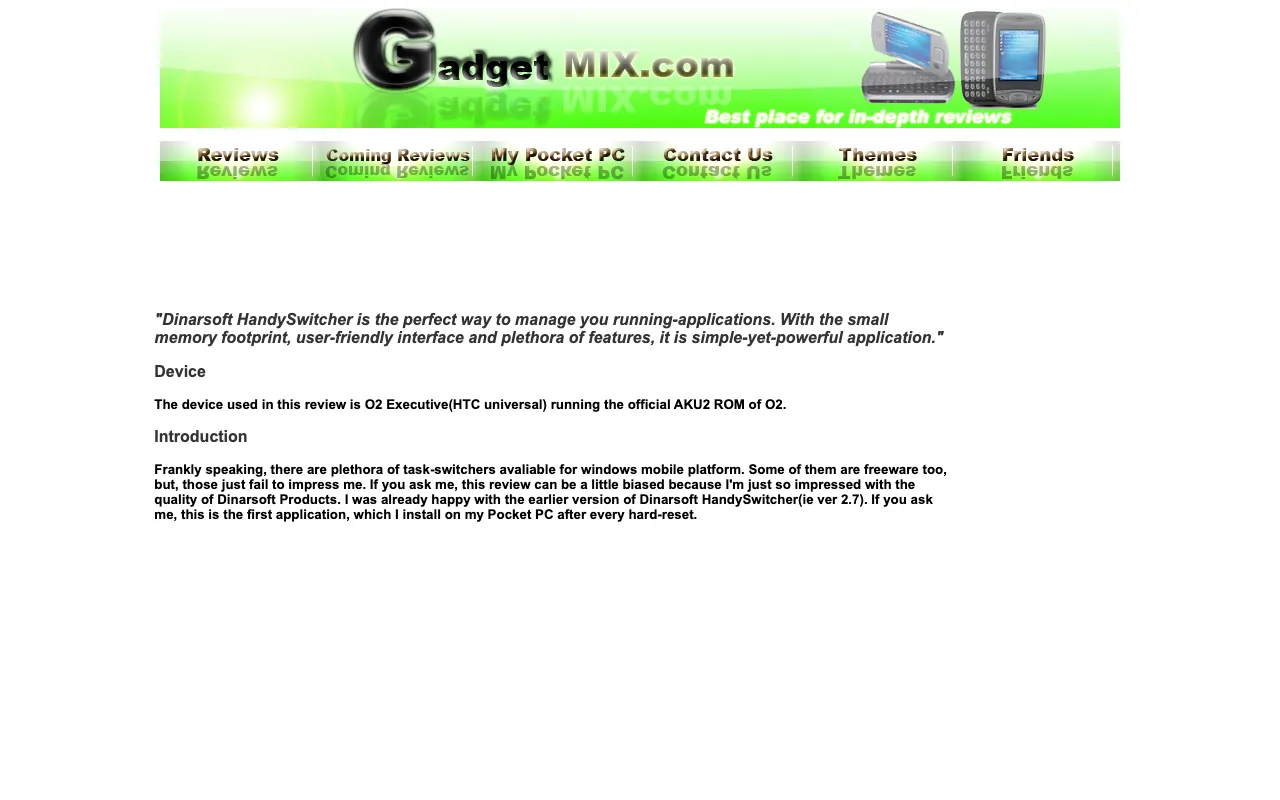
via the Internet Archive, Wayback Machine, June 27, 2007 - CHIP magazine, RussiaMay 2007HandySwitcher 2.7, on the cover disc
HandySwitcher 2.7, on the cover disc
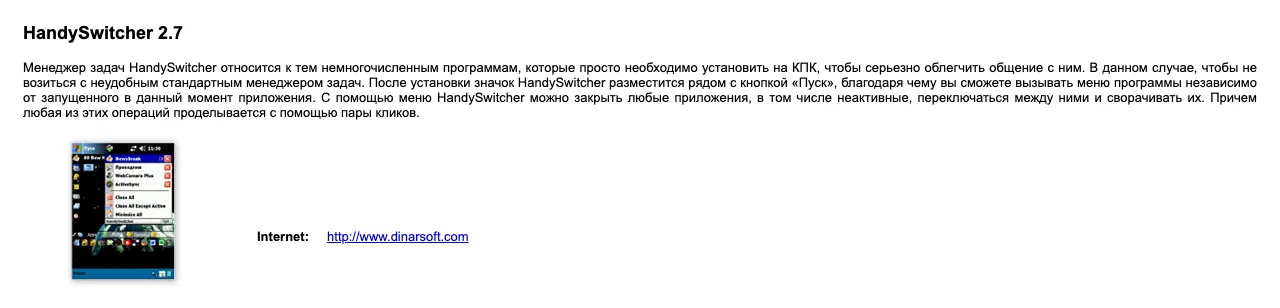
via the Internet Archive, archive.org item chip-dvd-ru-2007-05 - ClintonFitch.comApr 30, 2007DinarSoft MemMaid 1.73
DinarSoft MemMaid 1.73
The cleaning feature alone would make MemMaid a must have application
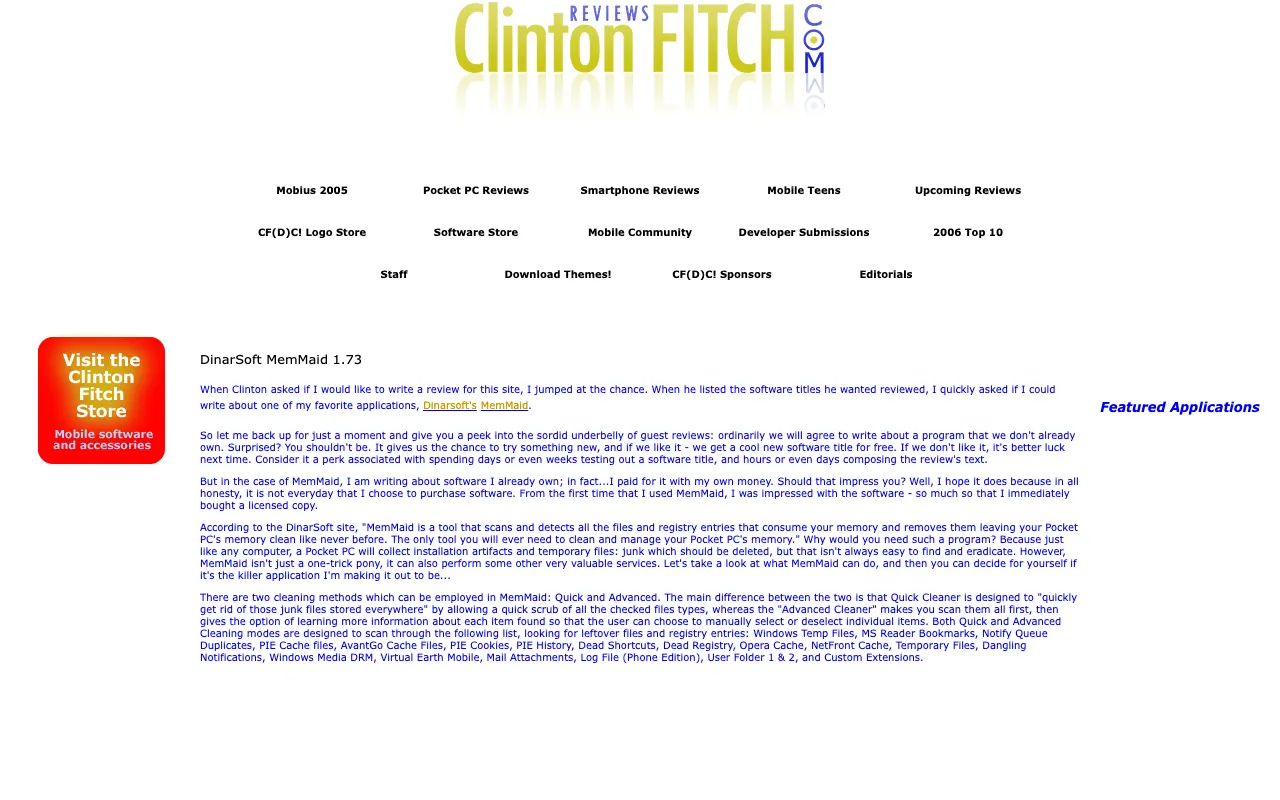
via the Internet Archive, Wayback Machine, May 19, 2007 - GadgetMixApr 17, 2007Dinarsoft Memmaid Reviewed!
Dinarsoft Memmaid Reviewed!
the perfect maid for your pocket pc
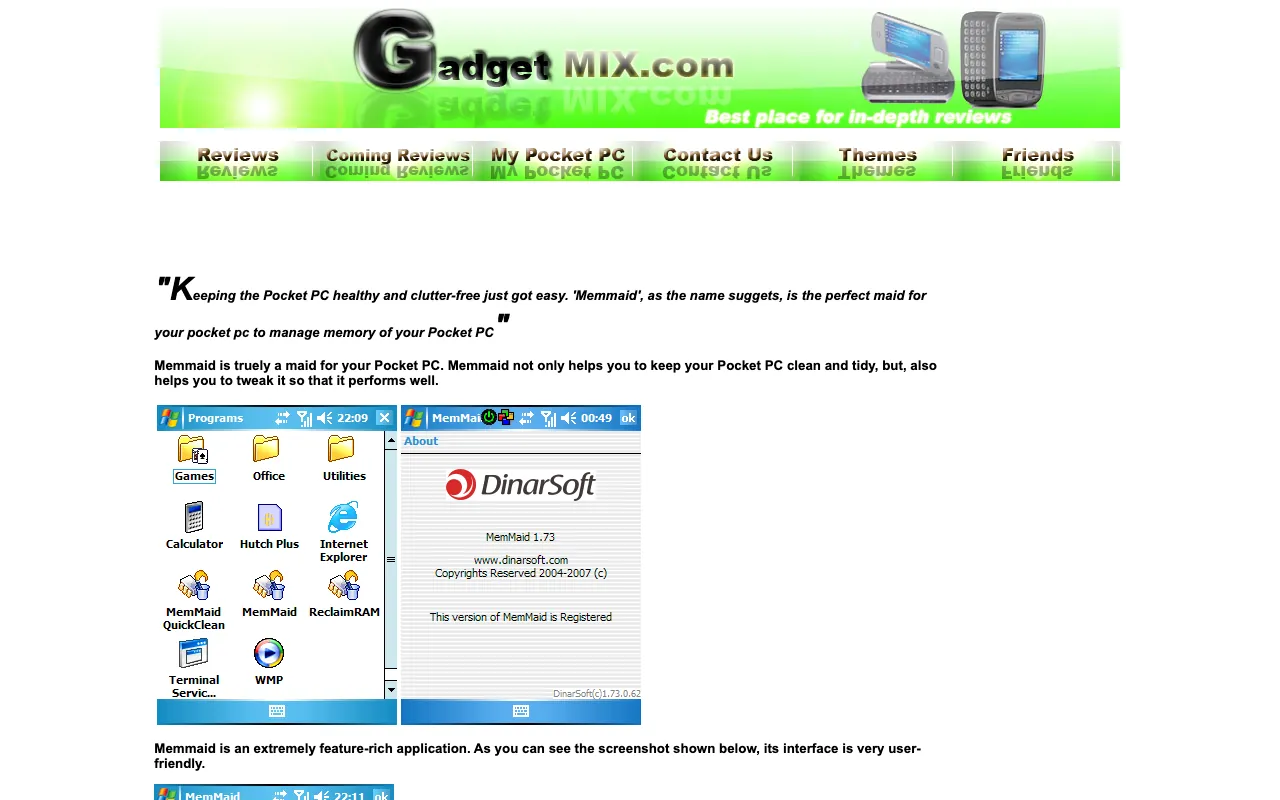
via the Internet Archive, Wayback Machine, January 5, 2008 - GadgetMixJan 17, 2007Dinarysoft HandySwitcher Reviewed!
Dinarysoft HandySwitcher Reviewed!
functional and must have on every Pocket PC
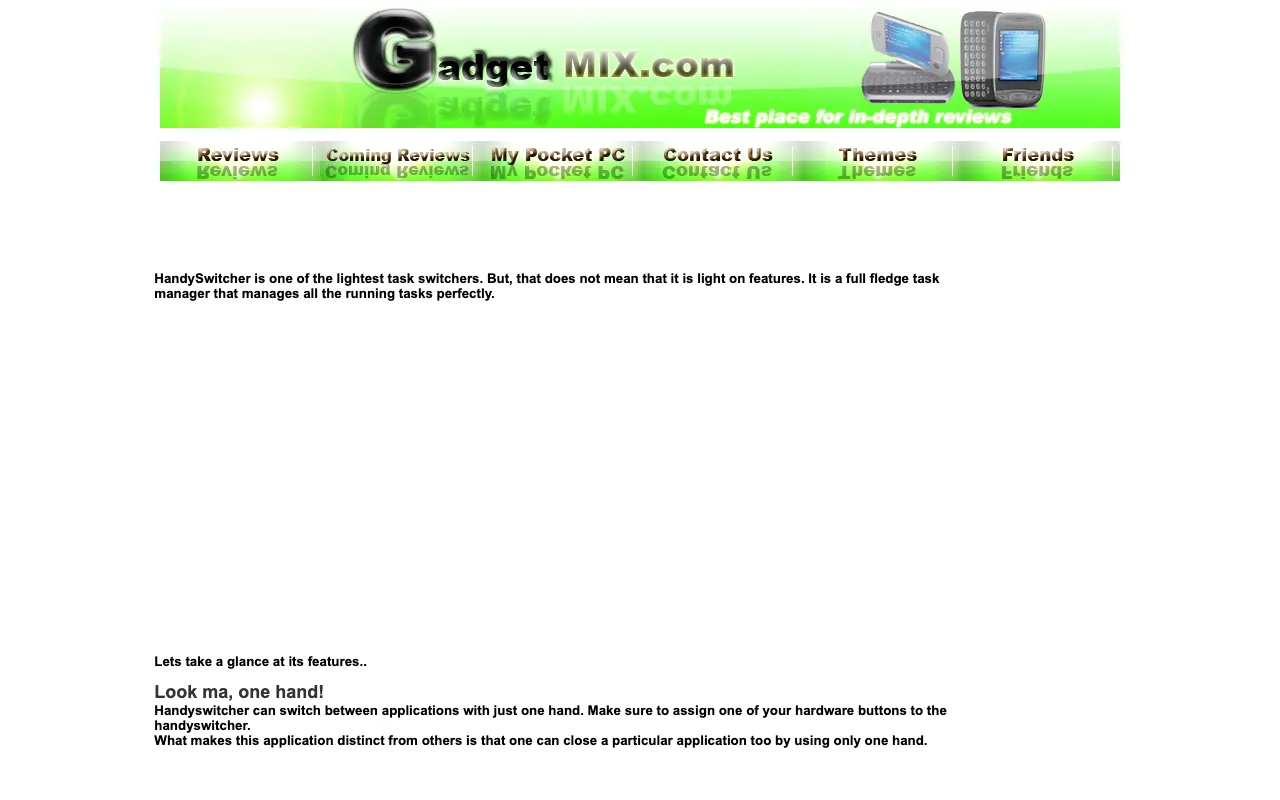
via the Internet Archive, Wayback Machine, October 6, 2007 - GadgetMixJan 17, 2007HandyMenu Reviewed!
HandyMenu Reviewed!
a very useful and handy application which saves time too
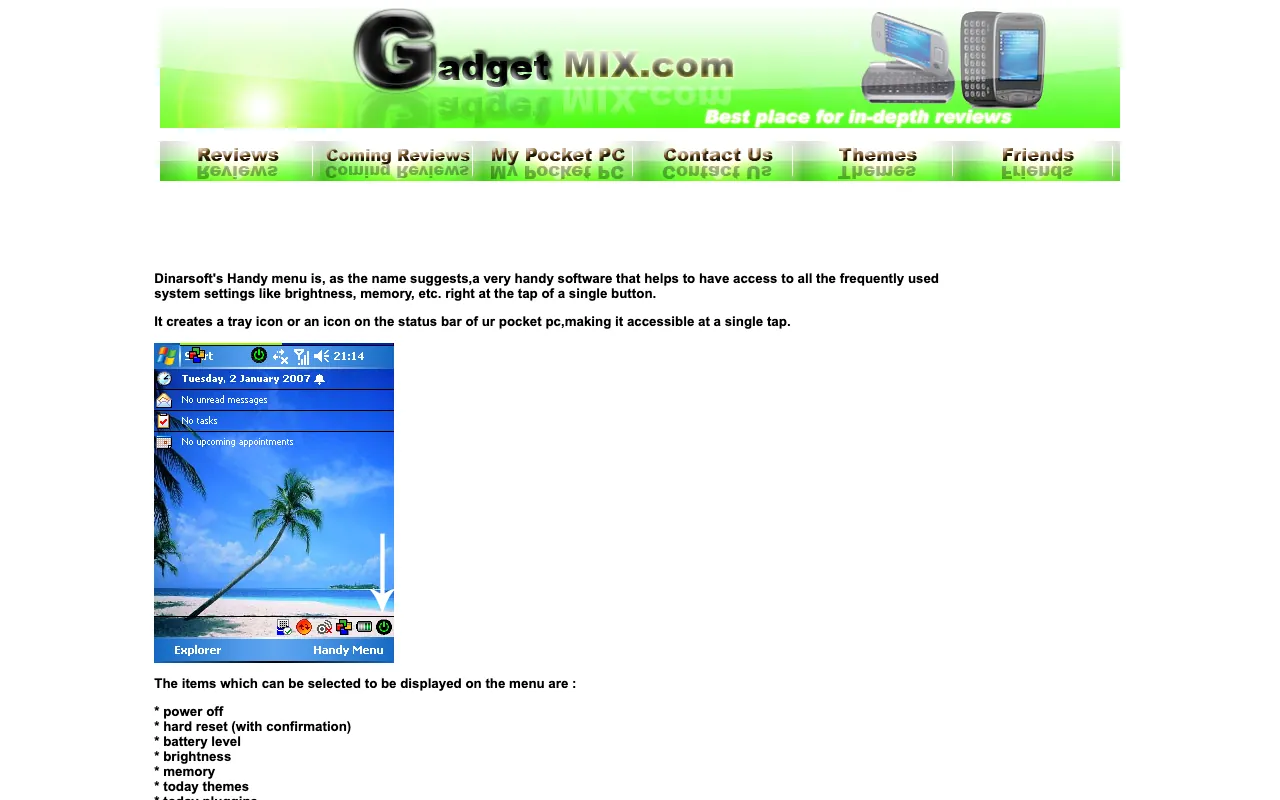
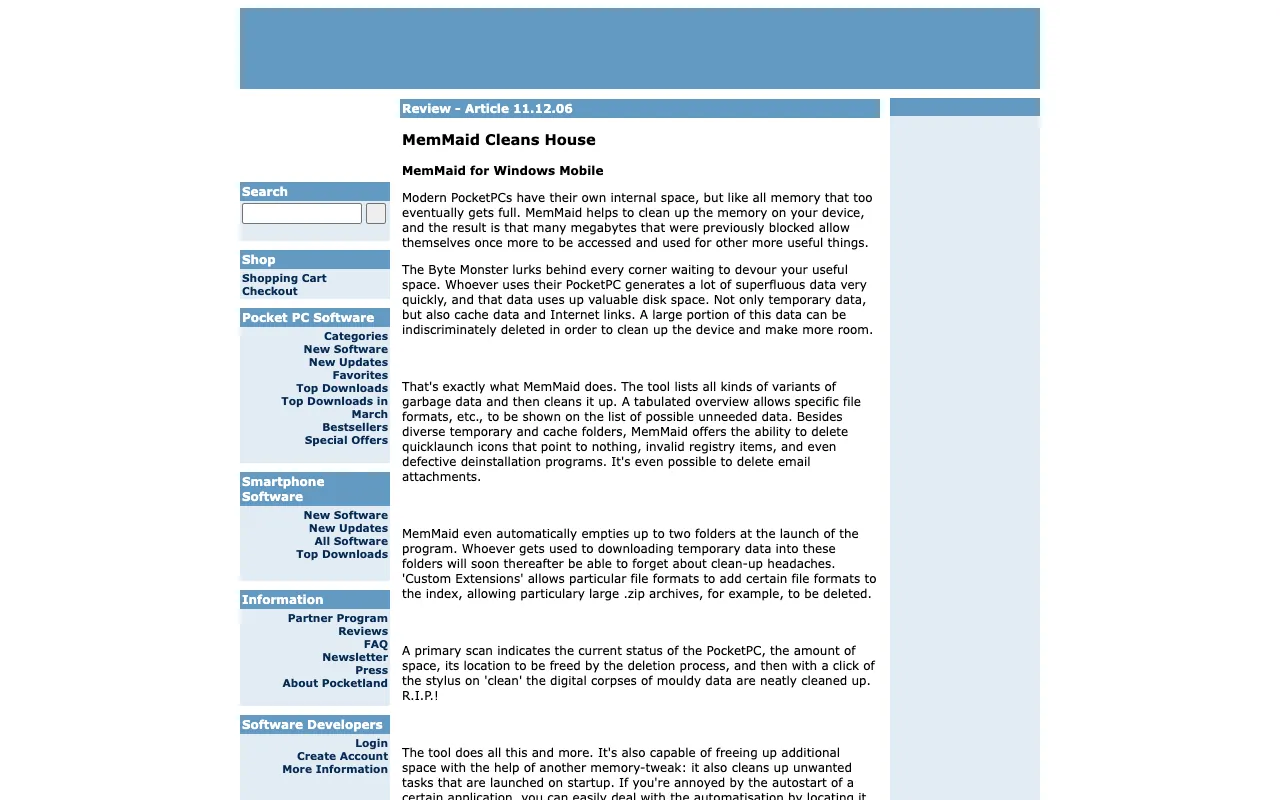
via the Internet Archive, Wayback Machine, September 22, 2007 - PocketlandJan 9, 2007MemMaid Cleans House
MemMaid Cleans House
MemMaid helps to clean up the memory on your device
via the Internet Archive, Wayback Machine, March 1, 2012 - Technology at PlayJan 2007MemMaid by Dinarsoft
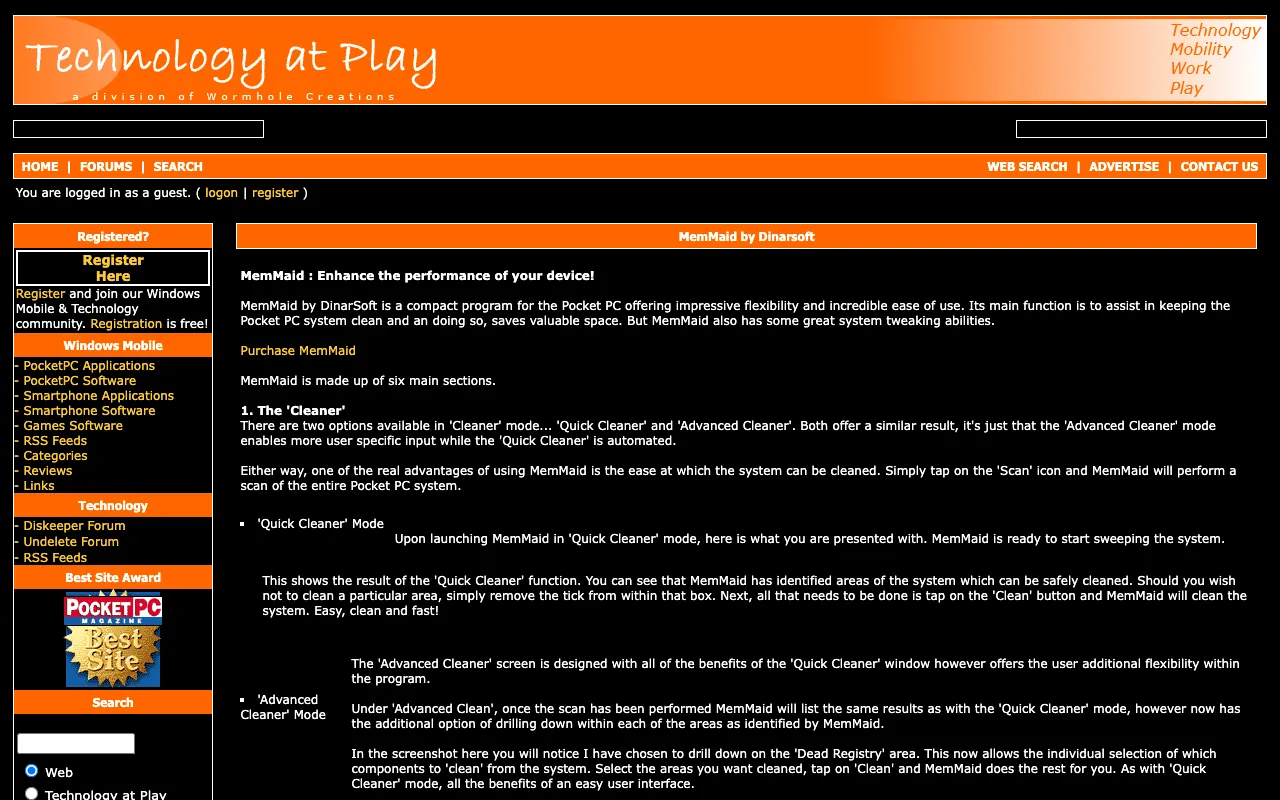
MemMaid by Dinarsoft
MemMaid is an extremely handy program for the Pocket PC.
via the Internet Archive, Wayback Machine, January 28, 2007 - MyPDACafe200MemMaid by DinarSoft
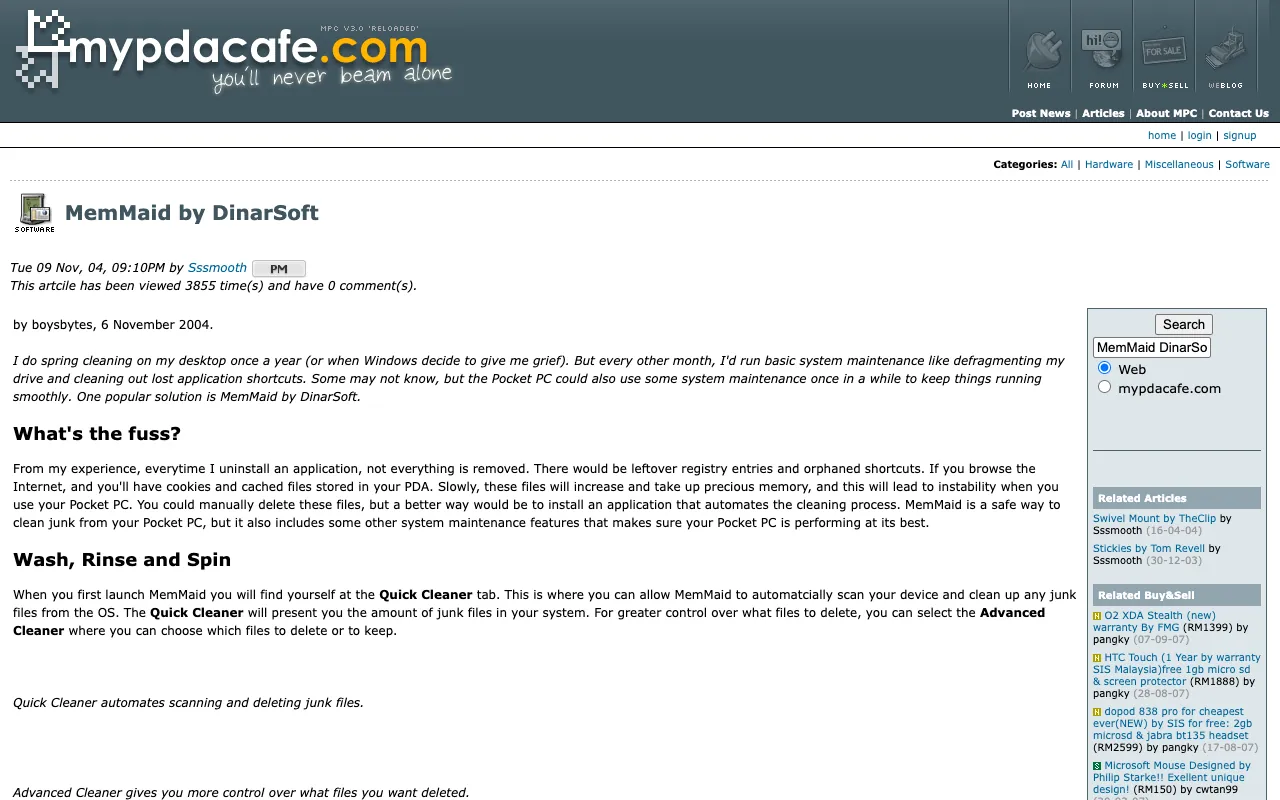
MemMaid by DinarSoft
via the Internet Archive, Wayback Machine, October 13, 2007 - Smartphone & Pocket PC200Expert picks
Expert picks
Looks great, works great
- Smartphone & Pocket PC200Expert picks
Expert picks
- PC TodayNov 2006New & Updated Mobile Software
New & Updated Mobile Software
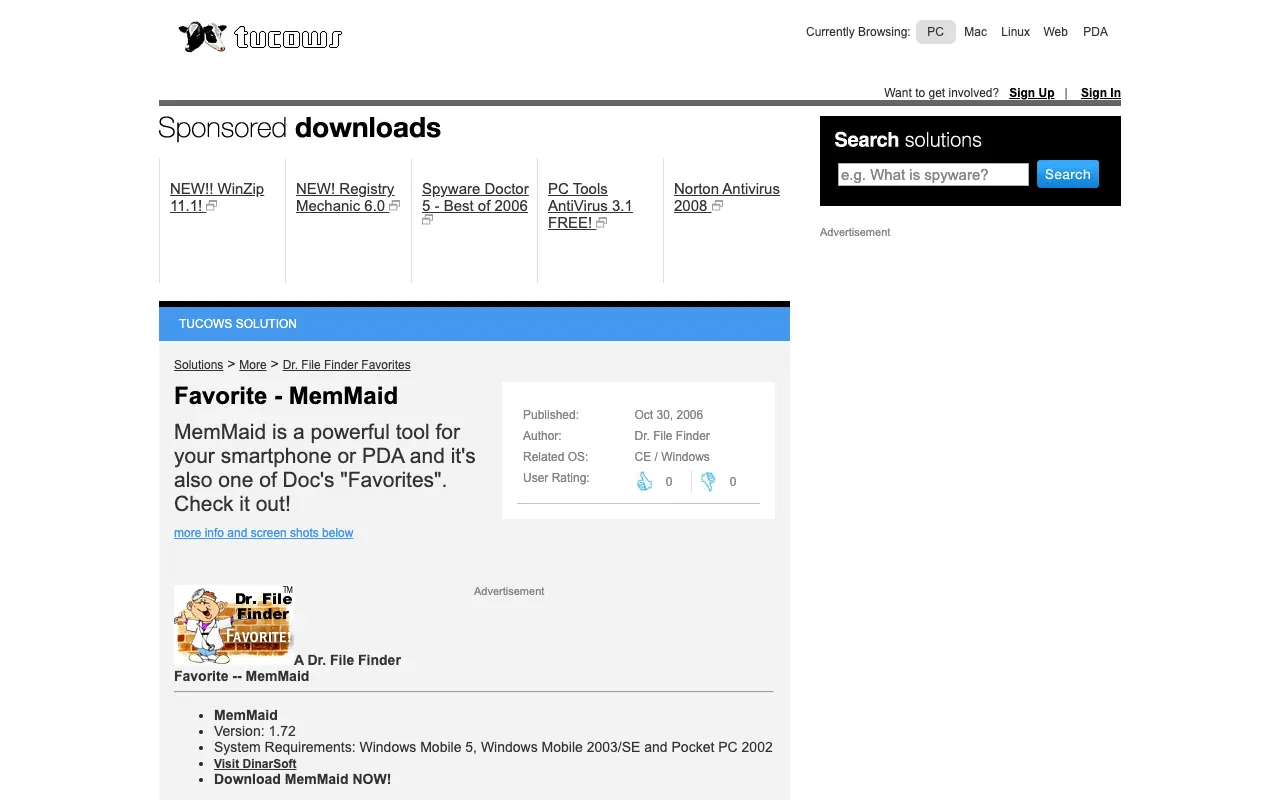
- TucowsOct 30, 2006Favorite - MemMaid
Favorite - MemMaid
MemMaid is a powerful tool for your smartphone or PDA
via the Internet Archive, Wayback Machine, December 12, 2007 - Computer Power UserOct 2006Noteworthy Handheld Software
Noteworthy Handheld Software
an indispensable tool for Pocket PC/Windows Mobile device owners
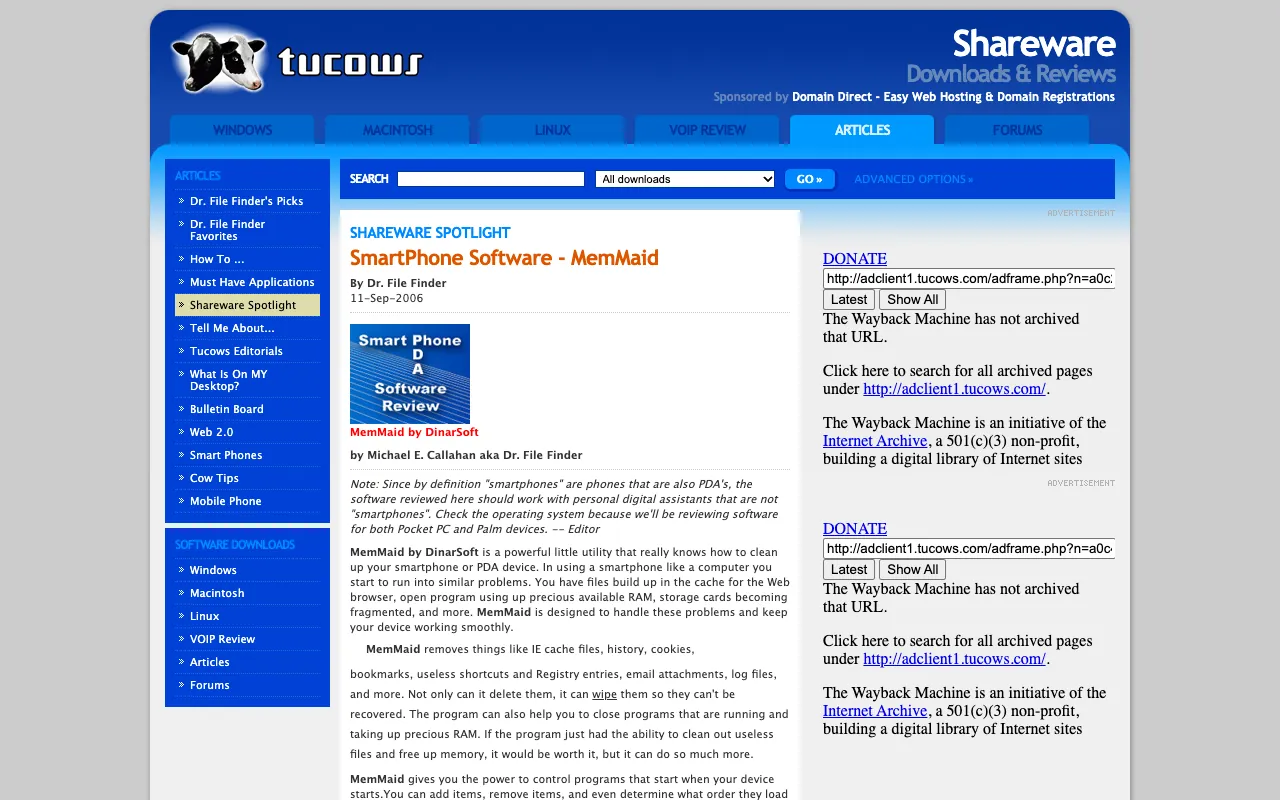
- TucowsSep 11, 2006Shareware Spotlight: MemMaid
Shareware Spotlight: MemMaid
If you have a PDA or smartphone this is a program you must have.
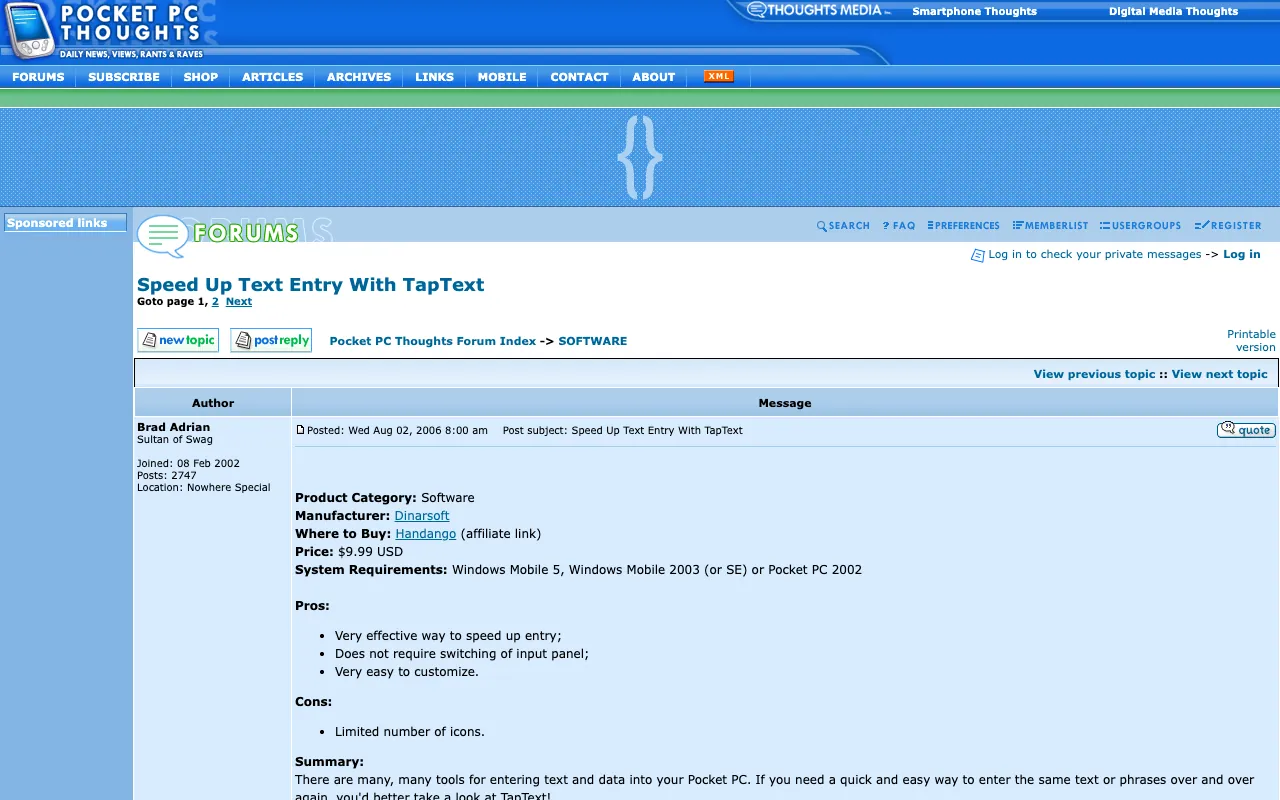
via the Internet Archive, Wayback Machine, September 17, 2006 - Pocket PC ThoughtsAug 2, 2006Speed Up Text Entry With TapText
Speed Up Text Entry With TapText
TapText is quickly becoming a utility that I can’t live without
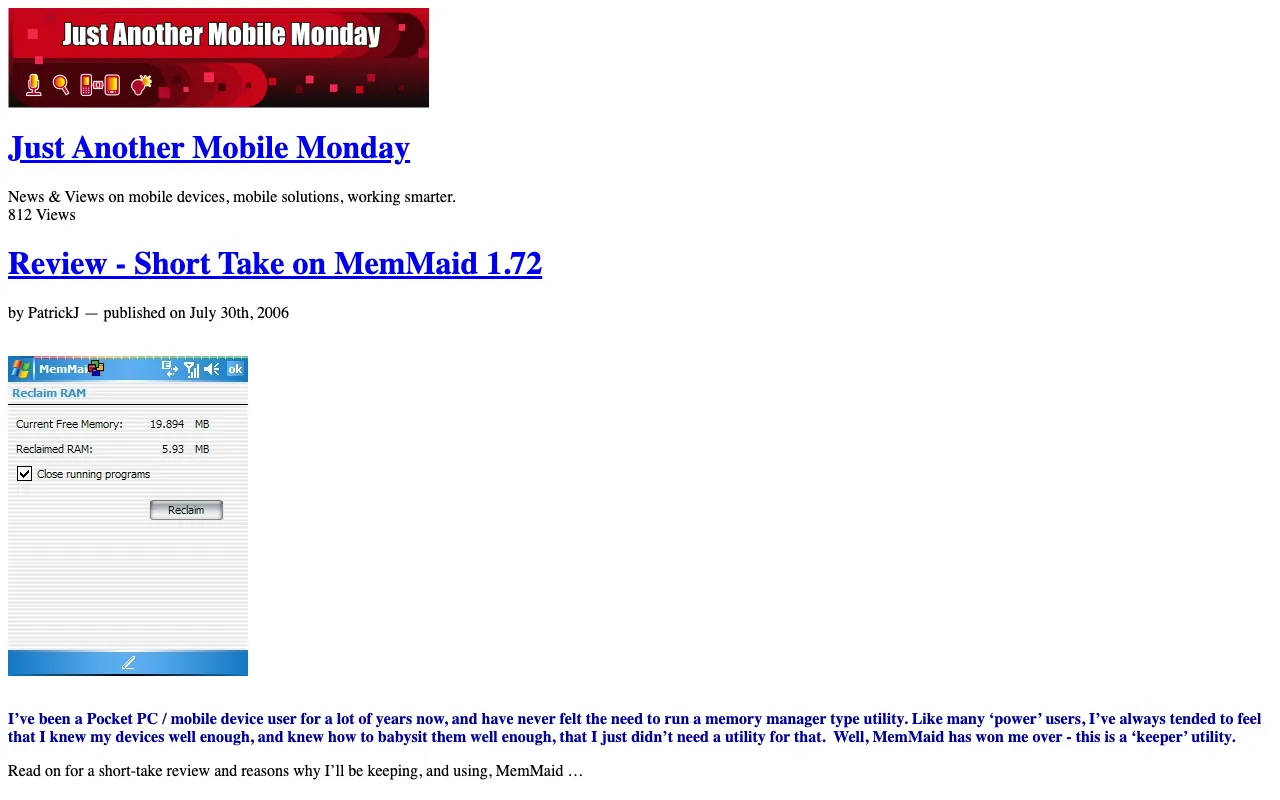
via the Internet Archive, Wayback Machine, November 18, 2006 - Just Another Mobile MondayJul 30, 2006Review - Short Take on MemMaid 1.72
Review - Short Take on MemMaid 1.72
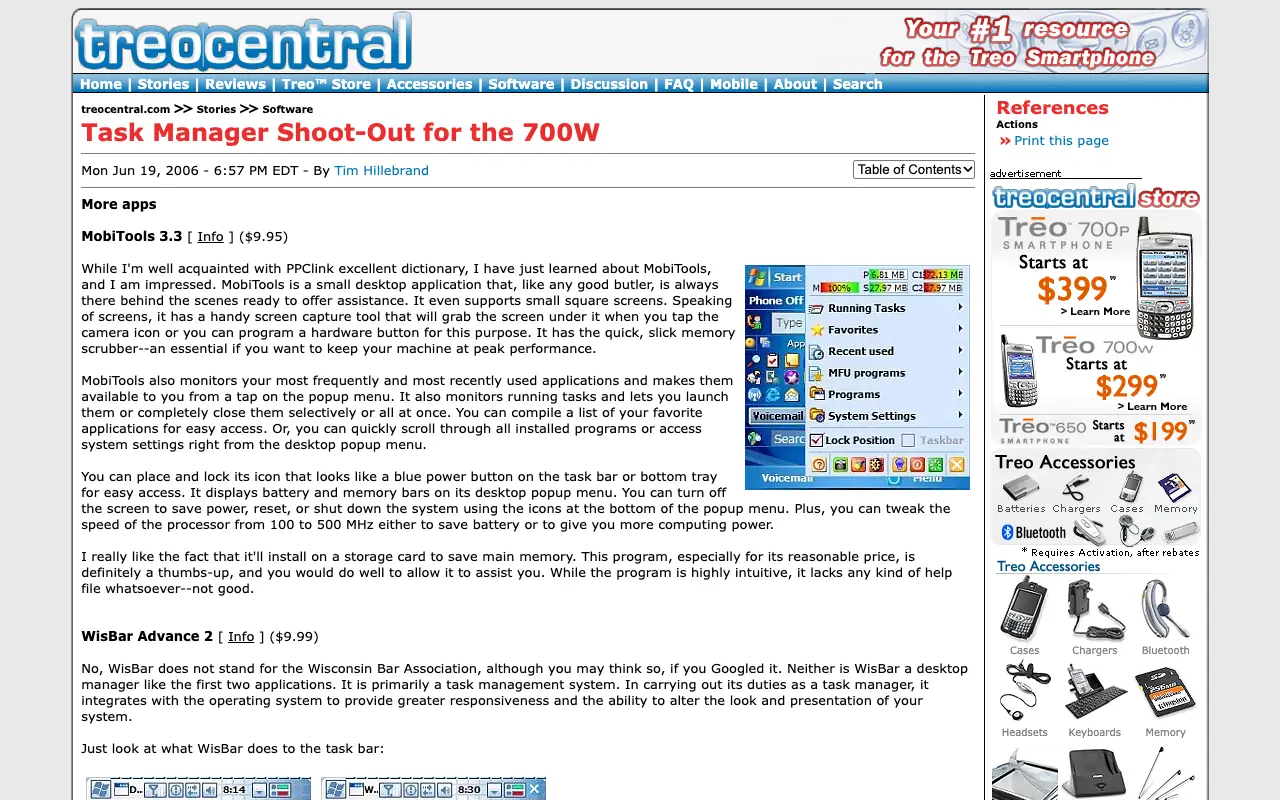
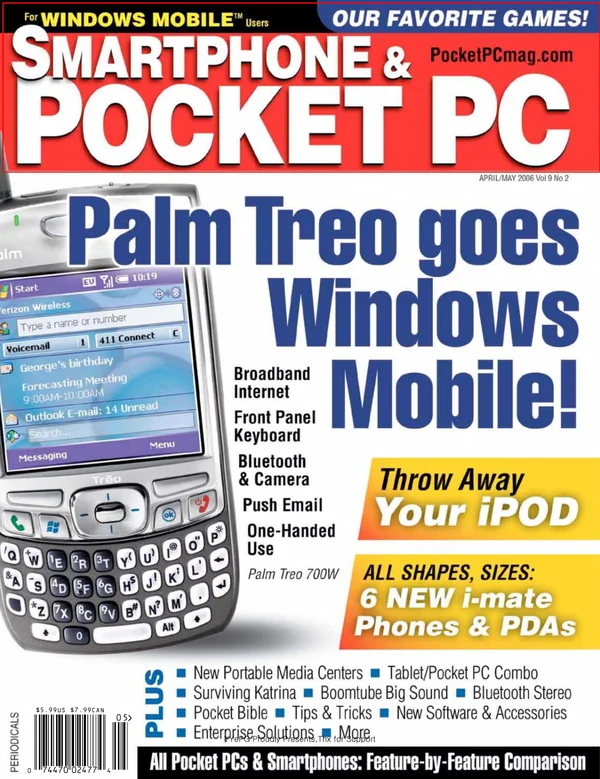
via the Internet Archive, Wayback Machine, November 1, 2006 - TreoCentralJun 19, 2006Task Manager Shoot-Out for the 700W
Task Manager Shoot-Out for the 700W
it remains always visible for easy access
via the Internet Archive, Wayback Machine, July 3, 2006 - CHIPJun 2006The best software for Windows Mobile (in Russian)
The best software for Windows Mobile (in Russian)
- CHIP magazine, RussiaJun 2006MemMaid 1.6, on the cover disc
MemMaid 1.6, on the cover disc
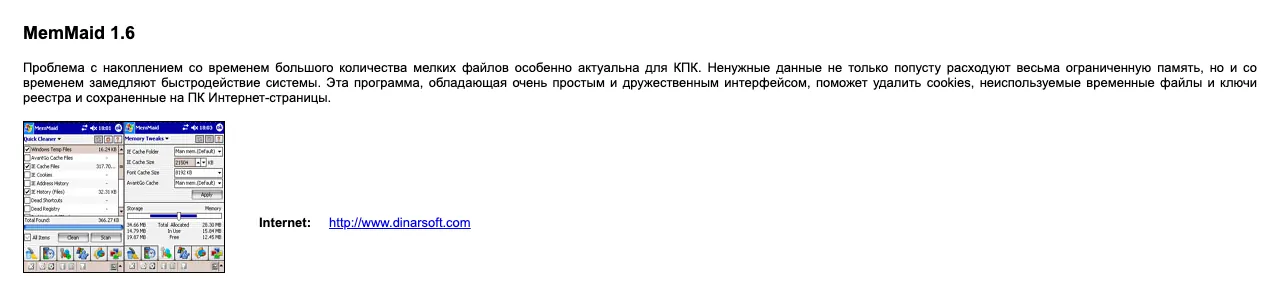
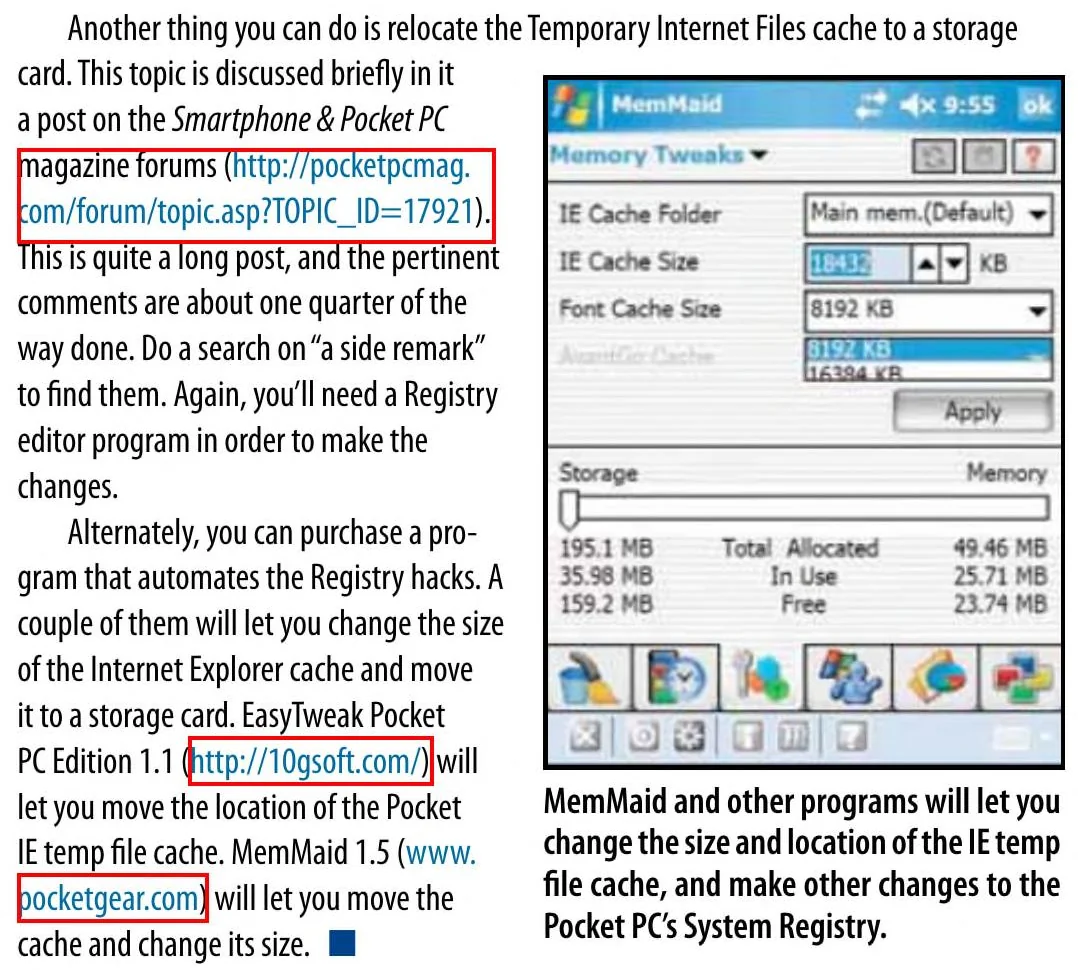
via the Internet Archive, archive.org item chip-dvd-ru-2006-06 - Smartphone & Pocket PCApr 2006Tips and Tricks: move the Temporary Internet Files cache
Tips and Tricks: move the Temporary Internet Files cache
- pdaBlastMar 27, 2006HandySwitcher Task Management for Your Pocket PC
HandySwitcher Task Management for Your Pocket PC
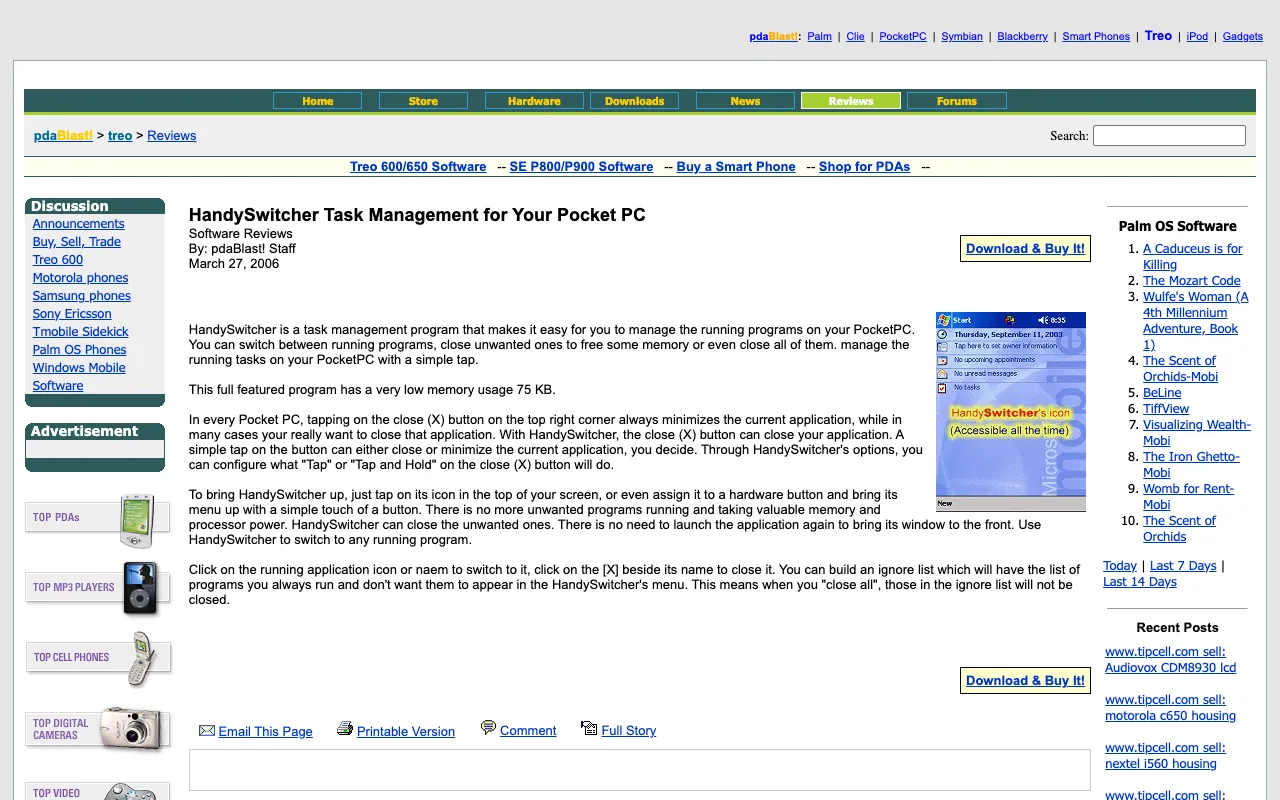
via the Internet Archive, Wayback Machine, April 18, 2006 - Smartphone & Pocket PC200Judges’ Favorites
Judges’ Favorites
- PDA247Jun 15, 2005MemMaid
MemMaid
Gives control over nearly every aspect of memory management
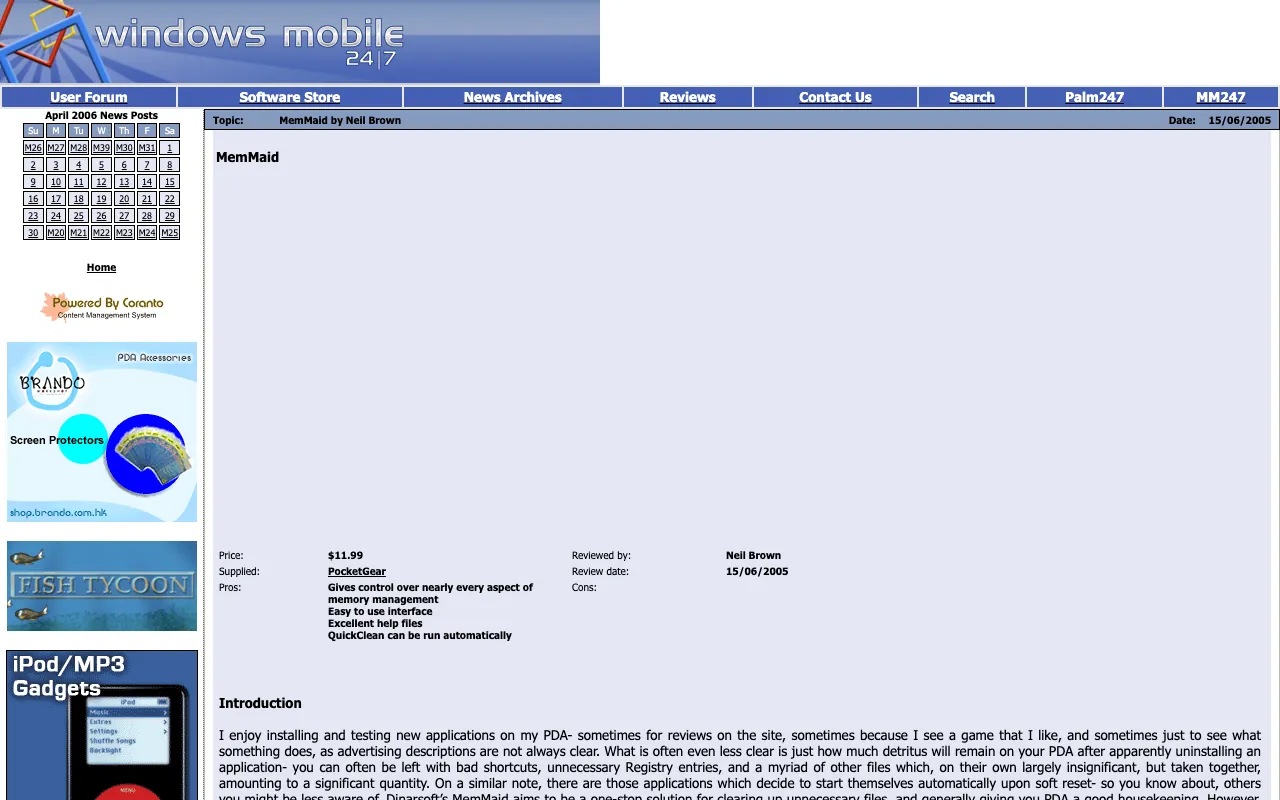
via the Internet Archive, Wayback Machine, April 6, 2006 - Pocket PC ThoughtsApr 29, 2005DinarSoft TapText 1.0: Repetitive Text Entry is Less Repetitive
DinarSoft TapText 1.0: Repetitive Text Entry is Less Repetitive
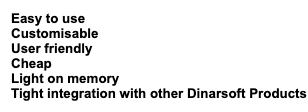
Easy to use; Clean Interface; Easy to Customize; Good Price.
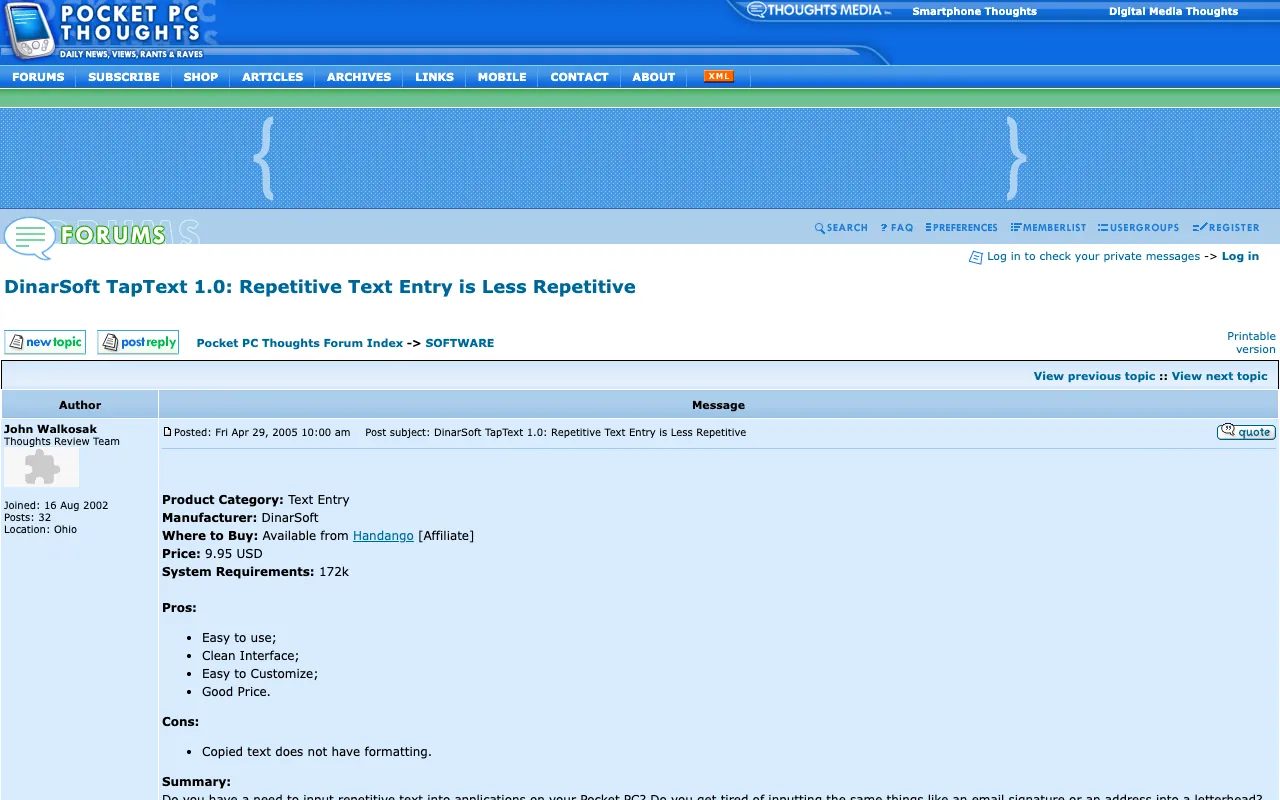
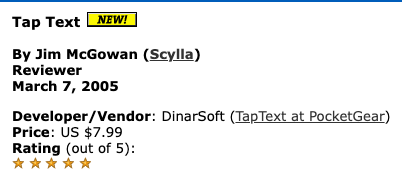
via the Internet Archive, Wayback Machine, April 30, 2005 - AximSiteMar 7, 2005Tap Text
Tap Text
★★★★★
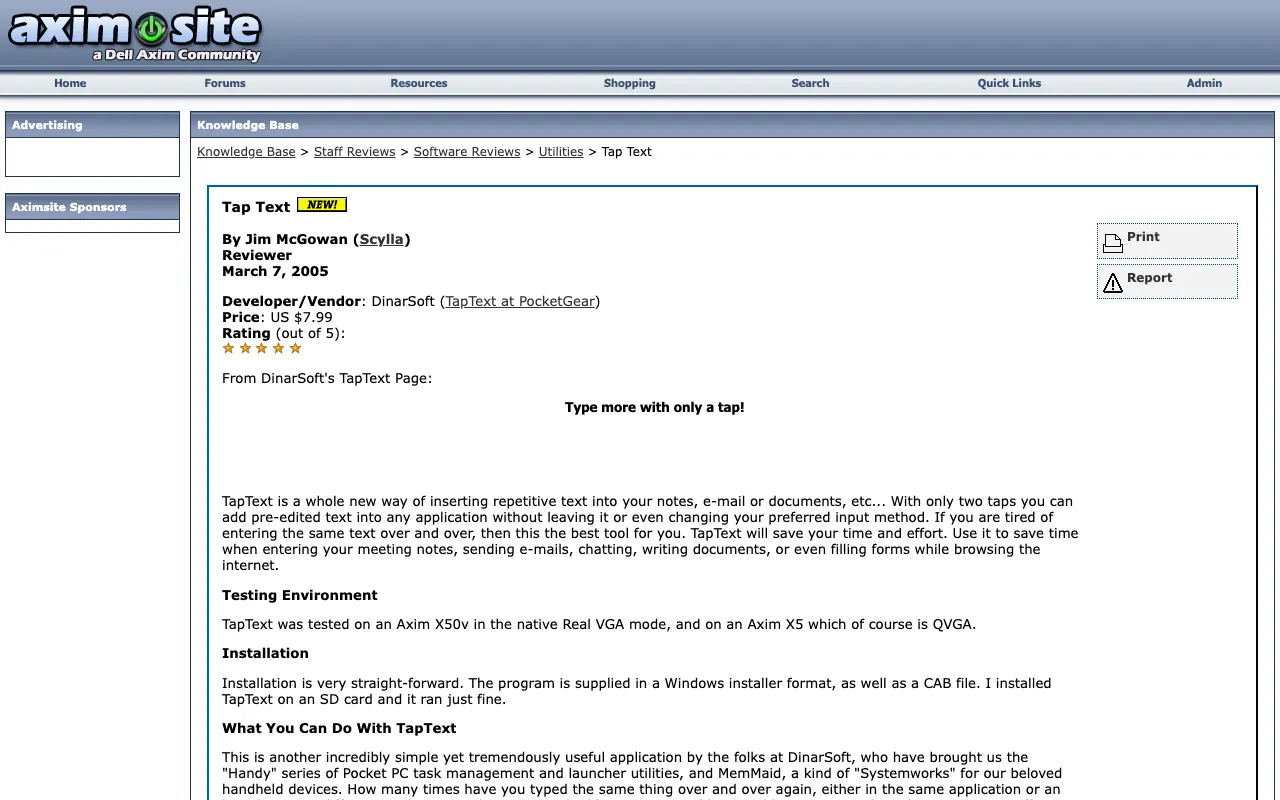
via the Internet Archive, Wayback Machine, March 7, 2005 - PocketnowJan 7, 2005Dinarsoft’s MemMaid v1.4
Dinarsoft’s MemMaid v1.4
it certainly has found a place in my must-have list
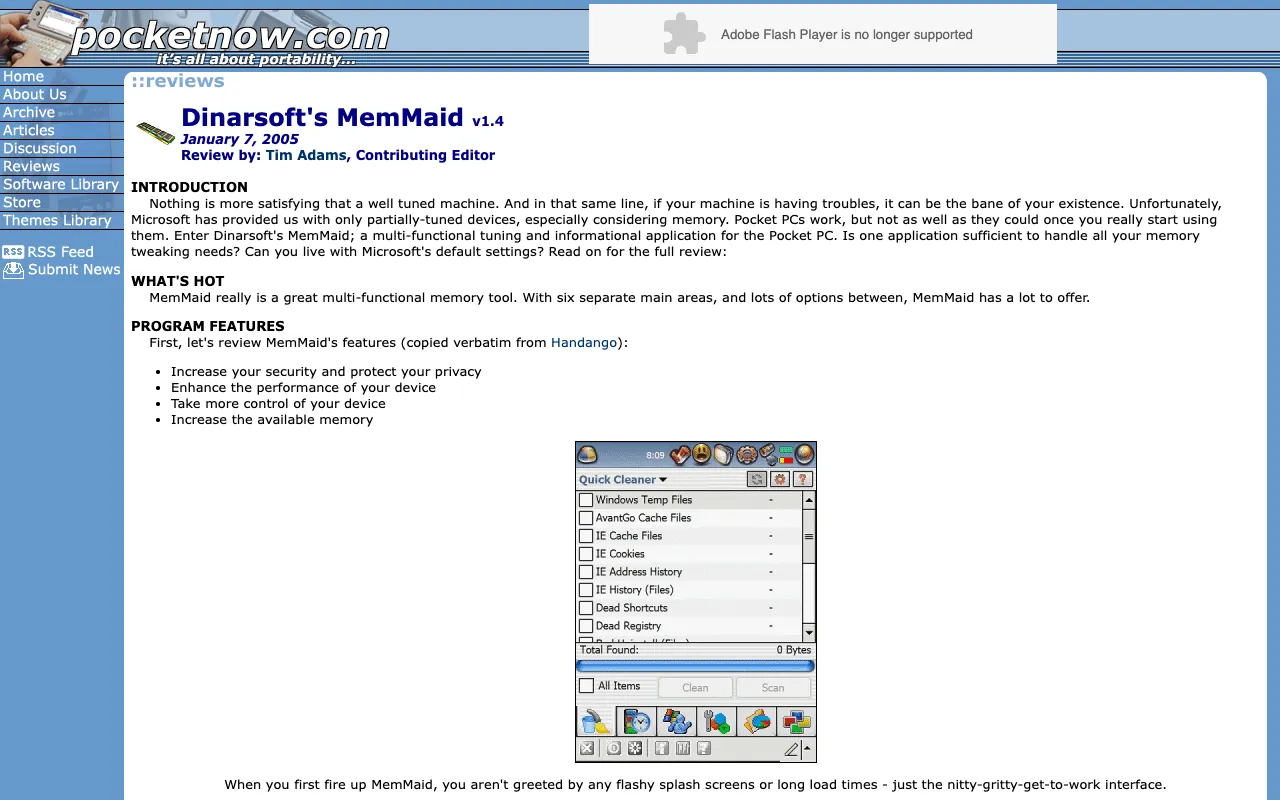
via the Internet Archive, Wayback Machine, February 7, 2005 - PocketPC ReviewsNov 4, 2004MemMaid 1.3 from DinarSoft
MemMaid 1.3 from DinarSoft
MemMaid is a godsend!
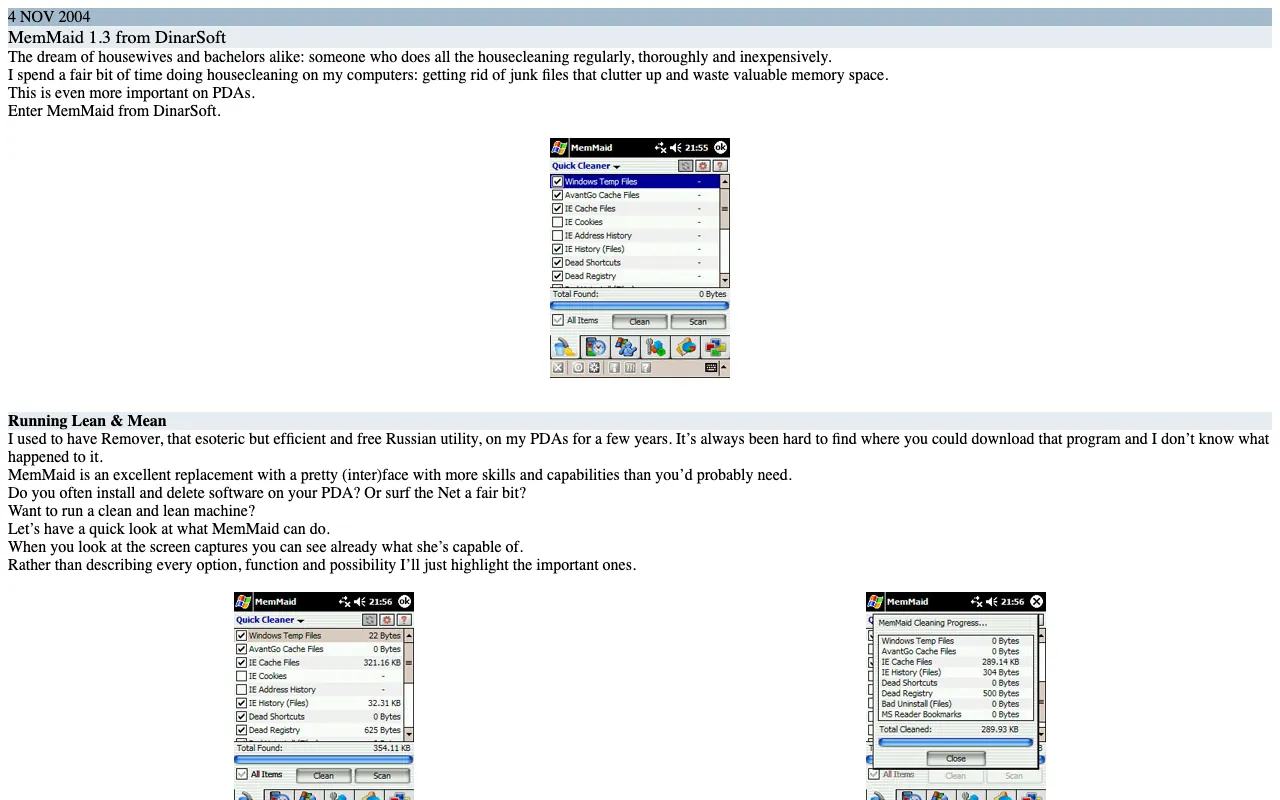
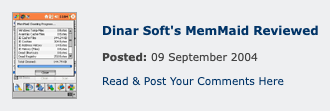
via the Internet Archive, Wayback Machine, November 9, 2004 - eMobieSep 9, 2004Dinar Soft’s MemMaid Reviewed
Dinar Soft’s MemMaid Reviewed
the Swiss Army Knife of PPC utilities
★★★★★
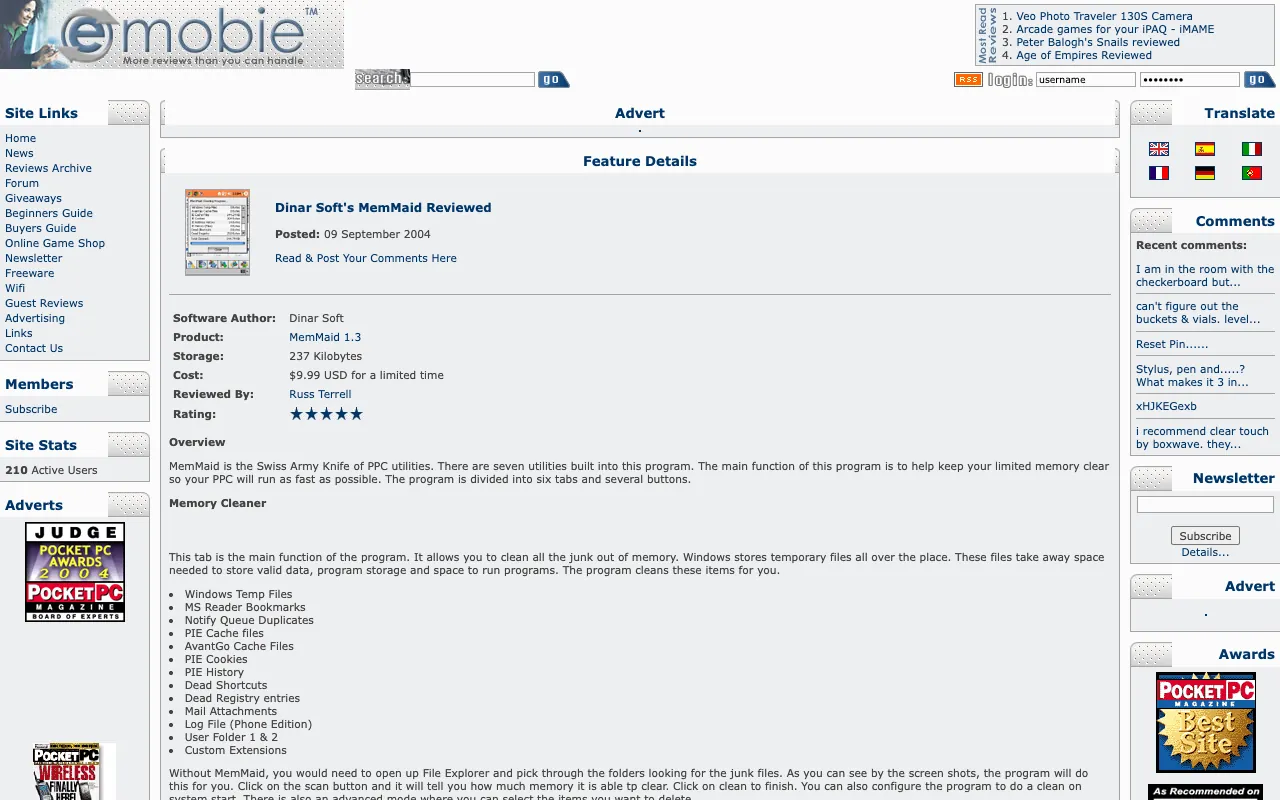
via the Internet Archive, Wayback Machine, December 21, 2004 - Pocket PC ThoughtsSep 8, 2004All Tapped Out? DinarSoft’s HandyMenu v2.5 Reviewed
All Tapped Out? DinarSoft’s HandyMenu v2.5 Reviewed
A steal at $5.99!
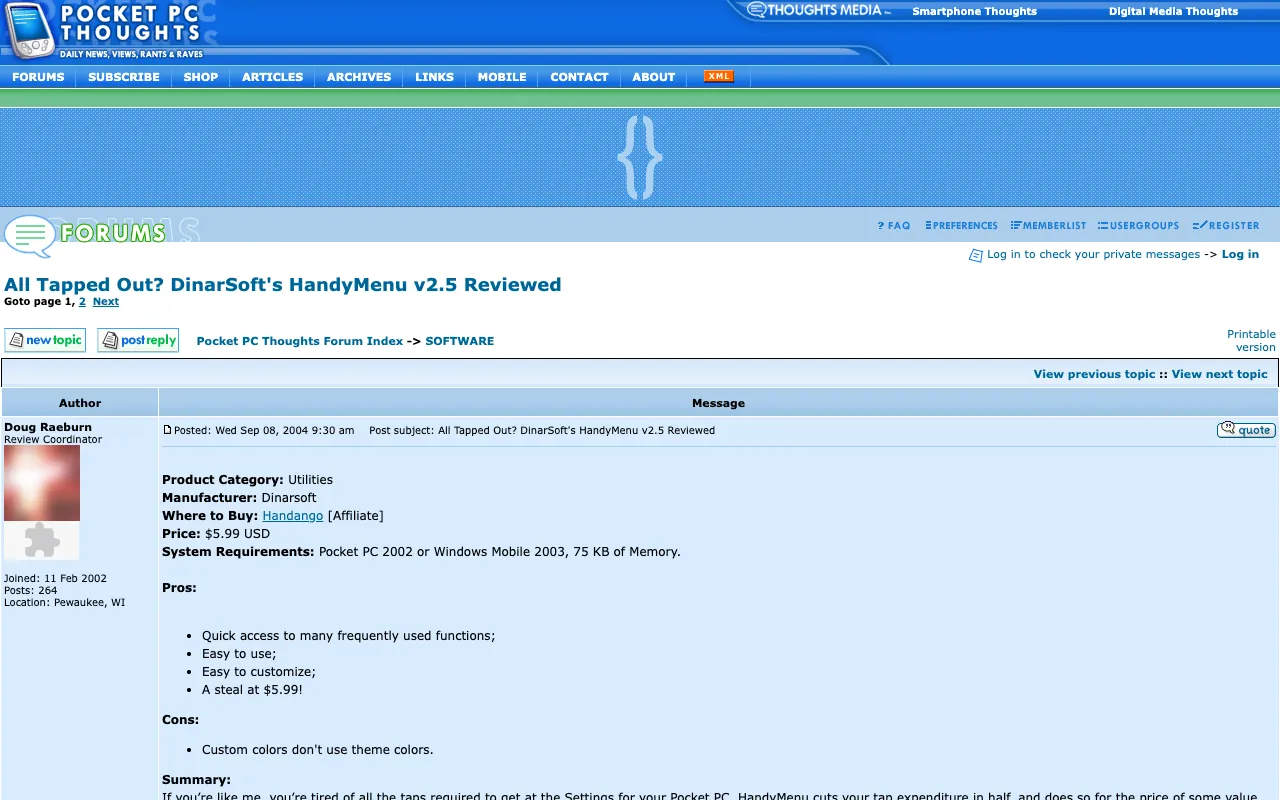
via the Internet Archive, Wayback Machine, March 9, 2005 - Pocket PC DubaiJul 23, 2004MemMaid Review
MemMaid Review
MemMaid Version 1.2 that finally ended my search
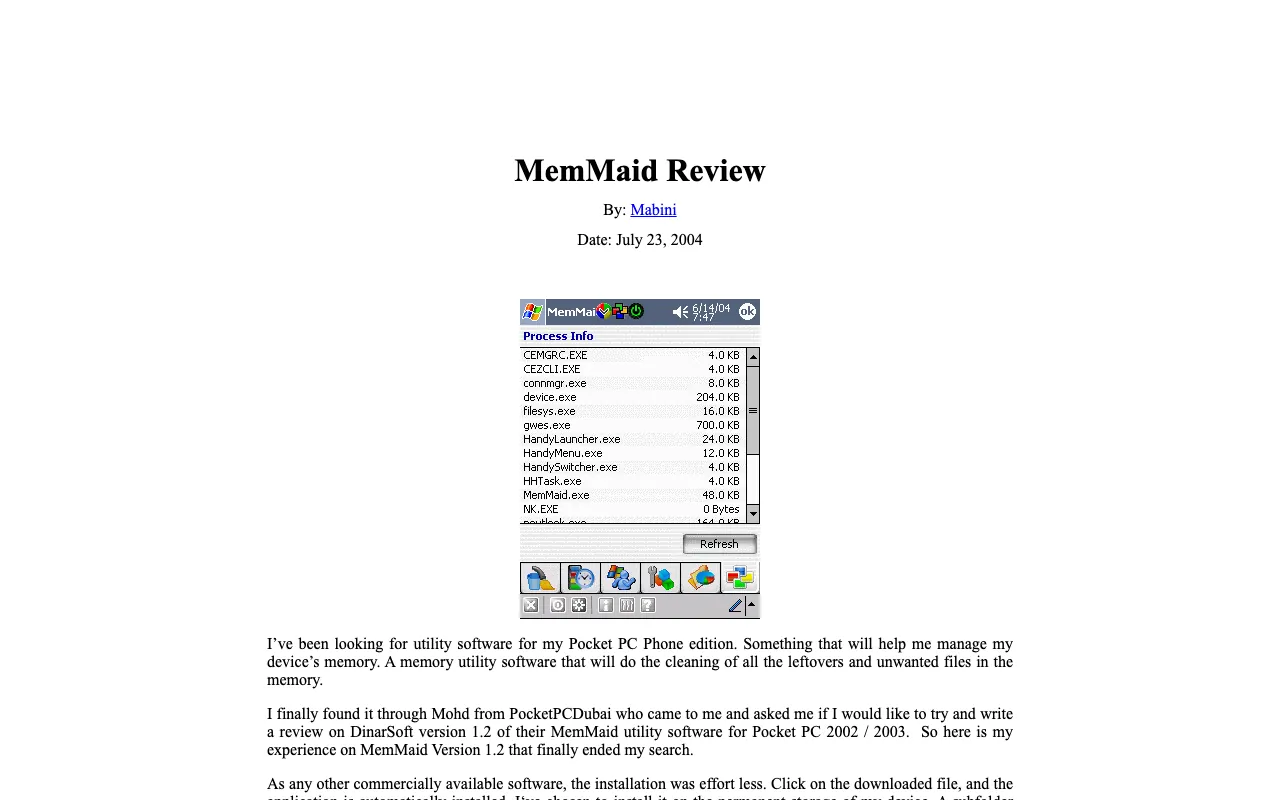
via the Internet Archive, Wayback Machine, August 6, 2004 - GeekzoneJul 17, 2004HandyMenu review
HandyMenu review
access to any of these functions just a tap away
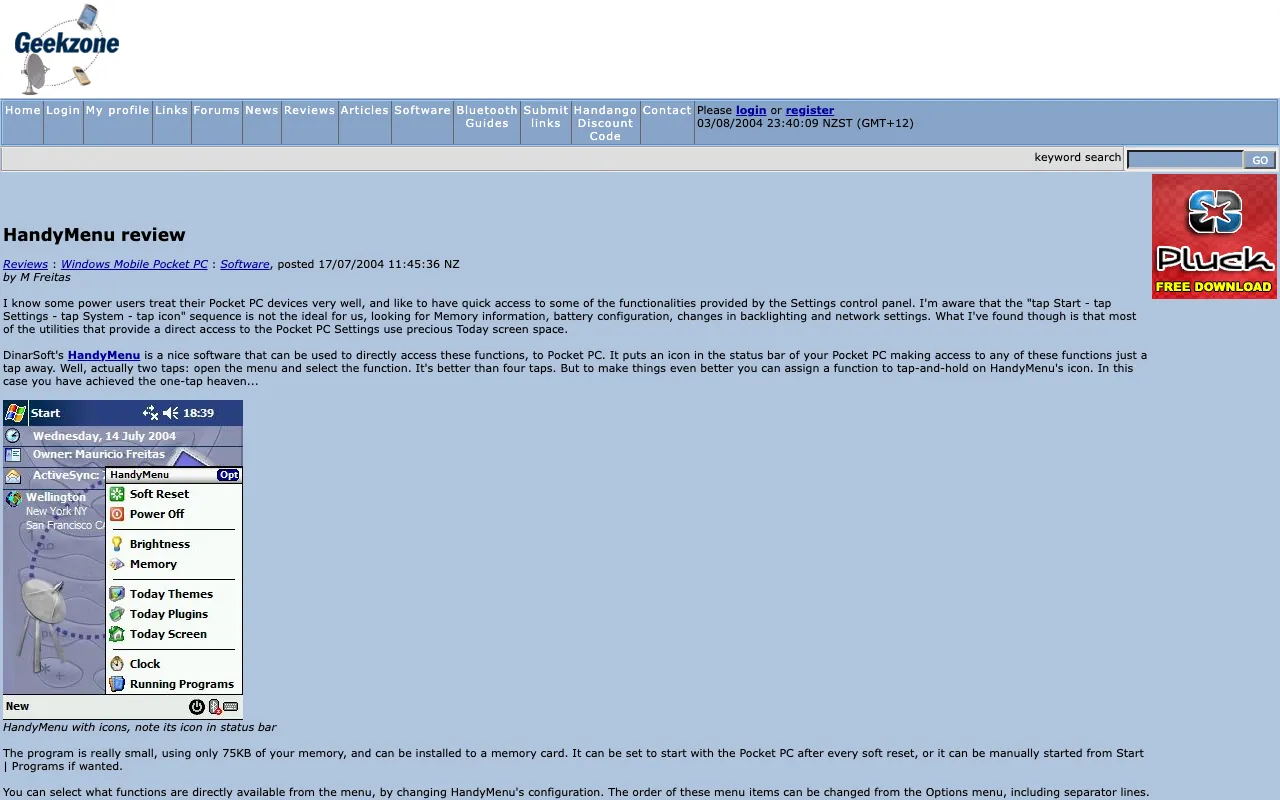
via the Internet Archive, Wayback Machine, August 3, 2004 - GeekzoneJul 1, 2004MemMaid for Pocket PC review
MemMaid for Pocket PC review
a nice well polished tool
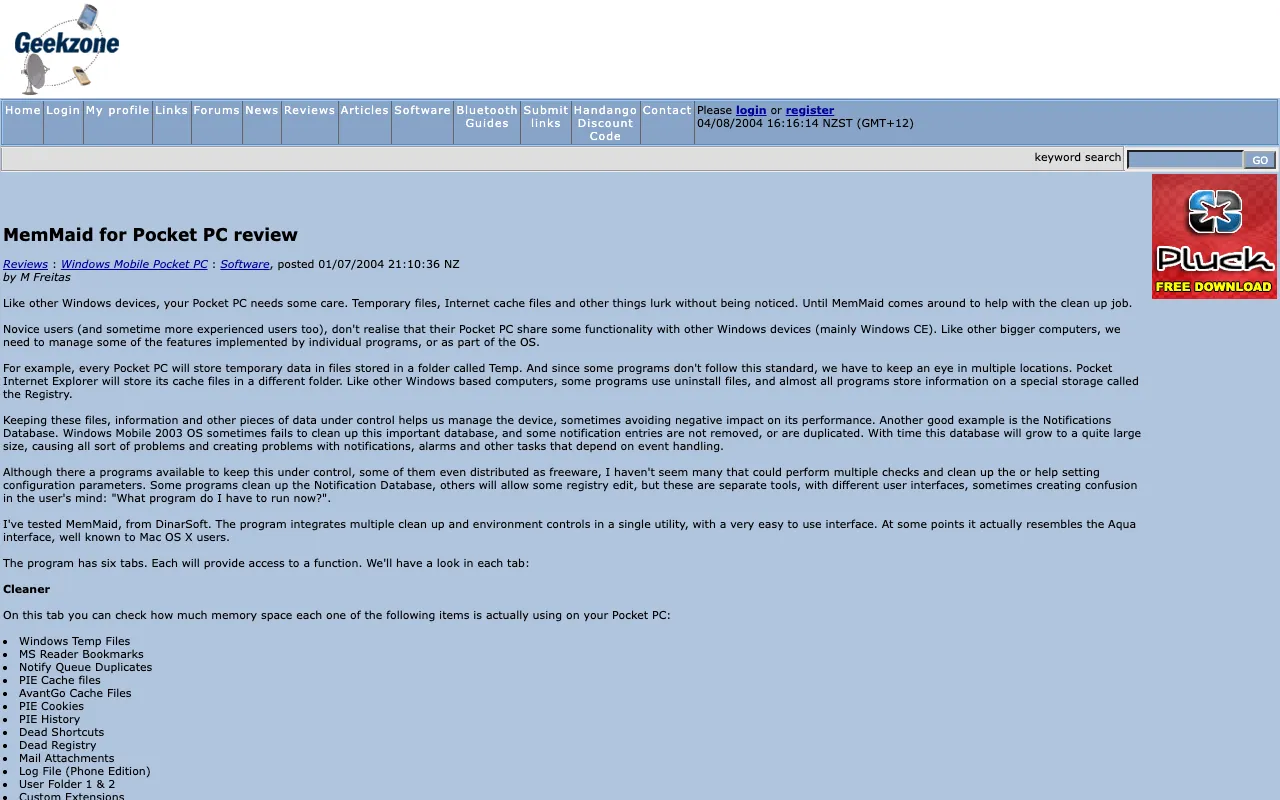
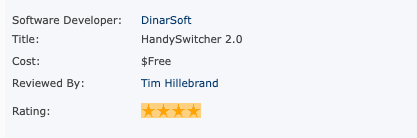
via the Internet Archive, Wayback Machine, August 4, 2004 - Pocket PC LifeApr 17, 2004Handy Switcher V 2.0 Reviewed
Handy Switcher V 2.0 Reviewed
★★★★★
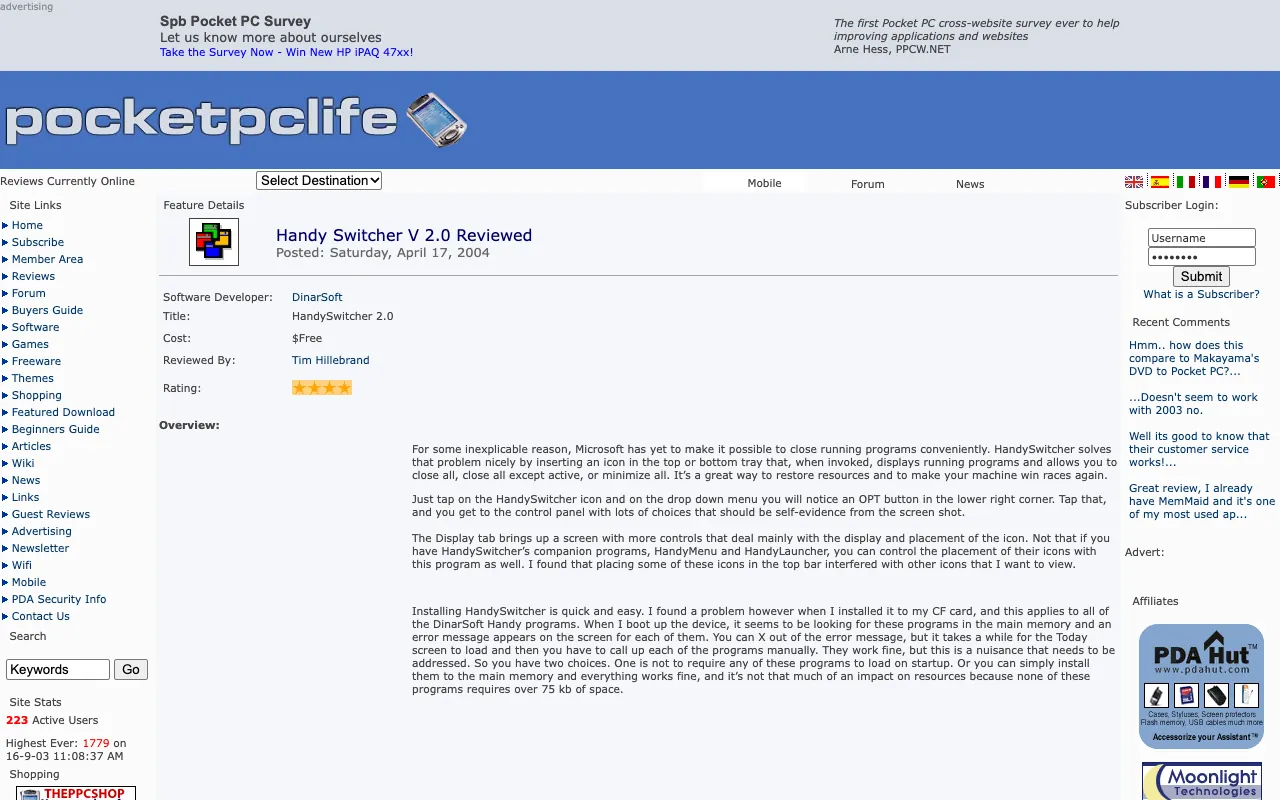
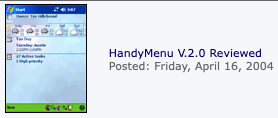
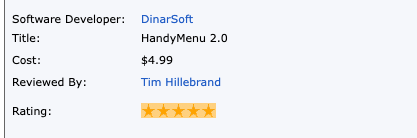
via the Internet Archive, Wayback Machine, September 26, 2004 - Pocket PC LifeApr 16, 2004HandyMenu V.2.0 Reviewed
HandyMenu V.2.0 Reviewed
★★★★★
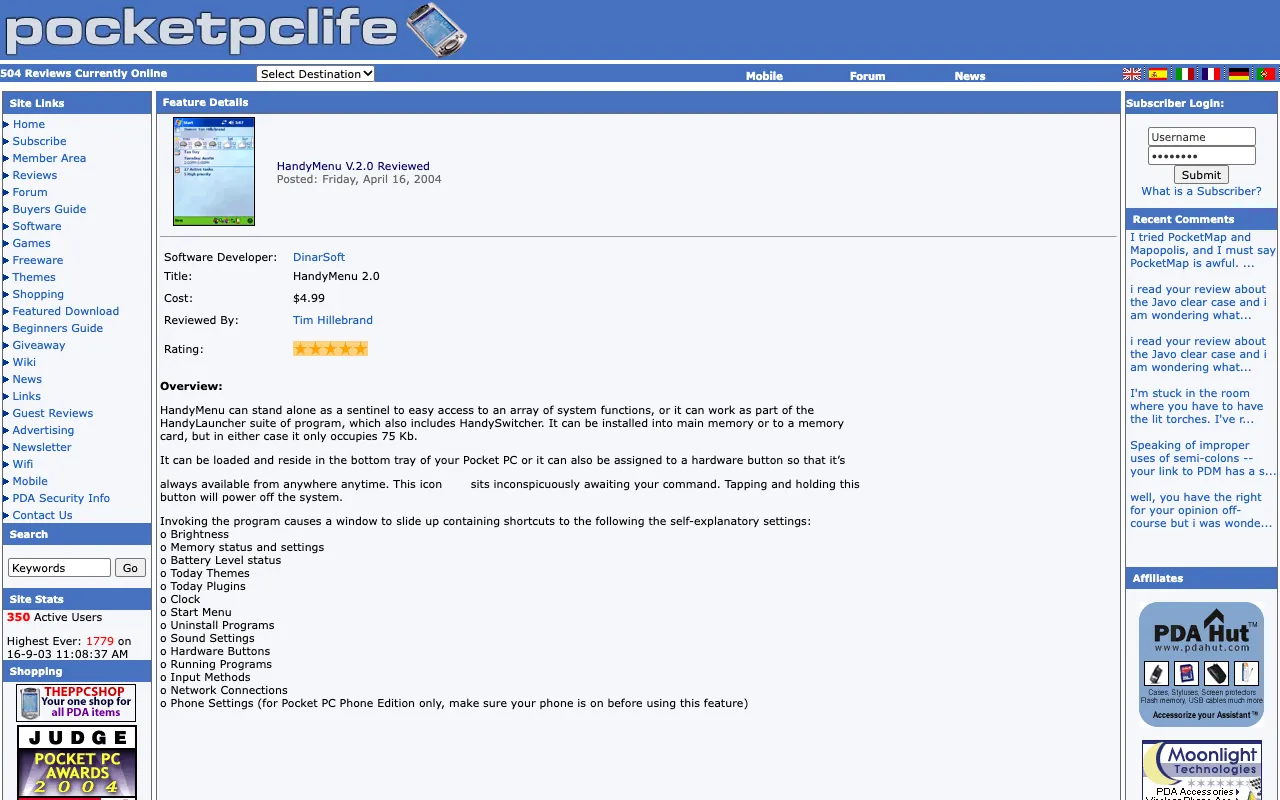
via the Internet Archive, Wayback Machine, May 25, 2004
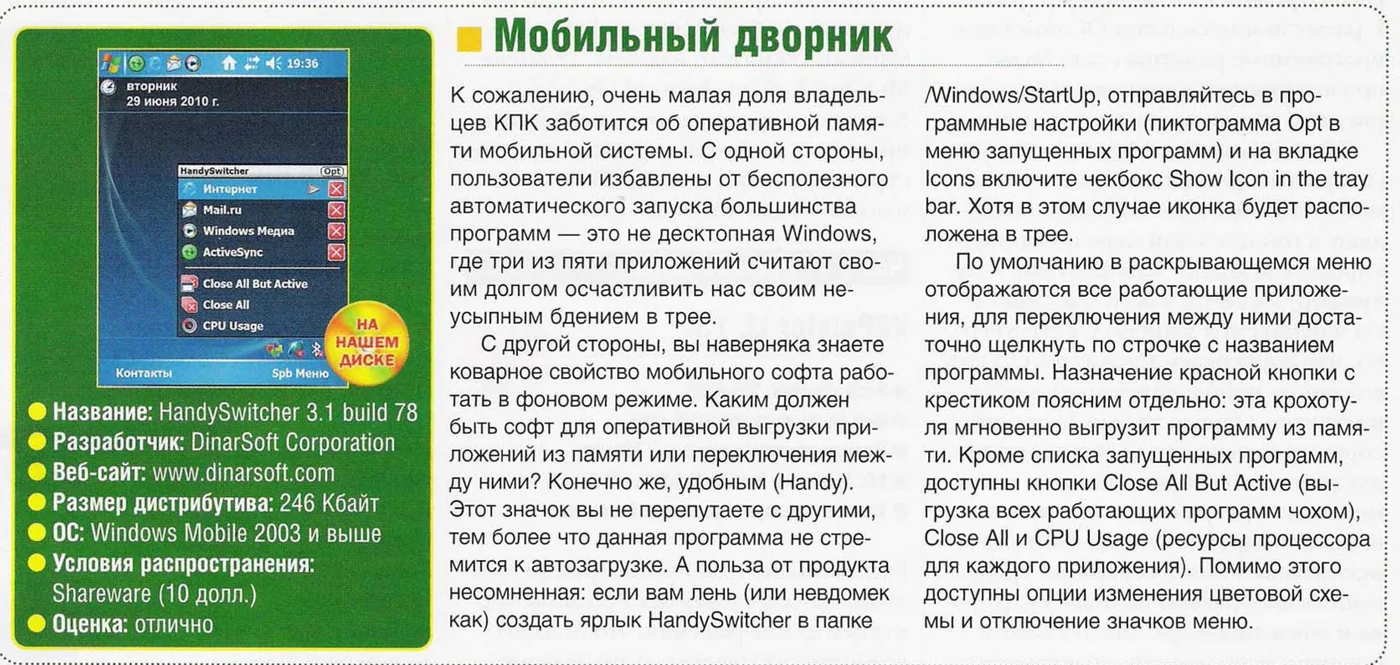
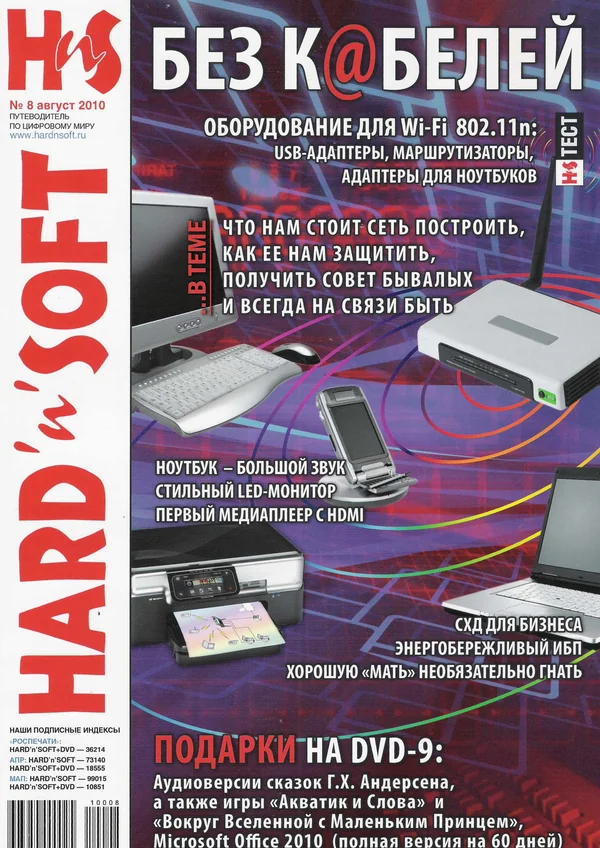










































Red, charcoal and Verdana.
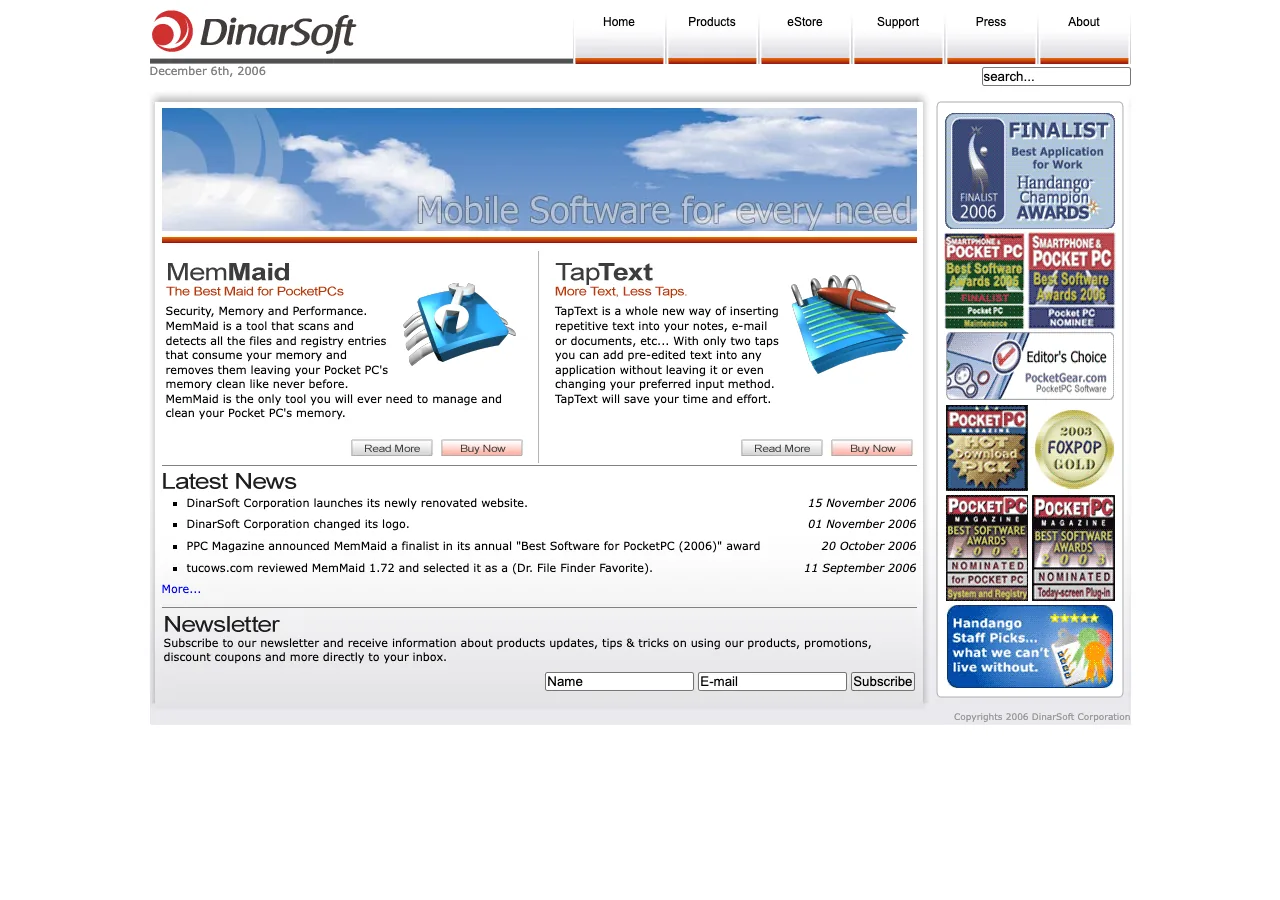
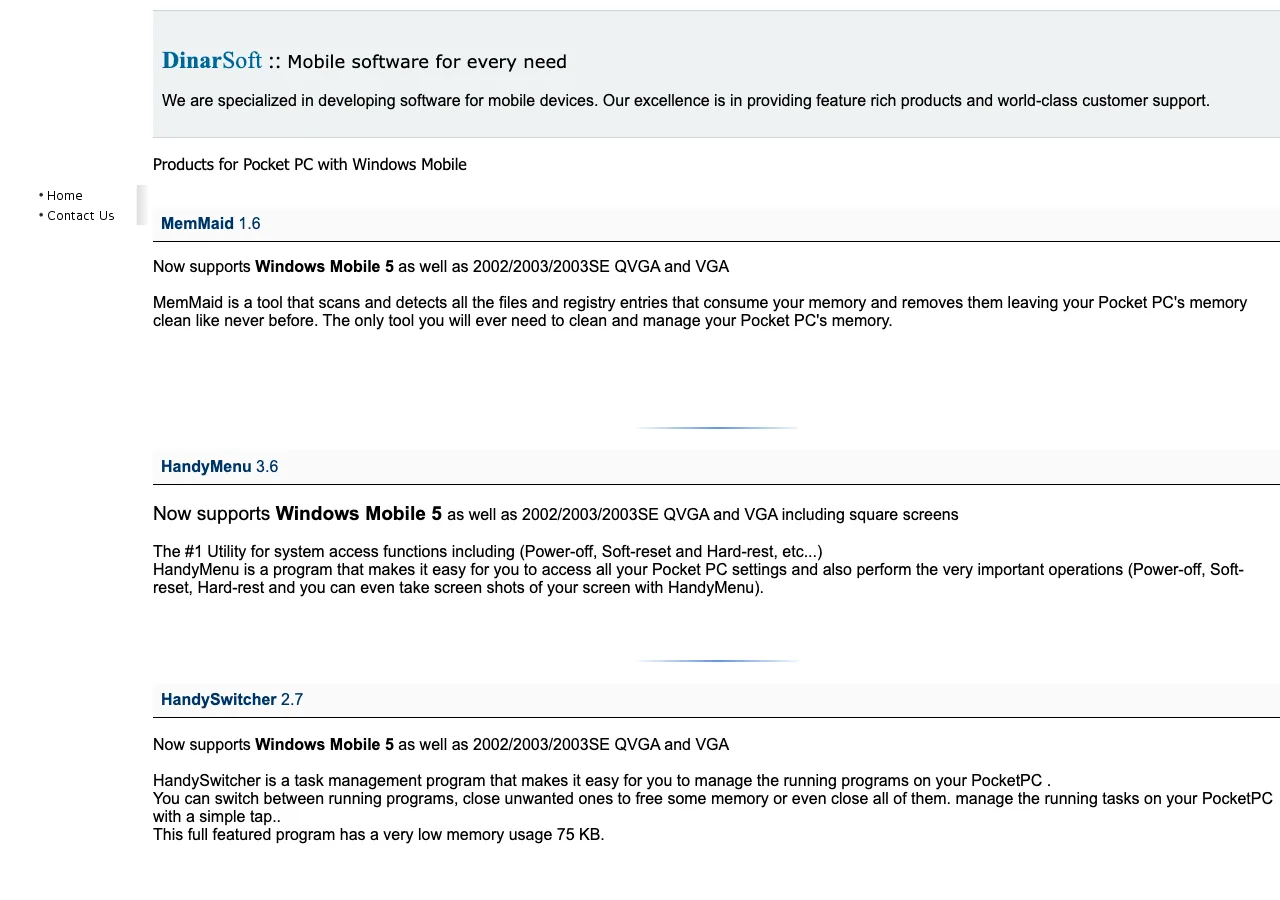
DinarSoft’s first logo was DiNAR in blue, with a little green globe as the dot of the i, and an Arabic twin that spells دينار. It shipped inside the apps, which is where it was found again. On November 1, 2006, DinarSoft got a new logo: two red crescents around a red dot, forming a D, beside a charcoal italic wordmark. Two weeks later a new dinarsoft.com went live with it, and with a store of its own. Drag across the two home pages to see the change.



- Logo red
#CF2F2F
The mark, and the red questions on every product page - Charcoal
#433C3C
The DinarSoft wordmark - Slogan rust
#B8380E
Every product slogan - Menu red
#A82711
Menu hover, FAQ links - Menu gray
#6A6A6A
The drop-down menus - Page gray
#E9E9ED
Behind every page
Verdana Mobile Software for every need
Arial HandySwitcher
Tap a color to copy it.
- MemMaidThe Best Maid for PocketPCs
- HandySwitcherThe Ultimate Task Manager
- HandyMenuPowerful System Access
- HandyLauncherThe Seamless Launcher
- TapTextMore Text, Less Taps.
- HijriDate PluginWhat is Today
Before November 2006


From November 1, 2006
Free, since 2026.
In October 2026, Yasser Awad released every DinarSoft app as freeware. The original installers are here, 24 files and 8.9 MB, recovered from the Internet Archive and checked byte for byte against their SHA-256 fingerprints. Each app’s page has its files, a free key that unlocks the full version, and steps for a real Pocket PC or an emulator.
- MemMaid 9 files · 5.7 MB
- HandySwitcher 5 files · 1.1 MB
- HandyMenu 3 files · 0.6 MB
- HandyLauncher 3 files · 0.5 MB
- TapText 2 files · 0.5 MB
- HijriDate 2 files · 0.5 MB
Pick an installer you downloaded. Your browser computes its SHA-256 fingerprint on your own device, nothing is uploaded, and looks for it among all 24 DinarSoft files. A match means every byte is the one the Internet Archive kept.