
MemMaid
The Best Maid for PocketPCs
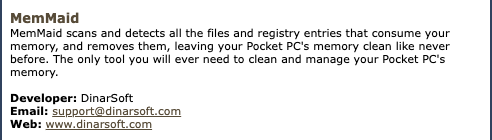
DinarSoft’s flagship: it finds everything that fills a Pocket PC’s memory, clears it in one tap, then hands you the controls for the rest of the device.
- Latest
- 2.3, June 2008
- First
- 1.0, June 2003
- Price then
- $14.99 in 2006, $19.99 in 2008
- Today
- Free
- Runs on
- Pocket PC 2002 (version 1.73), Windows Mobile 2003, 5 and 6. Portrait, landscape and square screens
The story
MemMaid looked through the whole device for whatever was eating its memory: browser caches, temporary files, cookies, the leftovers of apps you had removed, reminders that pointed at nothing. One tap on Clean, and the space came back. DinarSoft called it “the #1 maintenance utility for Windows Mobile devices.”
Then it kept growing. Version 2.0 had more than 25 cleaners, a cleaning schedule, a full registry editor, a database explorer, a startup manager and a CPU monitor, each on its own tab. Think of your phone’s storage settings, a task manager and a system cleaner, joined into one small app.
Reviewers around the world loved it. eMobie called it “the Swiss Army Knife of PPC utilities” and gave it five stars. It was a finalist in the magazine’s Best Software Awards four years running, from 2005 to 2008, and Russia’s CHIP magazine put it on its cover disc twice.
Every version
From DinarSoft’s revision history and installers. Press Run to play through them, or step one at a time.
-
MemMaid 1.0 June 16, 2003
- The first release.
-
MemMaid 1.3 August 3, 2003
- Windows Mobile 2003 SE support.
- Lists, cleans and deletes the device’s databases.
- Manages Today screen plug-ins: turn them on and off, reorder them, change their settings.
- Sets the order of startup programs.
- A file finder by name, with wildcards, and by size.
- A cleaner for the leftovers of removed apps.
- Help that follows the screen you are on.
-
MemMaid 1.4 November 30, 2004
- The DLL Optimizer, a new memory tweak.
- A 2D or 3D chart of storage use.
- Running processes sorted by the memory they hold.
- A light QuickCleaner shortcut.
- Remembers your last tab and screen.
-
MemMaid 1.41 January 1, 2005
- A stronger DLL Optimizer and uninstall cleaner.
-
MemMaid 1.44 May 1, 2005
- The DLL Optimizer moves Today plug-ins too.
- Storage use handles memory cards bigger than 4 GB.
-
MemMaid 1.5 November 11, 2005
- Windows Mobile 5 support.
-
MemMaid 1.61 May 23, 2006
- AvantGo 6.2 support.
- The DLL Optimizer shows every DLL on the device.
-
MemMaid 1.72 July 20, 2006
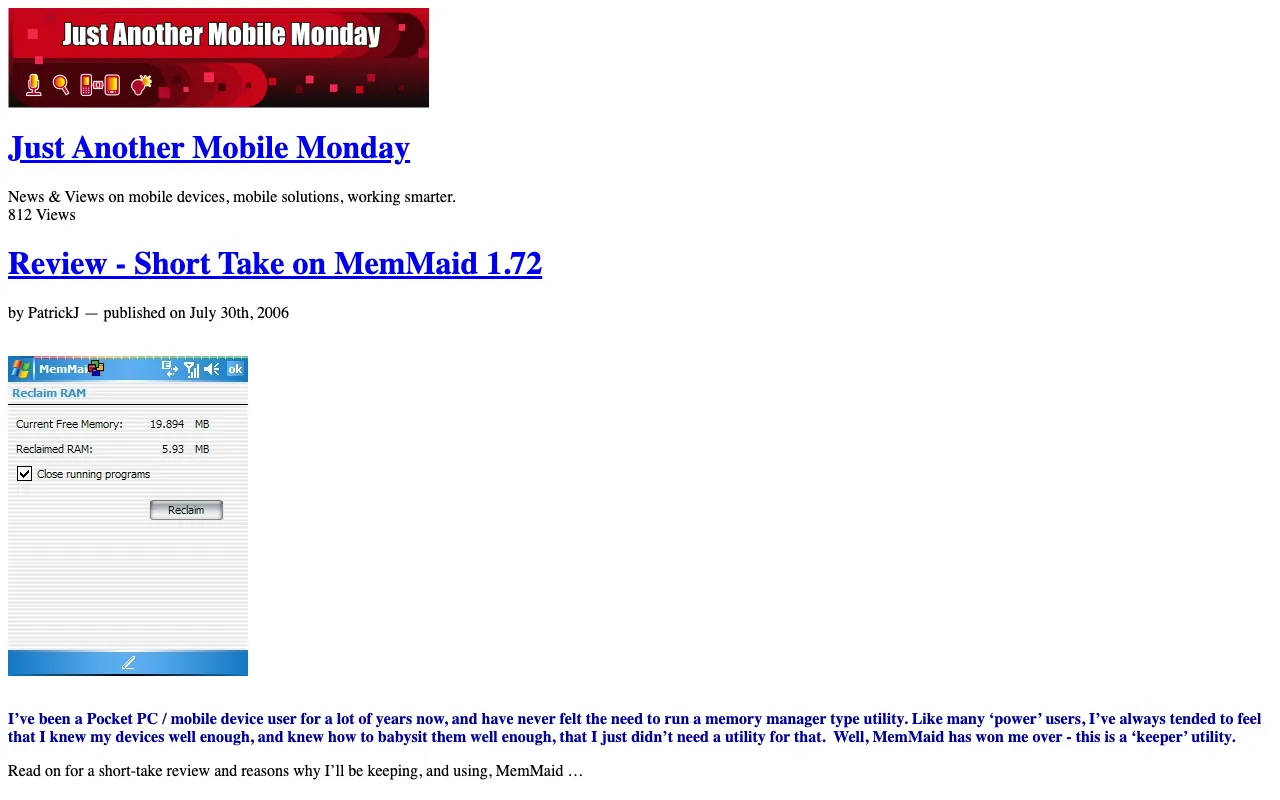
- Reclaim RAM: frees the memory that running programs hold, by the megabyte.
- Switches between portrait and landscape on the fly.
- New cleaners for Opera, NetFront, Virtual Earth, Windows Media DRM and leftover reminders.
- Menus that match Windows Mobile 5.
-
MemMaid 1.73 February 17, 2007
- A new setup program.
- The new DinarSoft logo on the About screen.
-
MemMaid 2.0 July 11, 2007
- A new look, rebuilt from the ground up.
- More than 25 new and updated cleaners.
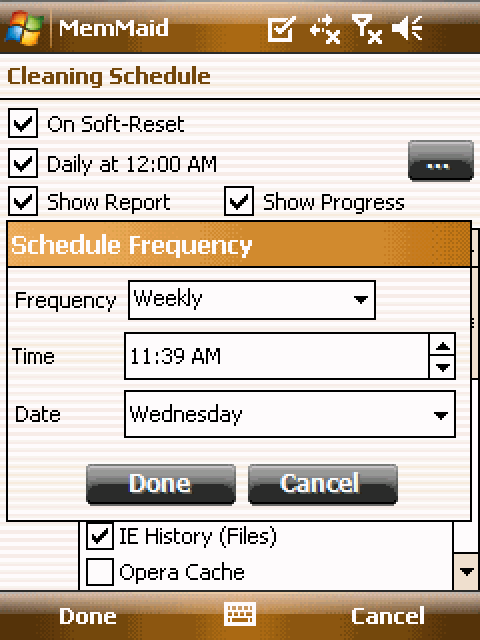
- Scheduled cleaning.
- A full registry editor with import and export.
- A database manager and explorer.
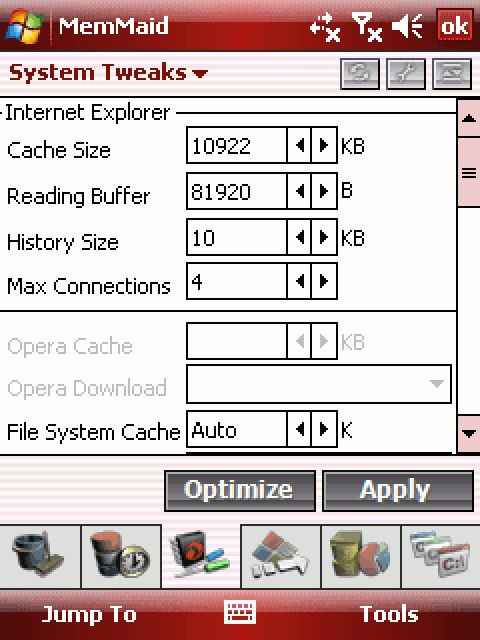
- CPU and memory usage, card tools, a CAB installer, file types, system tweaks.
- Windows Mobile 6, and VGA and QVGA screens.
-
MemMaid 2.1 December 15, 2007
- Speaks German, French and Simplified Chinese.
- Choose which browser cookies to keep.
- New cleaners for the Recycle Bin and the Google Maps cache.
-
MemMaid 2.2 February 13, 2008
- Speaks Russian, Italian, Slovak and Czech too.
- Installed programs sorted by name.
-
MemMaid 2.3 June 16, 2008
- 800 by 480 screens, like the Sony Ericsson Xperia X1.
- The latest AvantGo and Opera.
- Sort installed apps by date, name or size.
MemMaid, rebuilt from its own files
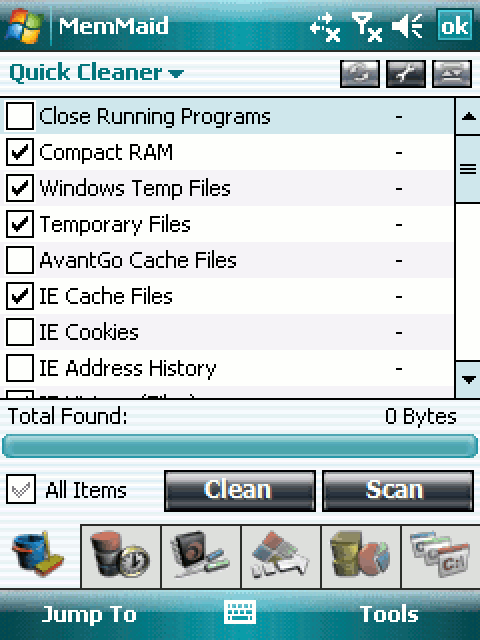
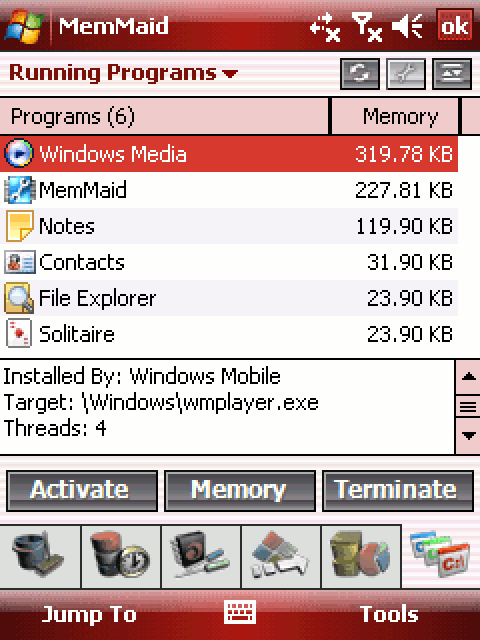
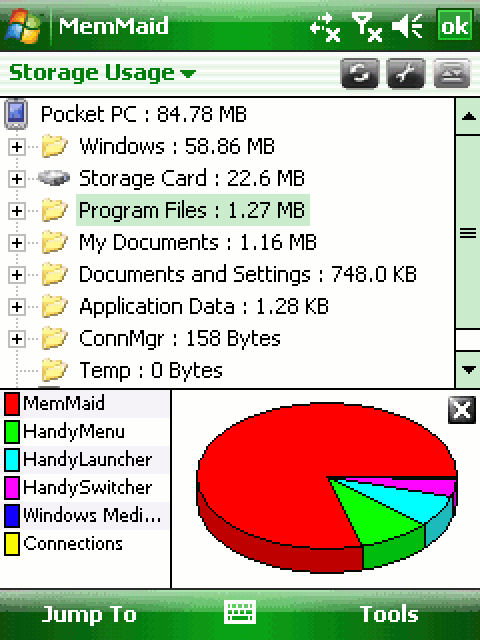
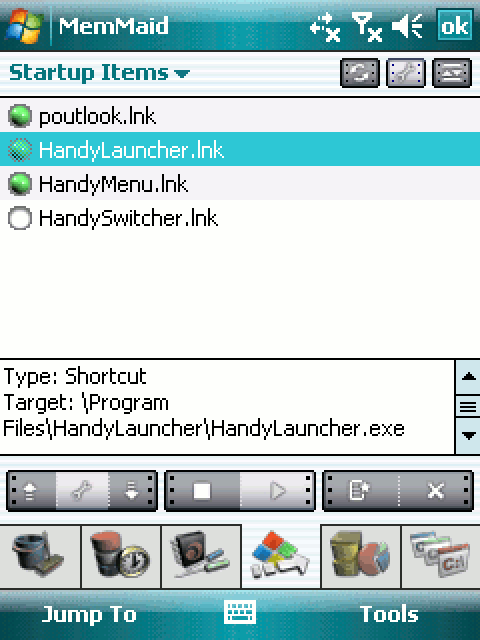
This is MemMaid 2.3 on a Pocket PC. Tap the six icons along the bottom, open Jump To and Tools, and run a scan.
Nothing here is a screenshot. The tab icons and the toolbar come out of MemMaid’s own picture file, and the menus out of its own menu definitions. Every label comes from its string table of 709 strings. The lists match DinarSoft’s own 2007 screenshots, and the scan sizes are a sample.
Total Found:0 Bytes
Not scanned.
- Current Free Memory:
- 6.21 MB
- Reclaimed RAM:
- 0.00 MB
- New Free Memory:
- 6.21 MB
-
- sqmevent.exe
- \windows\enrollnot.exe
- \Windows\calupd.exe
- CALNOT.EXE
- clocknot.exe
-
- calnot.exe
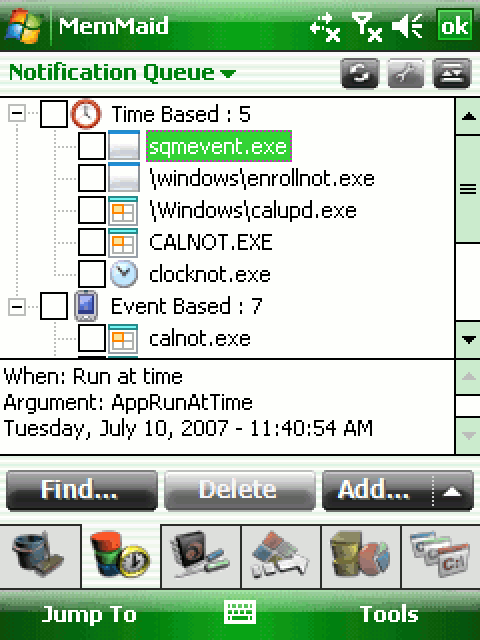
When: Run at time
Argument: AppRunAtTime
Tuesday, July 10, 2007, 11:40:54 AM
-
-
- Ready2
-
- Software
-
-
- LicKey
- Language
- AdvancedMode
- EnabledItems
- SecureDelete
- ShowReport
- ShowProgress
- EnableSchedule
- ScheduleFreq
- ScheduleTime
- RRHibernate
- RRCompact
- RRCloseAll
- SilentReclaim
- SkinColor
- LastTab
- Pie3D
-
- HKEY_USERS
Internet Explorer
Type:Shortcut
Target:\Program Files\HandyLauncher\HandyLauncher.exe
-
- Windows : 58.86 MB
- Storage Card : 22.6 MB
- Program Files : 1.27 MB
- My Documents : 1.16 MB
- Documents and Settings : 748.0 KB
- Application Data : 1.28 KB
- ConnMgr : 158 Bytes
- Temp : 0 Bytes
Programs (6)Memory
Installed By: Windows Mobile
Target: \Windows\wmplayer.exe
Threads: 4
Database Usage
Every database on the device: its records, its size, and an explorer for its rows.
Extensions
Every file type and the program that opens it. Add, change or remove one.
Applications Cache
Move the caches of Pocket IE, Opera, NetFront, AvantGo, ring tones and mail to a card.
Information
The processor, the screen, the memory and the cards. On Windows Mobile 2003, a slider that splits RAM between files and programs.
DLL Optimizer
Move program DLLs off the main memory onto a card. The section on the DLL Optimizer shows how.
Startup Services
The services that start with the device. Stop one, start one, or switch it to manual.
Today Plugins
The Today screen plug-ins: switch them on and off, and put them in your order.
File Finder
Find files by name, with wild cards, and by size.
CAB Installer
Every CAB installer on the device, ready to install.
Installed Programs
Every installed program, sorted by name, date or size. Uninstall from here.
Card Tools
Format a card, scan it for errors, make it ready for a digital camera.
CPU Usage
How busy the processor is, program by program.
Running Processes
Every process with its threads, modules and memory. Compact one, or all.
About

MemMaid 2.3
www.dinarsoft.com
Copyrights Reserved 2004-2008 (c)
The trial period will expire after 15 day(s)
License Key
Settings
Every label in MemMaid comes from a table of 709 strings. A language is one small DLL with the same 709 strings, translated.
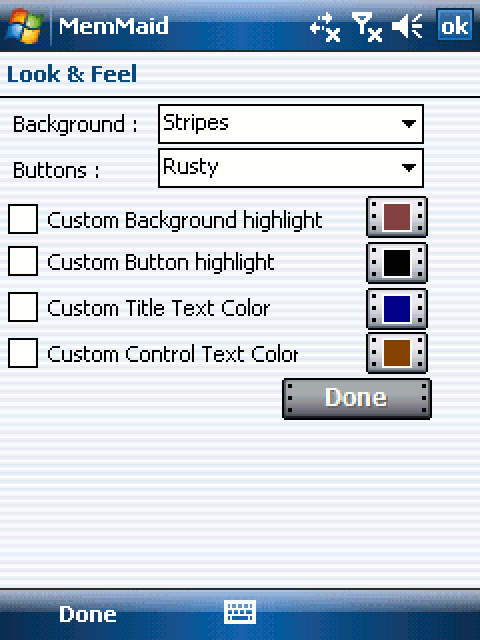
Look and Feel
Background:
Question
Are you sure you want to Soft-reset your device?
Tap to turn it back on.
Rebuilt from MemMaid’s own icons, menus and strings. Lists show what DinarSoft’s own 2007 screenshots show; scan sizes are a sample.
Open Tools › Settings and change the language. MemMaid 2.3 speaks eight: English, German, French, Italian, Czech, Slovak, Russian and Simplified Chinese. Each language is a small DLL that holds the same 709 strings, translated. When MemMaid needs a word, it asks the language DLL first and falls back to English, so a missing translation never leaves a blank button. Then open Tools › About › Register and type the key from Unlock the full version.
For engineers: one word, in any of eight languages
mov r3,#0x200 / orr r3,r3,#0xC5 ; 709 strings cmp r5,r3 ; past the end? movge r0,#0 ; yes: no string ldr r3,[r4,#0x18] ; the language DLL’s GetString cmp r3,#0 ; is a language loaded? ldr pc,[r4,#0x18] ; ask it for string r5 cmp r0,#0 ; did it have one? ldr r3,[r4,#0x10] ; no: the English table ldr r0,[r3,r5,lsl #2] ; English string r5 pop {r4,r5,pc} ; return it Fourteen files, one app
MemMaid 2.3 arrives as one CAB installer. Open it, and out come 14 files: the app, its pictures, seven languages, its help and two small helpers.
The app itself, MemMaid.exe, is 629,760 bytes, smaller than one photo on a phone today. Inside are about 98,700 ARM instructions and 41 screen layouts. DinarSoft wrote it in C++ and built it with Visual Studio 2005. Tap any file to see what it does.
- File
- MemMaid.exe
- Size
- 629,760 bytes
- Installs to
- \Program Files\MemMaid
- What it does
- The whole app: 29 cleaners, Reclaim RAM, the startup manager, a registry editor, a database explorer, card tools and more. 41 screen layouts and about 98,700 ARM instructions.
- How it talks
- Talks to the system through 348 functions in 8 system libraries, 321 of them in coredll.dll, the core of Windows Mobile.
Every part has one job. The pictures for sharp VGA screens sit in their own DLL of 245,248 bytes. MemMaid loads it only on a VGA screen, so a small screen never pays for big pictures. Each language is its own file, and the English-only installer of the same build simply leaves them out. The launcher, 12,800 bytes, finds MemMaid wherever you installed it, in main memory or on a card.
To do its work, MemMaid calls 348 system functions. Many have a twin on the phone in your pocket, and a few are now kept for the system alone.
| 2003 to 2008 | 2026 | Why it is the same idea |
|---|---|---|
toolhelp.dll: CreateToolhelp32Snapshot, Process32First, Heap32First | Android: ActivityManager.getRunningAppProcesses. iOS keeps this to itself. | List every running program, its threads and its memory |
coredll: GlobalMemoryStatus | Android: ActivityManager.getMemoryInfo. iOS: os_proc_available_memory. | How much RAM is free right now |
coredll: PostMessage(window, WM_HIBERNATE) | Android: onTrimMemory. iOS: didReceiveMemoryWarning. Only the system can send them today. | Tell an app that memory is low |
coredll: PerformCallBack4, SetKMode | No store app may do this today. Debuggers and tools like Frida do. | Run a function inside another app |
coredll: RegOpenKeyEx, RegSetValueEx | Android: SharedPreferences and Settings. iOS: UserDefaults, one app at a time. | Read and write settings for the whole system |
coredll: CeRunAppAtTime, CeSetUserNotificationEx | Android: AlarmManager, WorkManager. iOS: BGTaskScheduler. | Wake MemMaid at a time, or when the device starts |
coredll: KernelIoControl(IOCTL_HAL_GET_DEVICEID) | Android: ANDROID_ID. iOS: identifierForVendor. | The device’s own ID, for the unlock code |
coredll: SHGetSpecialFolderPath, SHCreateShortcut | Android: launcher shortcuts. iOS: Home Screen quick actions. | Find the StartUp folder and make shortcuts |
Reclaim RAM: one message to every app
On a Pocket PC, memory was the thing you ran out of. Version 1.72, in July 2006, added a button that wins some back without closing a thing.
Programs keep things they can rebuild later: pictures, caches, windows you cannot see. Windows Mobile had a polite way to ask for them back, a message named WM_HIBERNATE, the ancestor of the low-memory warning an iPhone or Android app gets today. The system sent it when main memory ran low. MemMaid sends it now, to every window on the device, and measures what comes back. Step through the code, or press Run.
- Windows Media 185.47 KB
- MemMaid 227.81 KB
- Notes 83.93 KB
- Contacts 20.73 KB
- File Explorer 17.92 KB
- Solitaire 16.73 KB
memory the program needs what it can rebuild later
- Before
- 6.21 MB
- After
- 6.40 MB
- Reclaimed
- 0.19 MB
waiting 1,000 ms…
- E6C8main:
bl FreeRAM; free memory, before - E6D0
mov r6, r0; keep it - E6D4
ldr r3, [r4, #0x880]; box 1 ticked? - E6E0
blne CloseAllPrograms - E6E4
ldr r3, [r4, #0x87C]; box 2 ticked? - E6EC
ldrne r0, =Hibernate; the callback - E6F4
blne EnumWindows; once per window - E6F8
ldr r3, [r4, #0x884]; box 3 ticked? - E70C
bleq CompactAllHeaps - E710
mov r0, #1000; milliseconds - E714
bl Sleep - E720
bl FreeRAM; free memory, after - E728
cmp r5, r6; more than before? - E758
sub r0, r5, r6; RAM won back - 678Chib:
str lr, [sp, #-4]! - 6790
mov r3, #0x300 - 6794
orr r1, r3, #0xFF; 0x3FF: WM_HIBERNATE - 67A0
bl PostMessageW; into its mailbox - 67A4
mov r0, #1; TRUE: next window - 6670free:
mov r3, #32; report size - 667C
bl GlobalMemoryStatus - 6680
ldr r0, [sp, #12]; dwAvailPhys: free RAM
-
DWORD before = FreeRAM(); -
if (opt.close) CloseAllPrograms(); -
if (opt.hib) EnumWindows(Hibernate, 0); -
if (opt.compact) CompactAllHeaps(); -
Sleep(1000);// apps answer -
DWORD after = FreeRAM(); -
if (after > before) Report(after-before); -
-
BOOL CALLBACK Hibernate(HWND w, LPARAM) { -
PostMessage(w, WM_HIBERNATE, 0, 0); -
return TRUE; -
} -
DWORD FreeRAM(void) { -
MEMORYSTATUS m = { sizeof m }; -
GlobalMemoryStatus(&m); -
return m.dwAvailPhys; -
}
- r0
- 0.19 MB reclaimed
- r6
- 6.21 MB before
- r5
- 6.40 MB after
After minus before is the memory it got back. MemMaid shows it: MemMaid has reclaimed the difference, in MB.
Look at the order: measure, ask, wait one second, measure again. The second is for the apps. A message only lands in an app’s mailbox, and the app answers when its turn comes. The report is plain arithmetic, after minus before: “MemMaid has reclaimed 0.19 MB”. The numbers here are a sample run, with the programs from DinarSoft’s own screenshot.
The first box goes the other way: it closes every program, except two. MemMaid keeps itself running, and ActiveSync’s repllog.exe, so a sync with your PC is never cut off.
A helper inside every app
The third box, Compact, goes further. It tidies each app’s memory from the inside.
Each app on Windows CE runs as its own process, walled off from the rest. Its heap, the memory it hands out to itself, fills with holes as it runs. Only code inside the app can tidy it. So MemMaid sends code inside.
It takes on the system’s own full privileges and gives itself rights over every process. Then it asks the system, through one of its private calls, to act as if the app itself were calling. The app loads MemMaid’s helper, MemMaidSetup.dll, runs its tidy-up function, PerformInst, and unloads it. PerformInst does two things. It lets go of shared components the app no longer uses, and it compacts the app’s working memory, so empty pages go back to the system. Then the helper leaves, and the app carries on, lighter. Step through it.
coredll.dll PerformCallBack4
system rights
its heap
pages back to the system: 12
- 3650inj:
ldr r0, ="coredll.dll" - 3654
bl GetModuleHandleW - 3680
ldr r1, ="PerformCallBack4" - 3690
bl GetProcAddressW; found by name - 36DC
ldr r0, ="MemMaidSetup.dll" - 36E0
bl LoadLibraryW; its own helper - 36EC
ldr r1, ="PerformInst" - 36F4
bl GetProcAddressW - 374C
mov r0, #1 - 3754
ldr pc, [sl]; SetKMode(TRUE) - 375C
mvn r0, #0; every process - 3764
ldr pc, [r6]; SetProcPermissions - 3778
bl OpenProcess; the app to tidy - 37A8
ldr r1, ="LoadLibraryW" - 37B4
bl MapPtrToProcess; as the app sees it - 37E8
ldr pc, [r8]; load it in there - 3808
bl MapPtrToProcess; PerformInst, mapped - 3830
ldr pc, [r8]; run it in there - 384C
ldr r1, ="FreeLibrary" - 3884
mov pc, r4; unload it in there - 388C
bl CloseHandle - 38A0
ldr pc, [r6]; rights back - 1984inst:
bl CoFreeUnusedLibraries - 1998
ldr r1, ="HeapCompact" - 199C
bl GetProcAddressW - 19A8
bl GetProcessHeap; the app’s own heap - 19B4
mov pc, r4; HeapCompact(heap, 0)
-
void CompactHeapOf(DWORD pid) { -
call = Find(core, L"PerformCallBack4"); -
me = LoadLibrary(L"MemMaidSetup.dll"); -
job = Find(me, L"PerformInst"); -
SetKMode(TRUE);// system rights -
SetProcPermissions(~0);// every app -
app = OpenProcess(0, FALSE, pid); -
CALLBACKINFO ci = { app, -
Map(LoadLibraryW, app), path }; -
there = call(&ci, 0, 0, 0);// load, inside -
ci.pfn = Map(job, app); -
call(&ci, 0, 0, 0);// run, inside -
ci.pfn = Map(FreeLibrary, app); -
ci.pvArg0 = there; call(&ci, 0,0,0); -
CloseHandle(app);// rights back -
} -
-
int PerformInst(void) {// MemMaidSetup.dll -
CoFreeUnusedLibraries(); -
HeapCompact(GetProcessHeap(), 0); -
}
- r0
- old the permissions MemMaid had before
Permissions go back as they were. Then the next process, until every app on the device has had its turn.
MemMaid does this for every process on the device, one after another. Its own process gets the short path: it calls PerformInst directly. On the phone in your pocket, no app may reach inside another. Only the system can. On Windows Mobile a program that knew the system this well could, and MemMaid used that power to help every app on the device.
Where the junk lives
MemMaid 2.3 has 29 cleaners. Each one knows a place where a Pocket PC collects things nobody needs.
Two work in memory, most work on files, three in the registry, and three in the notification queue, the system’s list of programs to wake later. Pick one to see where it looks and what it removes.
Memory 2
Files 21
Registry 3
Notification queue 3
- 1. Ask the registry where it is
…\Explorer\Shell Folders Cache - 2. Then go there
\Windows\Profiles\guest\Temporary Internet Files - What it removes
Pocket Internet Explorer’s cache. The folder name comes from the registry, so it works on every device.
Look how often it asks first. MemMaid never assumes where a folder is. Pocket Internet Explorer’s cache lives wherever the device maker put it, so MemMaid reads the real place from the registry. Opera keeps its settings in its own file, Opera.ini, so MemMaid reads that. AvantGo moved its files between versions, so MemMaid checks the version before it touches one. A dead shortcut goes only after MemMaid has read its target and found the program gone. That care is what makes one tap on Clean safe.
For engineers: reading an .ini file on a system that cannot
ldr r1,=L"\Application Data\Opera\Opera.ini" ; Opera’s own settings ldr r3,=L"Cache Directory4" ; the key ldr r2,=L"[User Prefs]" ; the section bl ReadIni ; MemMaid’s own reader, at 2A688 bl CreateFileW ; open the file bl ReadFile ; read it bl MultiByteToWideChar ; into Unicode cmp r3,#0x5B ; a line that starts with [ ? bl _wcsnicmp ; is it [User Prefs]? cmp r3,#0x3D ; the = after the key Startup, in your order
Everything in the StartUp folder runs when the Pocket PC starts. Windows Mobile gave you no way to choose the order. MemMaid did, from version 1.3.
Each item is a shortcut file, one line of text. A folder has no setting for order, so MemMaid writes the files again, one at a time, in the order you choose. Meanwhile it keeps them safe in a folder of its own, \Windows\MEMMAID.TEMP. Move an item, press Save, and watch.
- 1 poutlook.lnk
- 2 HandyLauncher.lnk
- 3 HandyMenu.lnk
- 4 HandySwitcher.lnk
- poutlook.lnk
21#\Windows\poutlook.exewritten 1 - HandyLauncher.lnk
48#"\Program Files\HandyLauncher\HandyLauncher.exe"written 2 - HandyMenu.lnk
40#"\Program Files\HandyMenu\HandyMenu.exe"written 3 - HandySwitcher.lnk
48#"\Program Files\HandySwitcher\HandySwitcher.exe"written 4
Not there. MemMaid makes it only while it works, then removes it.
Empty. Switch an item off to see where it goes.
At every start, Windows Mobile runs each shortcut in the StartUp folder.
Now switch one off. A simpler program would delete the shortcut. MemMaid keeps the real one in StartUp.Disabled and leaves a stand-in in its place: a shortcut to its own launcher with the word -noop. The launcher sees -noop and ends at once. The item keeps its place in your order, and switching it back on is one copy.
For engineers: the stand-in shortcut
bl SHGetSpecialFolderPath ; where StartUp is (7) ldr r1,=L".Disabled\" ; the folder beside it bl CreateDir ; make it, at 62050 bl CopyFileW ; keep the real shortcut there bl CreateFileW ; open the one in StartUp ldr r0,=36#"\Windows\MemMaidLauncher.exe" -noop ; the stand-in bl WriteFile ; write it over the old one bl SetEndOfFile ; cut off the rest bl DeleteFileW ; cannot open it? delete it More room for programs
Two tools on the Tweaks tab give programs more memory to run in. One moves code out of memory. The other moves the line between files and programs.
The DLL Optimizer
Installed programs kept their DLLs in main memory, in \Windows. Version 1.4, in November 2004, added the DLL Optimizer: it moves them to a memory card, into a folder named DLL Store. A moved DLL must still be found. So MemMaid adds the new folder to the places the loader searches, like adding a folder to PATH. The list lives in the registry as one multi-string value named SystemPath. Then MemMaid restarts the device with a soft reset. Step through the edit.
SystemPath REG_MULTI_SZ
- \Windows\
- 0
- \Storage Card\DLL Store\
- 0
- 0
Each folder ends with a zero. A second zero in a row ends the list.
- \Windows\plugin.dllnot here
- \Storage Card\DLL Store\plugin.dllfound
- 7970path:
ldr r7, ="\Loader" - 7988
mov r0, #0x80000002; HKEY_LOCAL_MACHINE - 79A0
bl RegCreateKeyExW - 79C4
add r1, r7, #16; "SystemPath" - 79D8
bl RegQueryValueExW; size only - 79F8
bl operator new[]; room for one more - 7A1C
bl RegQueryValueExW; read the list - 7A44
bl _wcsicmp; our folder? - 7A50
moveq r4, #1; yes: done - 7A6C
add r5, r5, r3, lsl #1; skip it and its zero - 7A74
bl wcslen - 7A7C
bne 7A34; until an empty one - 7A90
bl wcscpy; add at the end - 7AA8
strh sl, [r3]; one more zero - 7AB8
bl RegDeleteValueW - 7AC4
mov r3, #7; REG_MULTI_SZ - 7AD8
bl RegSetValueExW - 7B74
bl RegFlushKey; save it now
-
#define PATH L"SystemPath" -
void AddToSearchPath(const WCHAR *dir) { -
k = OpenKey(HKLM, L"\\Loader"); -
Query(k, PATH, NULL, &size); -
list = new WCHAR[size/2+wcslen(dir)+1]; -
Query(k, PATH, list, &size); -
WCHAR *p = list; BOOL there = FALSE; -
while (wcslen(p)) { -
if (!_wcsicmp(dir, p)) there = TRUE; -
p += wcslen(p) + 1; -
} -
if (!there) { -
wcscpy(p, dir); p[wcslen(dir)+1] = 0; -
RegDeleteValue(k, PATH); -
Set(k, PATH, REG_MULTI_SZ, list, n); -
} -
RegFlushKey(k); RegCloseKey(k); -
}
After a soft reset the loader searches both folders. An app asks for its DLL by name, and finds it on the card.
Every step is careful. It looks for its folder in the list first, so a second run never adds it twice. It writes the list back with a fresh zero at the end, and flushes the registry to storage before the restart.
Memory for files, memory for programs
On Windows Mobile 2003, one RAM chip held both your files and your running programs, and the system drew the line between them by itself. MemMaid’s Information screen puts that line on a slider, counted in pages of 4,096 bytes. It marks the band where the line may go: never below the files you have, never above the memory programs leave free. Let go, and MemMaid calls SetSystemMemoryDivision. One second later it reads the line back and puts the slider where the system put the line.
SetSystemMemoryDivision(7680) pages of 4,096 bytes for files
The marked band is where the split may go: not below the files you have, not above the memory programs leave free.
MemMaid looks that function up by name while it runs, the way a web page checks for a feature before it uses it. So the same program starts on every version of Windows Mobile. From version 5, files moved to flash memory, and the line was gone.
| 2003 to 2008 | 2026 | Why it is the same idea |
|---|---|---|
HKLM\Loader SystemPath | PATH, and LD_LIBRARY_PATH on Linux | A list of folders to search, in order. |
| REG_MULTI_SZ, each string ending in a zero | A JSON array of strings | Many strings in one value. |
KernelIoControl(IOCTL_HAL_REBOOT) | Restart to apply an update | New settings take effect at the next start. |
GetProcAddress("SetSystemMemoryDivision") | if ("share" in navigator) | Use a feature only where it exists. |
Fifteen days, and a key
MemMaid was shareware: free for 15 days, then a key, at $14.99 in 2006 and $19.99 in 2008. In 2026, Yasser Awad released it as freeware.
The install date is written once, by the installer’s helper, MemMaidSetup.dll. It hides in HKEY_CLASSES_ROOT, among the file types, under a key named TapHelp. Fourteen bytes hold the date. The year, the month and the day are each written twice, in two different ways, with every second byte raised by one, and a checksum closes the record. MemMaid reads them at every start. Both copies must agree and the checksum must match, or the trial is over. Set the dates, then tap any byte.
Month 6, read twice: (15 − 3) ÷ 2 and (13 − 1) ÷ 2. Year 2008: 2015 − 7 and 2029 − 21. Day 20: (45 − 5) ÷ 2 and (44 − 4) ÷ 2.
12 days left. “The trial period will expire after 12 day(s)”
The day count needs no calendar: (year × 12 + month) × 31 + day. Every month counts as 31 days, so the count only grows. Older versions keep the same record under other names: Windows.2 and OSDB in 1.72 and 1.73, AppHelper and Platform in 1.5a.
The key
A key is made from two things. One is your Pocket PC’s code, which MemMaid builds from the device ID and shows on its License Key screen. The other is a word: MemMaid2. The key function shuffles 120 numbers using the word, then steps through them once per character, turning each character of the code into a key letter. The letter O never appears in a key: the code skips it. Pick a preset or type your own, then step through it.
- 71
- 111
- 109
- 108
- 92
- 105
- 94
- 69
- 34
- 42
- 62
- 63
- 117
- 36
- 85
- 67
- 39
- 23
- 0
- 68
- 56
- 38
- 74
- 76
- 33
- 115
- 50
- 106
- 102
- 72
- 29
- 96
- 16
- 17
- 98
- 114
- 24
- 86
- 18
- 60
- 43
- 99
- 2
- 41
- 61
- 14
- 84
- 6
- 49
- 113
- 80
- 8
- 1
- 7
- 90
- 77
- 45
- 54
- 15
- 47
- 75
- 103
- 44
- 82
- 89
- 57
- 100
- 20
- 11
- 73
- 119
- 55
- 66
- 35
- 27
- 81
- 116
- 83
- 22
- 93
- 25
- 112
- 110
- 19
- 4
- 3
- 28
- 52
- 88
- 95
- 30
- 97
- 59
- 46
- 87
- 40
- 70
- 65
- 26
- 5
- 48
- 31
- 13
- 104
- 64
- 21
- 58
- 32
- 91
- 10
- 12
- 101
- 78
- 51
- 79
- 107
- 118
- 53
- 9
- 37
inYASSERMOHAMEDALI
keyTZMPKZNDREVAWUHZ
- AB54scrbl:
bl wcslen; letters in - AB58
ldr r5, ="MemMaid2"; the word - AB94
strh r3, [r2], #2; S[i] = i - AB9C
cmp r3, #120; 120 numbers - ABC4
ldrh r3, [r3]; K[i] = word[i%8] - ABF4
ldrh r4, [lr, sb]!; S[i] - AC04
add r3, r3, r4; K[i]+S[i]+j - AC0C
umull r1, r3, r0, r6; % 120 - AC28
strh r4, [r2]; swap - AC50
add r1, sl, #1; i = i + 1 - AC70
add r0, r4, sb; j = j + S[i] - AC98
strh r4, [r2]; swap - ACA0
add r1, r3, r4; S[i] + S[j] - ACC0
eor r1, r3, r5; XOR the letter - ACC4
umull r2, r3, r1, fp; % 25 - ACD8
add r3, r3, #65; + ’A’ - ACE4
cmp r3, #79; O or later? - ACE8
strh r3, [r6]; write it - ACEC
addhs r3, r3, #1; skip O - ACF0
strhhs r3, [r6]; write that
-
void Scramble(WCHAR *s, WCHAR *w) { -
WORD S[120], K[120]; int i, j, t, v; -
for (i=0; i<120; i++) S[i] = i; -
for (i=0; i<120; i++) K[i] = w[i % n]; -
for (i=j=0; i<120; i++) { -
j = (K[i]+S[i]+j) % 120; swap(S,i,j); -
} -
for (i=j=0; *s; s++) { -
i = (i+1) % 120; t = S[i]; -
j = (j+t) % 120; swap(S,i,j); -
v = (S[(S[i]+t)%120]^*s) % 25 + 'A'; -
*s = v >= 'O' ? v + 1 : v; -
} -
}
- i
- 16 steps one by one
- j
- 13 jumps by S[i]
- k
- 81 the mixed number
- ch
- I = 73 the letter in
- out
- Z the key letter
Letter 16, I, becomes Z. The key is TZMP - KZND - REVA - WUHZ.
MemMaid also accepts keys made from a few words built into the program, in place of the device code. One is his own name, YASSERMOHAMEDALI. Three more come from names in his family, and GIVEAWAYVERSION1 served magazine give-aways. The key made from his name opens every copy of MemMaid 2.3, on any device. Versions 1.5a to 1.73 mix with the word MemMaid, so they have a key of their own, also made from his name. Both keys are in Unlock the full version.
Every key on this page passed MemMaid’s own check routine. Its real ARM code, from versions 1.5a, 1.72, 1.73 and 2.3, ran in an emulator. It accepted all 40 right keys: for seven devices, for a device with no ID, the give-away key and the key from his name. And it turned away all 196 near misses: one letter off, random, empty, or made for another device or version.
Five years of growth
Four builds of MemMaid survive, from March 2006 to June 2008. Side by side, they show how it grew.

- 800 × 480 screens, like the Sony Ericsson Xperia X1
- AvantGo 6.5 and Opera 8.65
- Installed apps sorted by date, name or size
From 1.5a to 2.3 the program almost doubled, from 327,680 bytes to 629,760. The code grew from 181,432 bytes to 394,752, the screens from 20 to 41, and the system functions it calls from 249 to 348. The 1.x builds were linked with Microsoft’s linker 6.20, and 2.3 with linker 8.0, from Visual Studio 2005.
The old builds also keep something the web archive never captured. Inside 1.5a and 1.72, as bitmap 108, is the first DinarSoft logo: the word DINAR under a globe. Version 1.73 swapped it for the new one, and its changelog says so: “New logo used in the about screen.”
Awards and reviews
| App | 2003 | 2004 | 2005 | 2006 | 2007 | 2008 |
|---|---|---|---|---|---|---|
| MemMaid | No entry | Nominee | Finalist | Finalist | Finalist | Finalist |
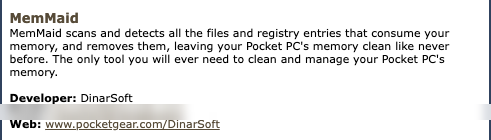
NomineeMemMaid, 2004, System and Registry
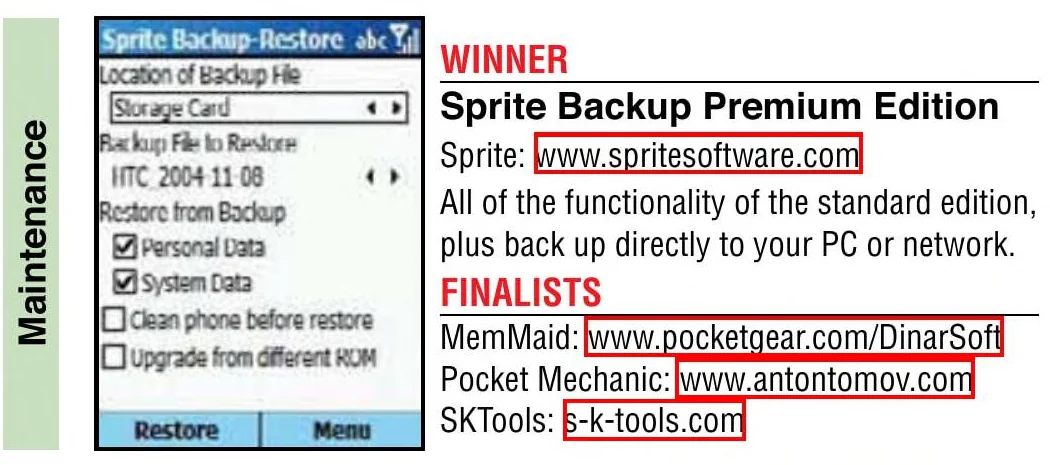
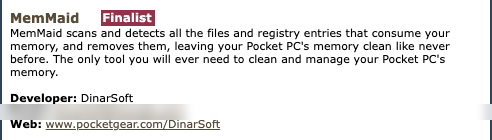
FinalistMemMaid, 2005, Maintenance

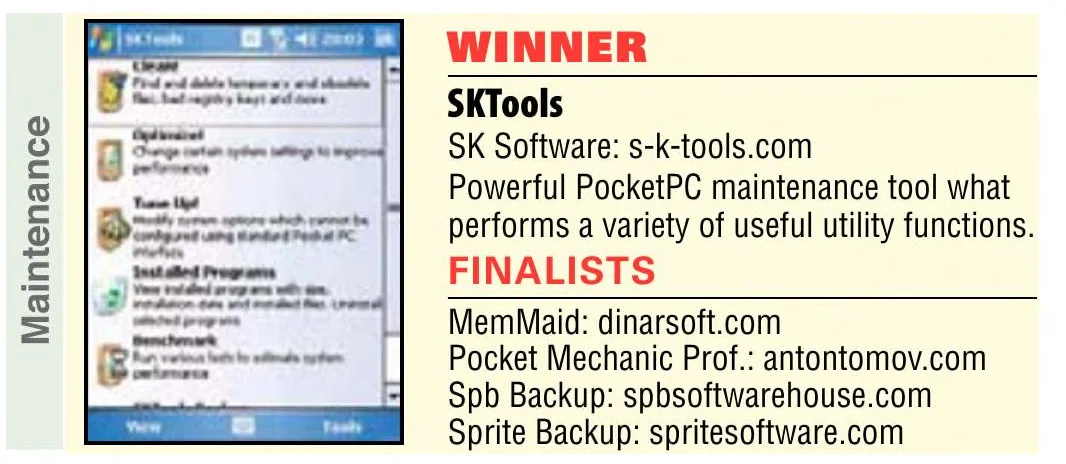
FinalistMemMaid, 2006, Maintenance

FinalistMemMaid, 2007, Multifunction Maintenance Tools
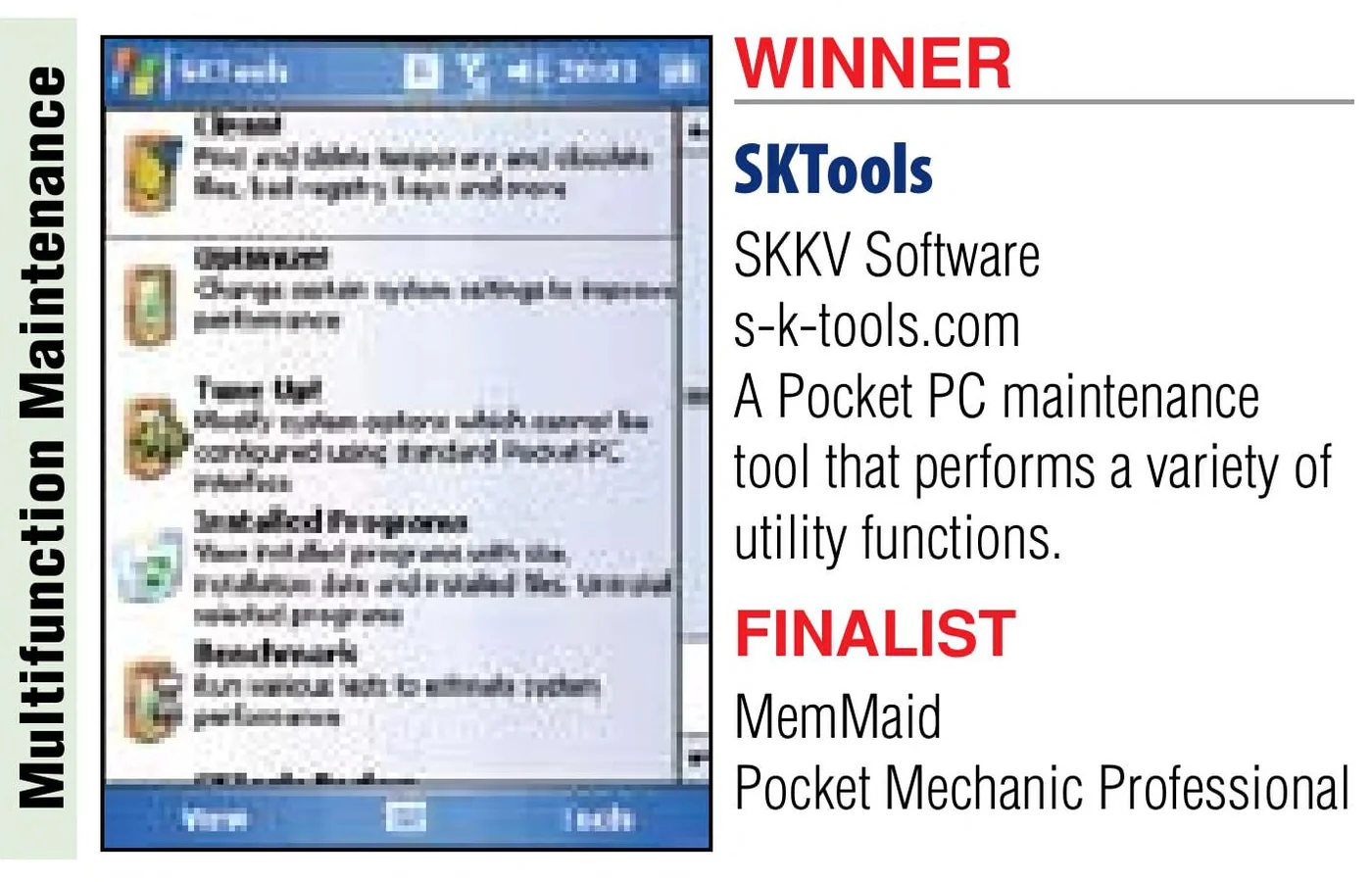


FinalistMemMaid, 2008, Multifunction Maintenance Tools

Finalist, Handango Champion Awards, Best Application for Work
Handango · July 26, 2006 · DinarSoft’s release, via the Internet Archive
Editor’s Choice
PocketGear · August 1, 2006 · DinarSoft’s release, via the Internet Archive
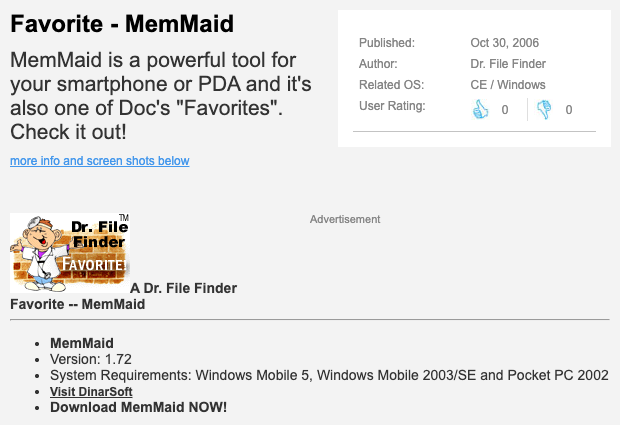
A Dr. File Finder Favorite
Tucows · October 30, 2006 · Tucows’s page, via the Internet Archive
Five stars
Pocketland · December 11, 2006 · DinarSoft’s release, via the Internet Archive
Software Tip of the month
Pocketland Spain · January 9, 2007 · DinarSoft’s release, via the Internet Archive
One of the Best Applications for 2007
Handango · November 17, 2007 · DinarSoft’s release, via the Internet Archive
Number 7 in the Top 10 of 2007
Clinton Fitch · 2007
PC Magazine
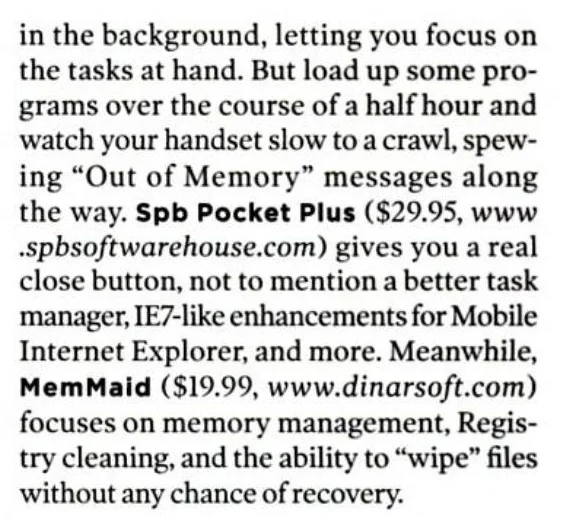
focuses on memory management, Registry cleaning, and the ability to “wipe” files
See the pageMemMaid · Jamie Lendino, May 2008Computer Power User
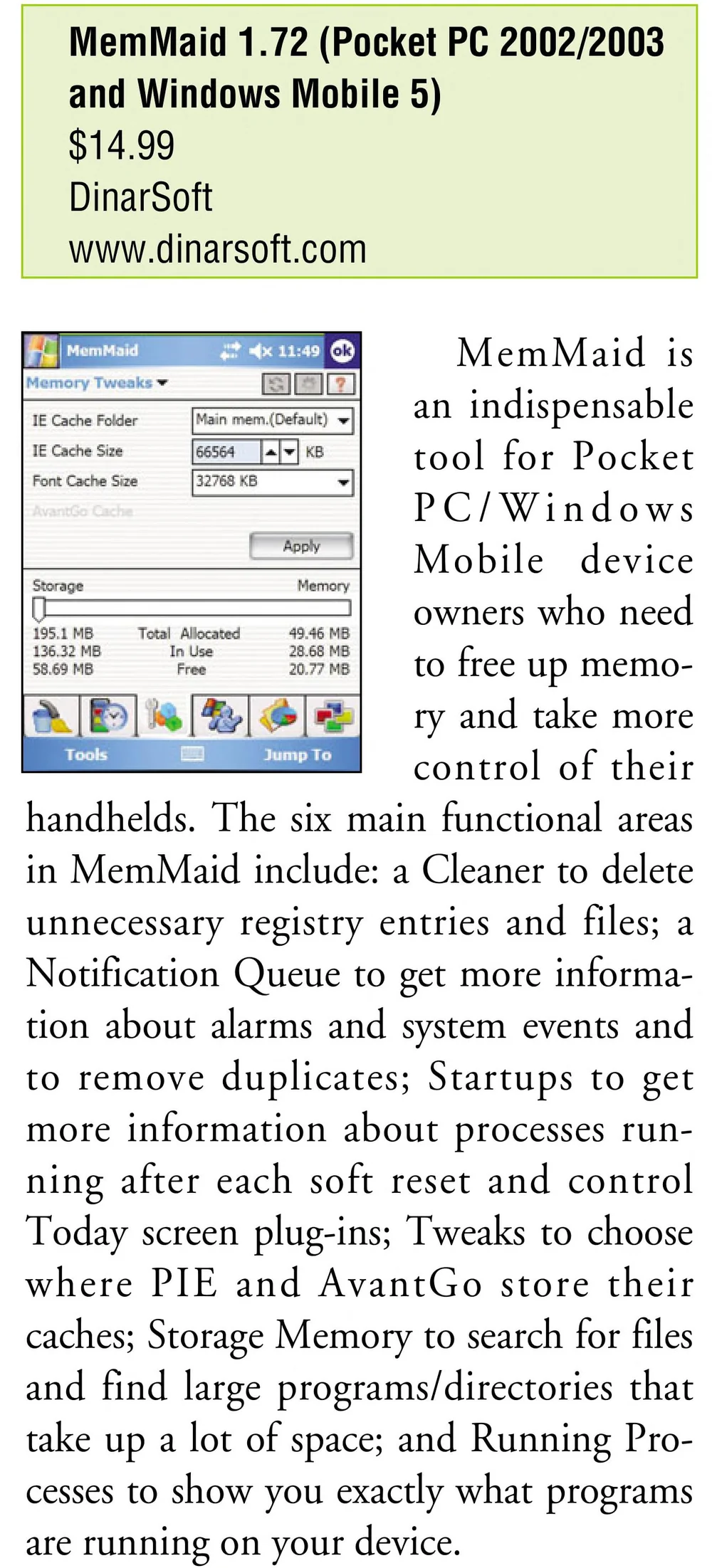
an indispensable tool for Pocket PC/Windows Mobile device owners
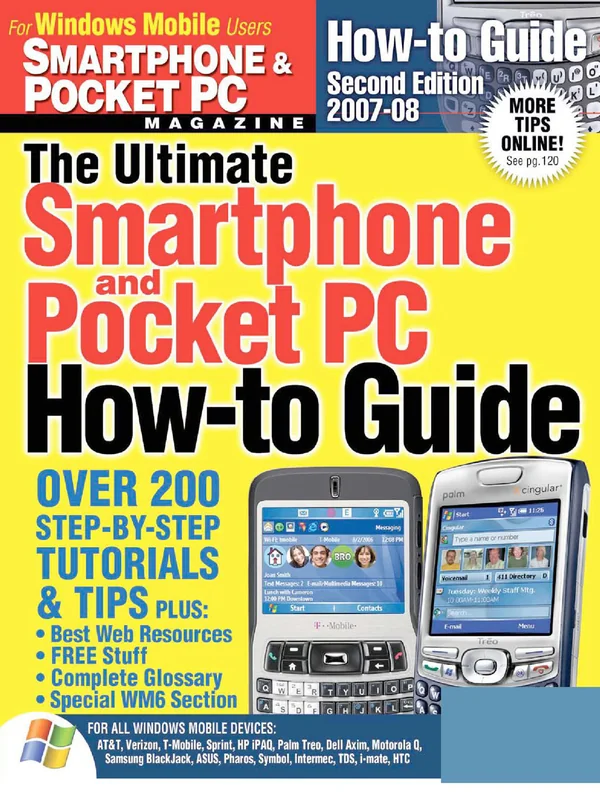
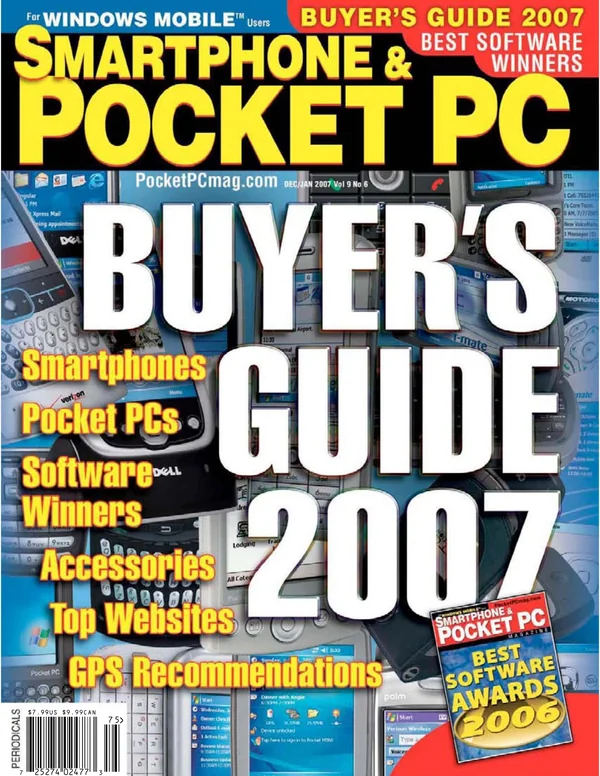
See the pageMemMaid · October 2006Smartphone & Pocket PC
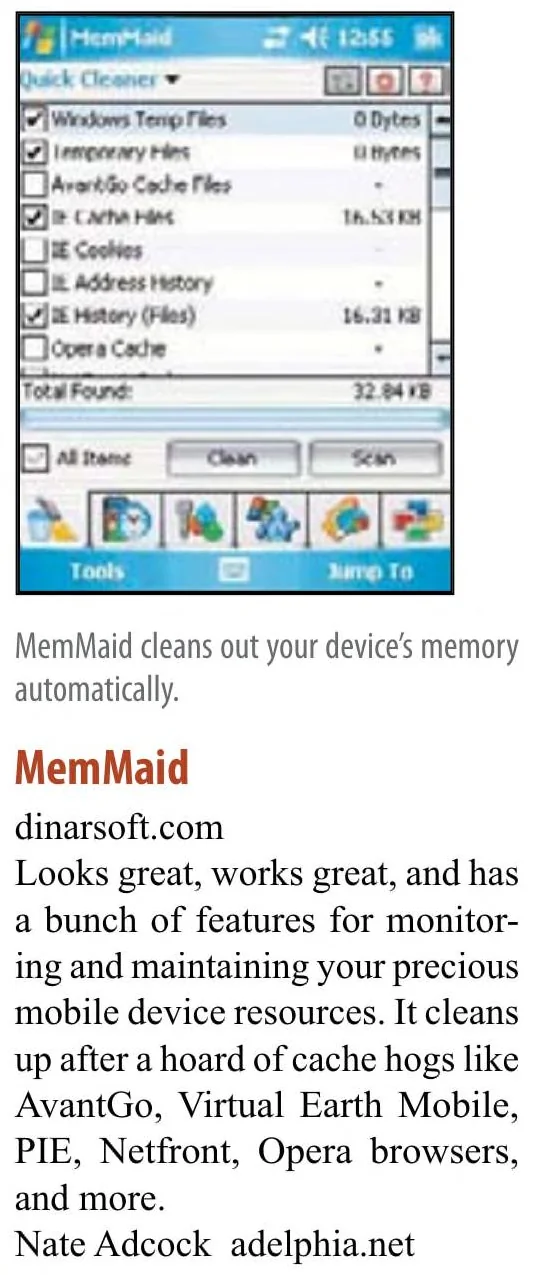
Looks great, works great
See the pageMemMaid · Nate Adcock, an expert judge, 2007eMobie
the Swiss Army Knife of PPC utilities
★★★★★
Read the reviewMemMaid · Russ Terrell, September 9, 2004PocketPC Reviews
MemMaid is a godsend!
Read the reviewMemMaid · November 4, 2004Mobile-View
Definitely deserves a 10/10 rating!
Read the reviewMemMaid · Allistair Lee, July 11, 2007Tucows
If you have a PDA or smartphone this is a program you must have.
Read the reviewMemMaid · Michael E. Callahan, “Dr. File Finder”, September 11, 2006Eten Blog
MemMaid fills a gap left by Microsoft in the memory management department
Read the reviewMemMaid · Tariq Bamadhaj, September 12, 2007Windows Central
Extremely powerful and comprehensive suite of memory and storage management utilities
★★★★★
Read the reviewMemMaid · January 3, 2009
Arranged By: DateNewest on top
- Windows CentralJan 3, 2009Review: MemMaid Memory Management Utility
Review: MemMaid Memory Management Utility
Extremely powerful and comprehensive suite of memory and storage management utilities
★★★★★
via the Internet Archive, Wayback Machine, November 4, 2024 - PC TodayOct 2008Updated Software
Updated Software
- PopsoftOct 2008Startup managers (in Chinese)
Startup managers (in Chinese)
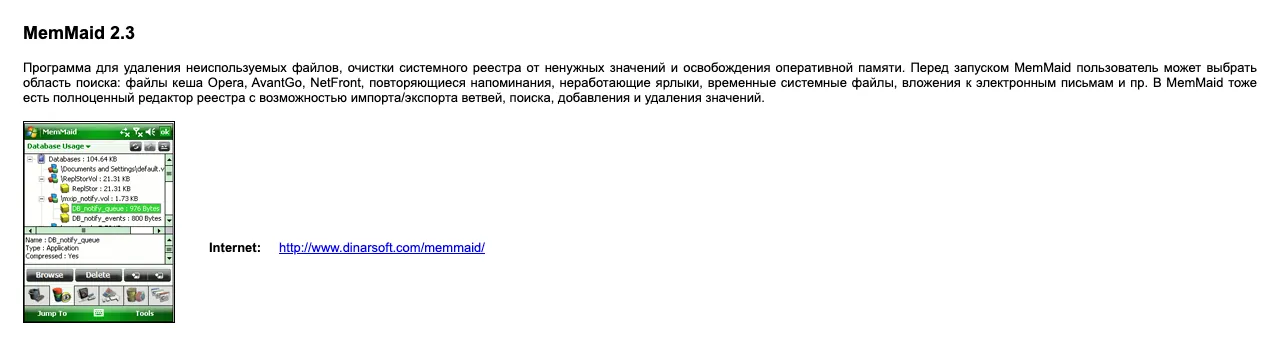
- CHIP magazine, RussiaSep 2008MemMaid 2.3, on the cover disc
MemMaid 2.3, on the cover disc
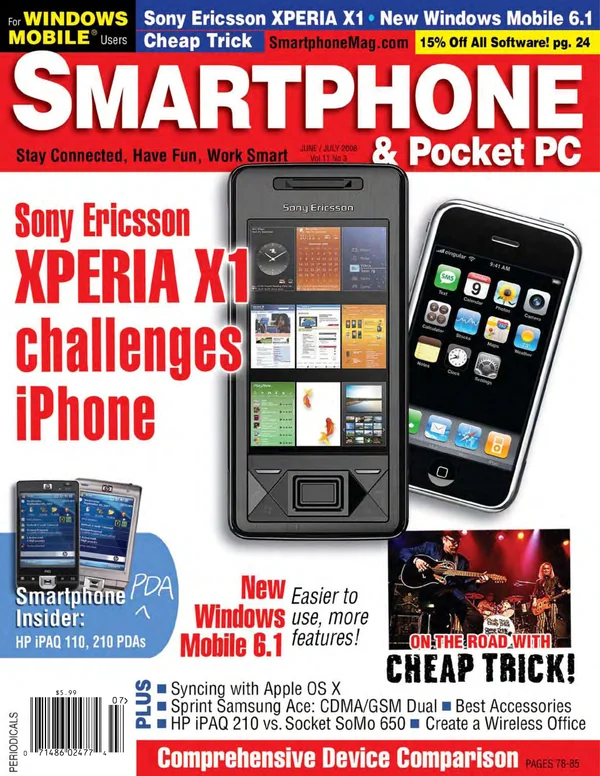
via the Internet Archive, archive.org item chip-dvd-ru-2008-09 - Smartphone & Pocket PCJun 2008Tips From The SmartphoneMag.com Forums
Tips From The SmartphoneMag.com Forums
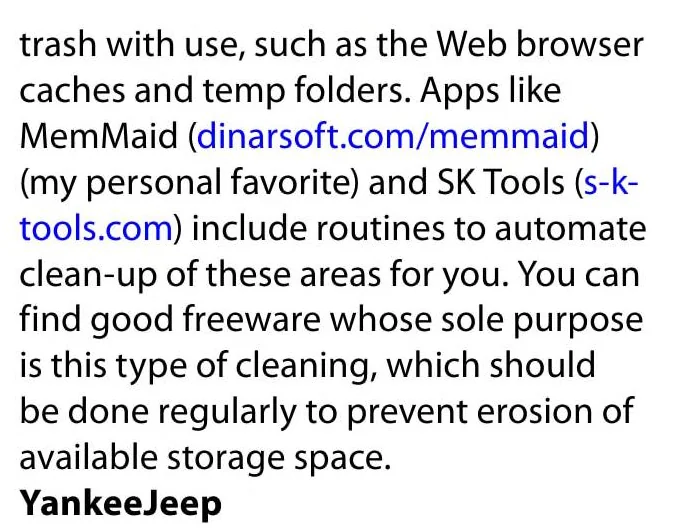
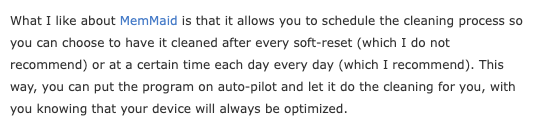
my personal favorite
- PC MagazineMay 2008Schooling Your Smartphone
Schooling Your Smartphone
focuses on memory management, Registry cleaning, and the ability to “wipe” files
- Eten BlogSep 12, 2007Spring Cleaning With DinarSoft’s MemMaid
Spring Cleaning With DinarSoft’s MemMaid
MemMaid fills a gap left by Microsoft in the memory management department

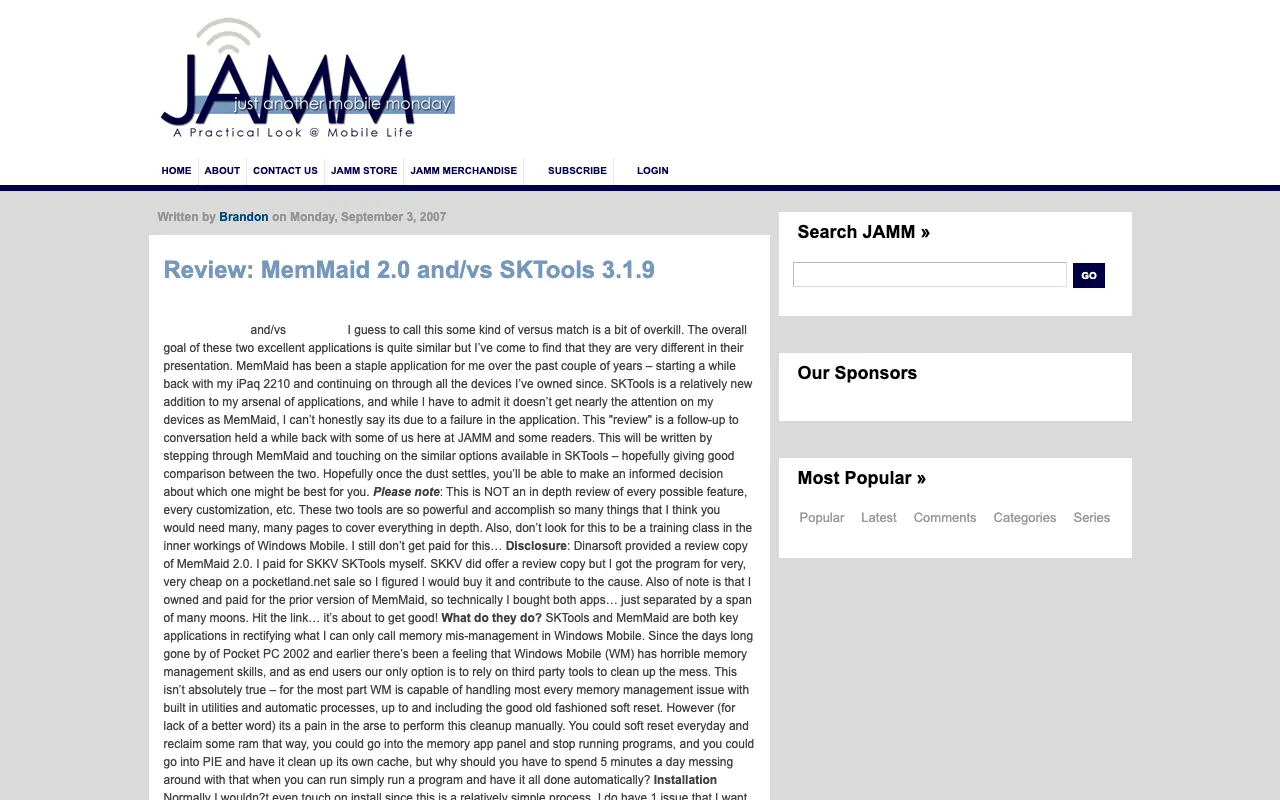
via the Internet Archive, Wayback Machine, December 3, 2007 - Just Another Mobile MondaySep 3, 2007Review: MemMaid 2.0 and/vs SKTools 3.1.9
Review: MemMaid 2.0 and/vs SKTools 3.1.9
I love MemMaid and its not going anywhere.
via the Internet Archive, Wayback Machine, August 14, 2009 - Smartphone & Pocket PCSep 2007The BEST Applications!
The BEST Applications!
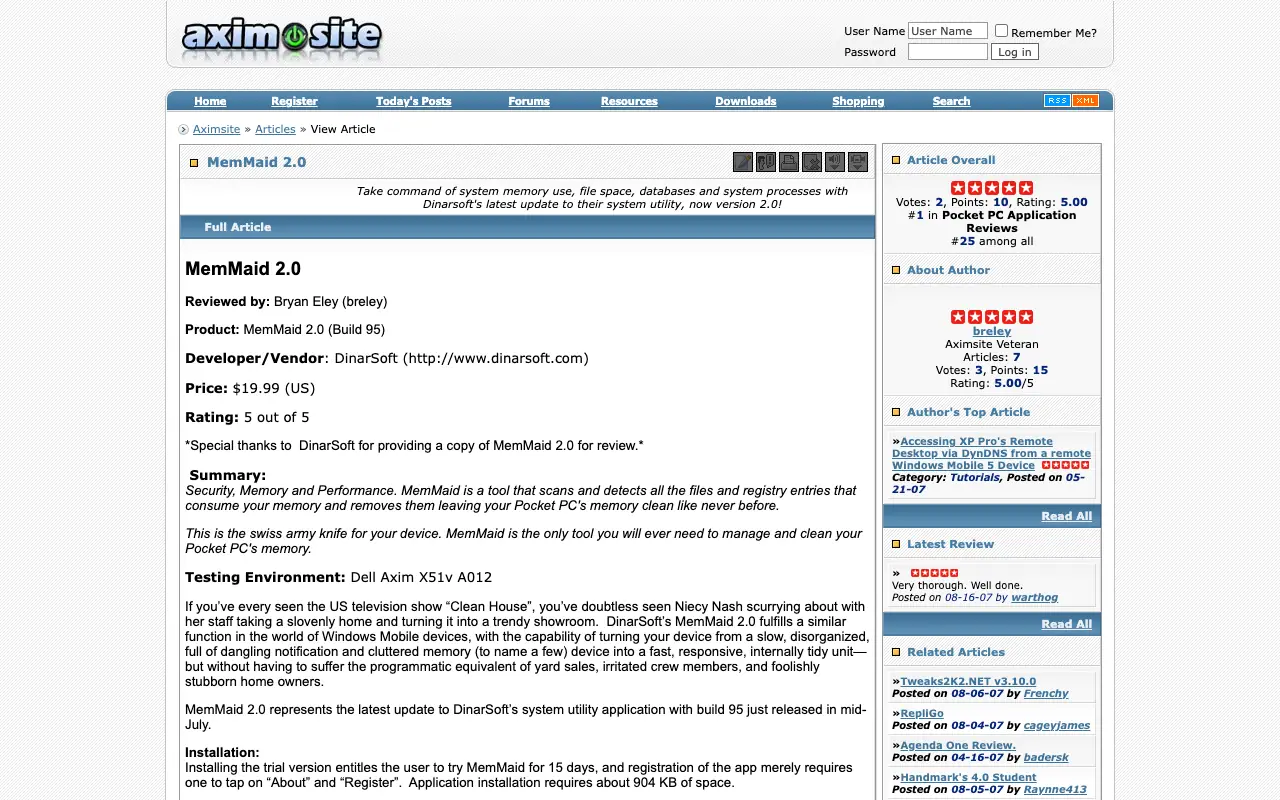
- AximSiteAug 18, 2007MemMaid 2.0
MemMaid 2.0
★★★★★
via the Internet Archive, Wayback Machine, October 12, 2007 - Mobile-ViewJul 11, 2007DinarSoft’s MemMaid 2.0 Reviewed!
DinarSoft’s MemMaid 2.0 Reviewed!
Definitely deserves a 10/10 rating!
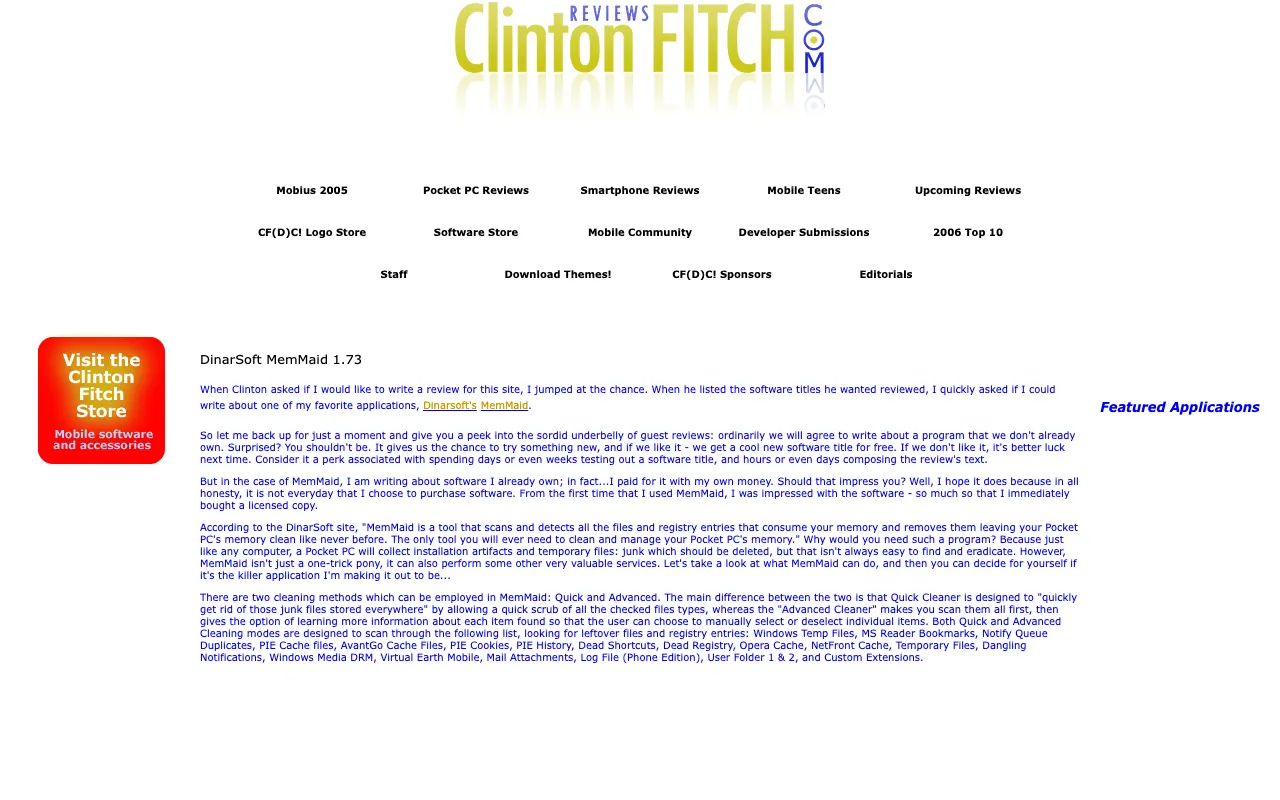
via the Internet Archive, Wayback Machine, October 13, 2007 - ClintonFitch.comApr 30, 2007DinarSoft MemMaid 1.73
DinarSoft MemMaid 1.73
The cleaning feature alone would make MemMaid a must have application
via the Internet Archive, Wayback Machine, May 19, 2007 - GadgetMixApr 17, 2007Dinarsoft Memmaid Reviewed!
Dinarsoft Memmaid Reviewed!
the perfect maid for your pocket pc
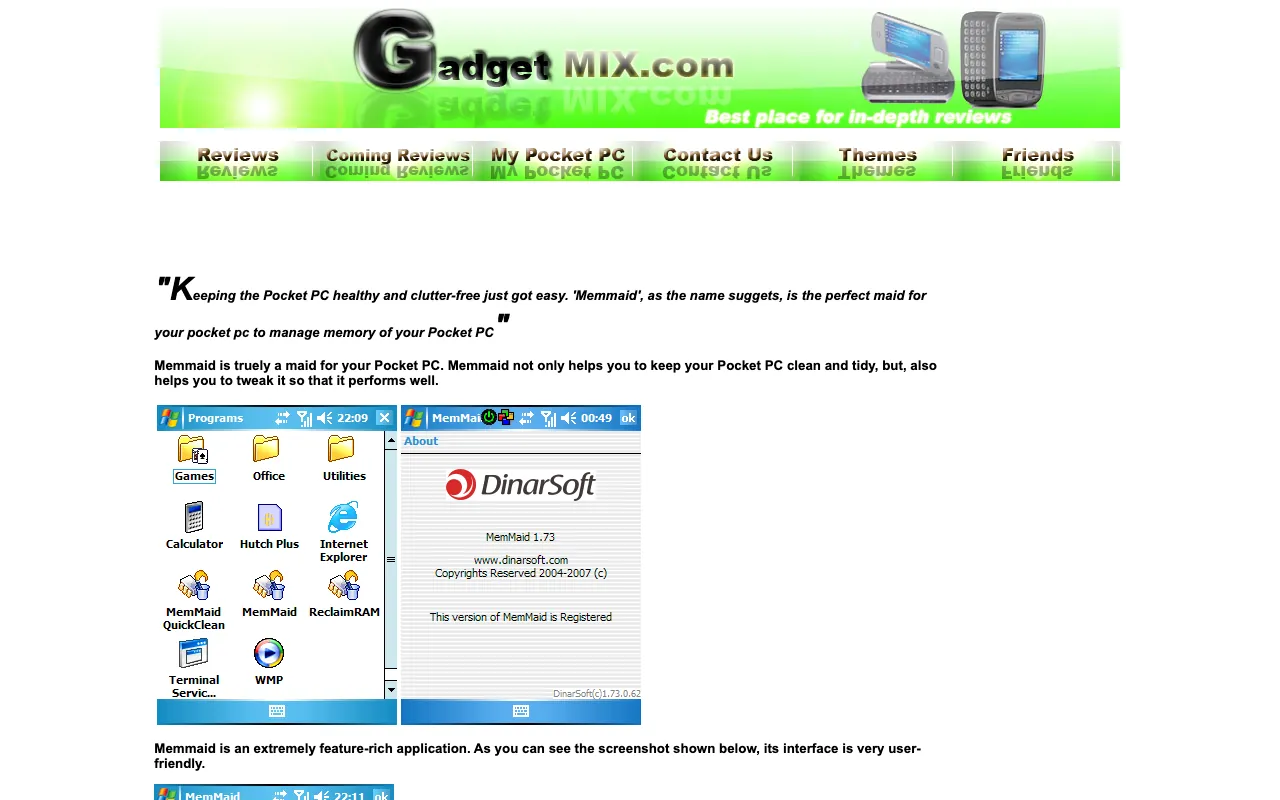
via the Internet Archive, Wayback Machine, January 5, 2008 - PocketlandJan 9, 2007MemMaid Cleans House
MemMaid Cleans House
MemMaid helps to clean up the memory on your device
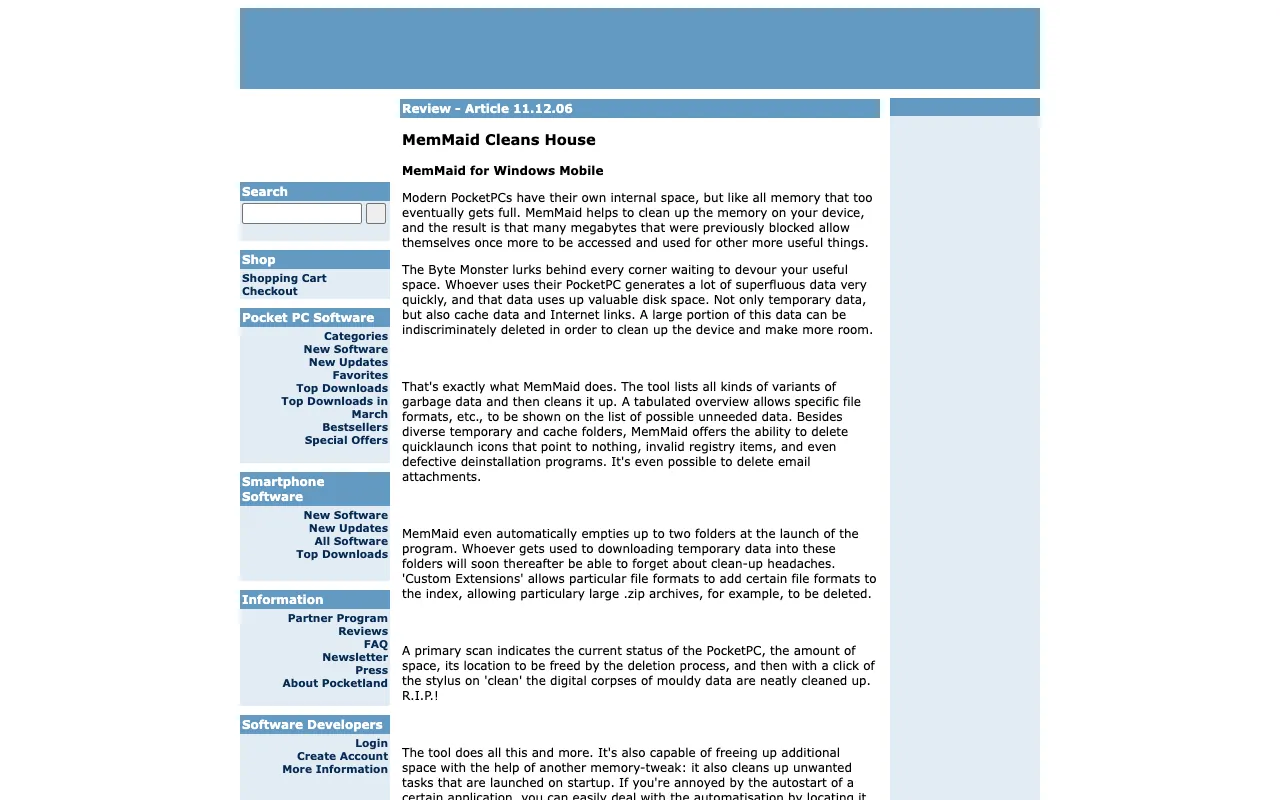
via the Internet Archive, Wayback Machine, March 1, 2012 - Technology at PlayJan 2007MemMaid by Dinarsoft
MemMaid by Dinarsoft
MemMaid is an extremely handy program for the Pocket PC.
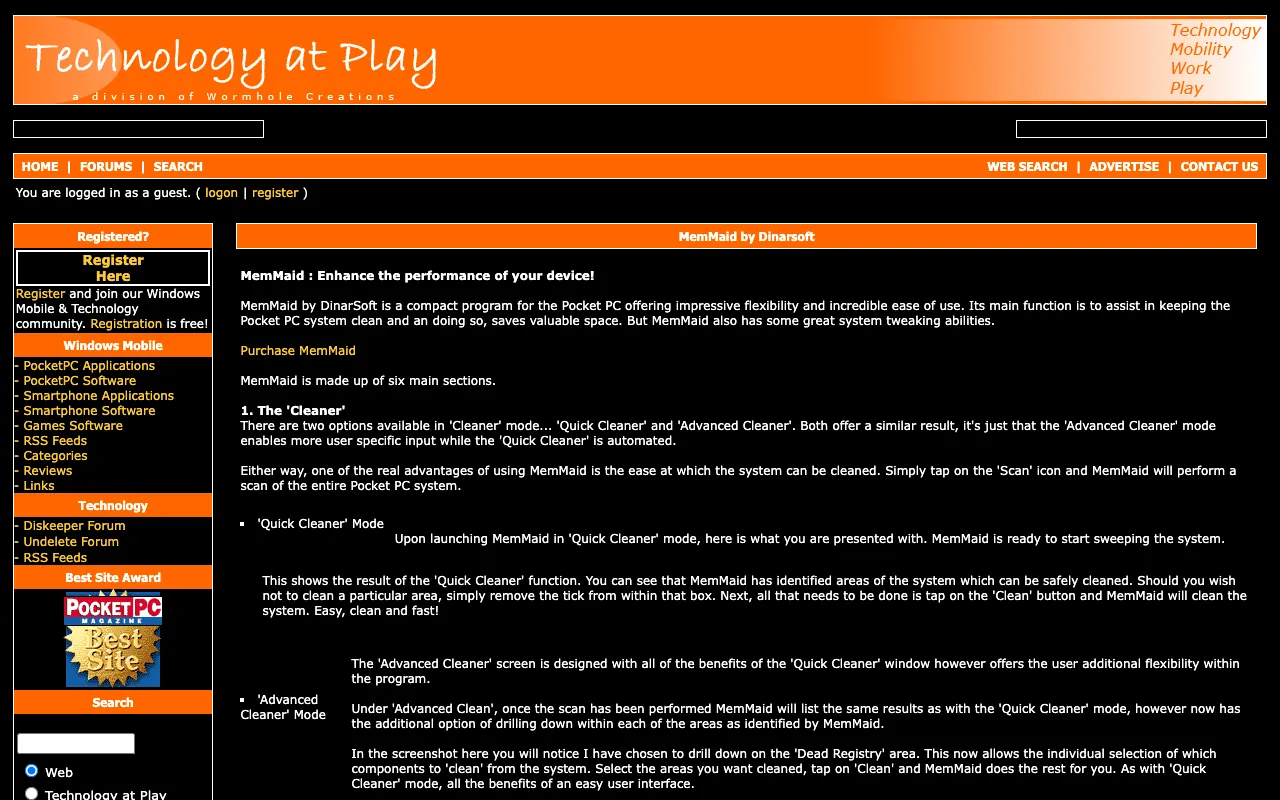
via the Internet Archive, Wayback Machine, January 28, 2007 - MyPDACafe200MemMaid by DinarSoft
MemMaid by DinarSoft
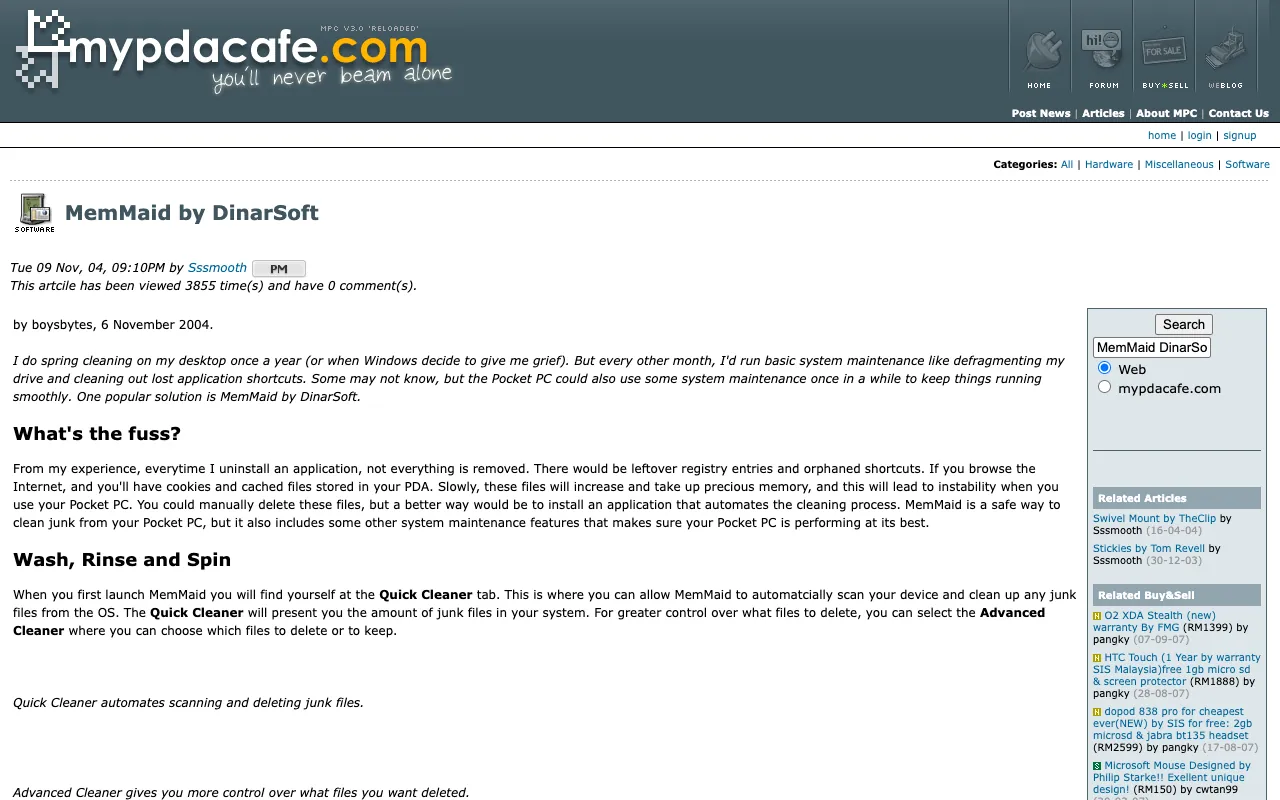
via the Internet Archive, Wayback Machine, October 13, 2007 - Smartphone & Pocket PC200Expert picks
Expert picks
Looks great, works great
- TucowsOct 30, 2006Favorite - MemMaid
Favorite - MemMaid
MemMaid is a powerful tool for your smartphone or PDA
via the Internet Archive, Wayback Machine, December 12, 2007 - Computer Power UserOct 2006Noteworthy Handheld Software
Noteworthy Handheld Software
an indispensable tool for Pocket PC/Windows Mobile device owners
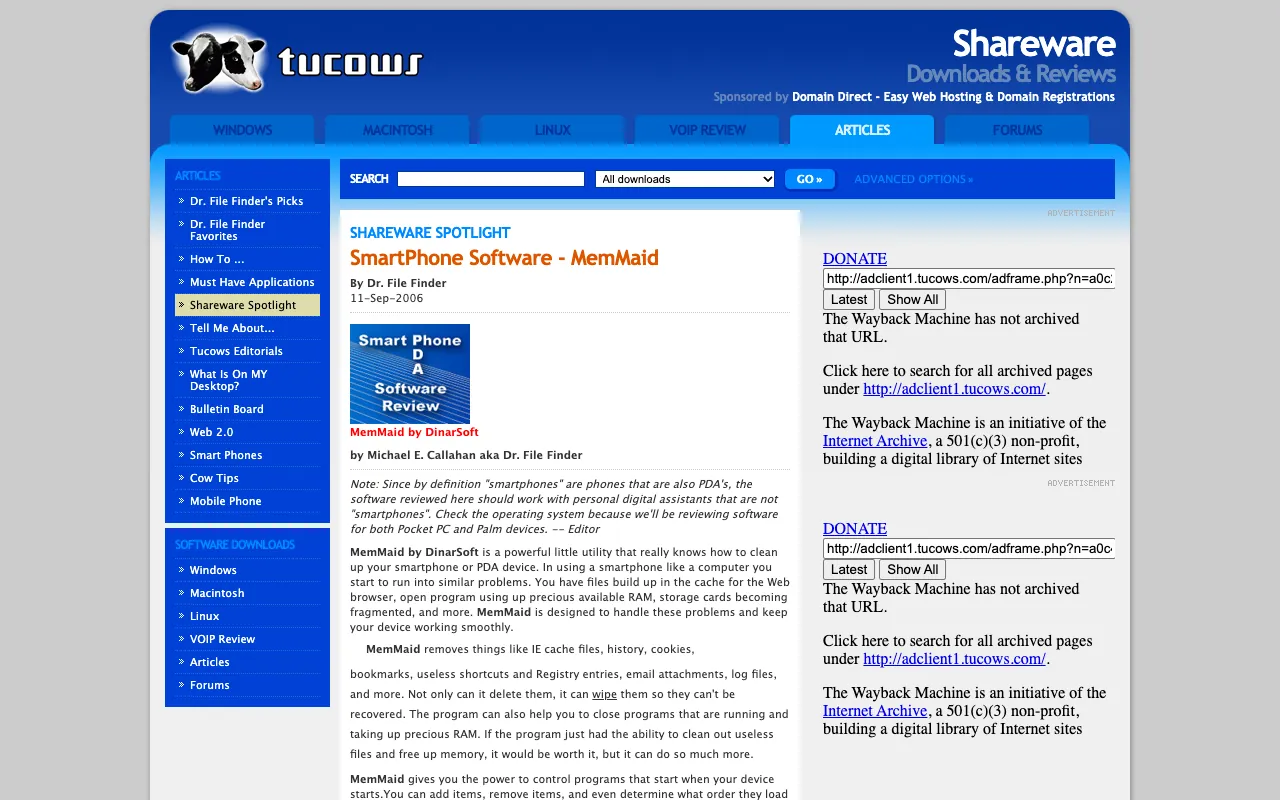
- TucowsSep 11, 2006Shareware Spotlight: MemMaid
Shareware Spotlight: MemMaid
If you have a PDA or smartphone this is a program you must have.
via the Internet Archive, Wayback Machine, September 17, 2006 - Just Another Mobile MondayJul 30, 2006Review - Short Take on MemMaid 1.72
Review - Short Take on MemMaid 1.72
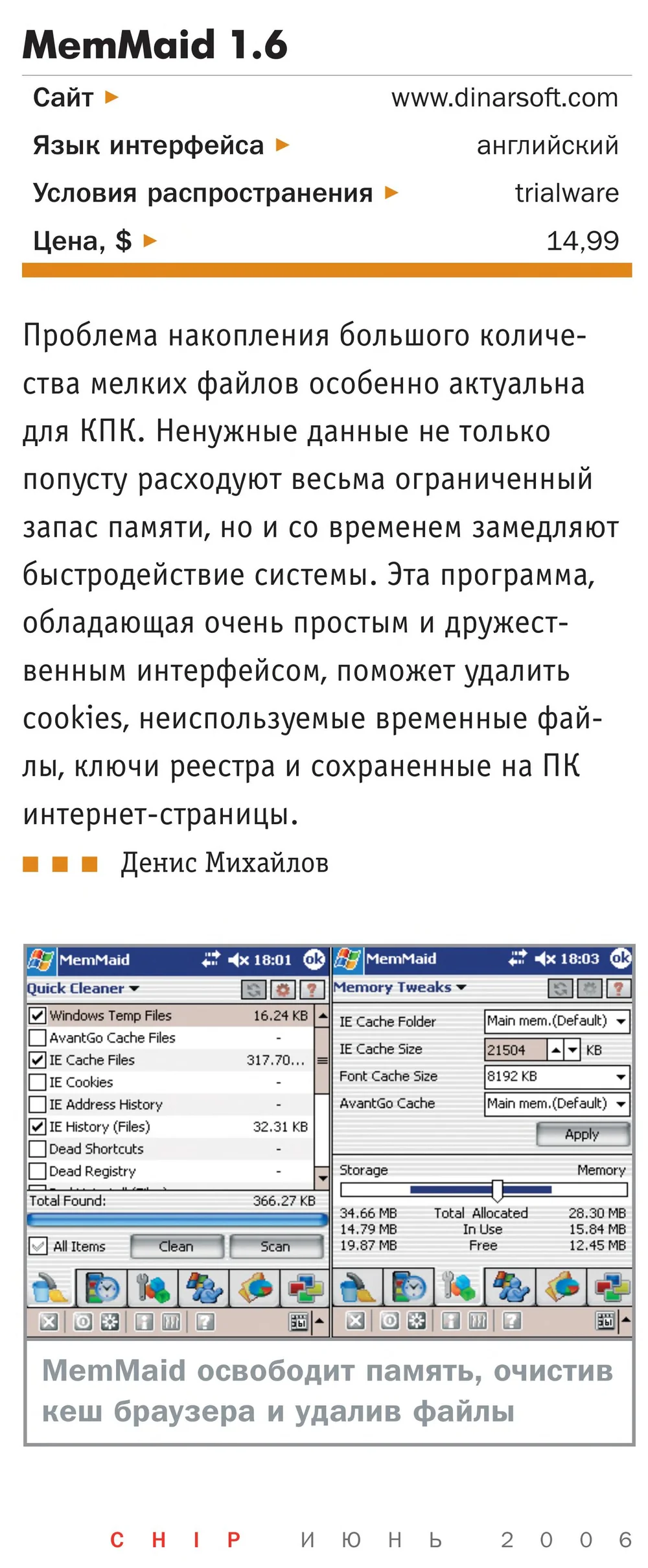
via the Internet Archive, Wayback Machine, November 1, 2006 - CHIPJun 2006The best software for Windows Mobile (in Russian)
The best software for Windows Mobile (in Russian)
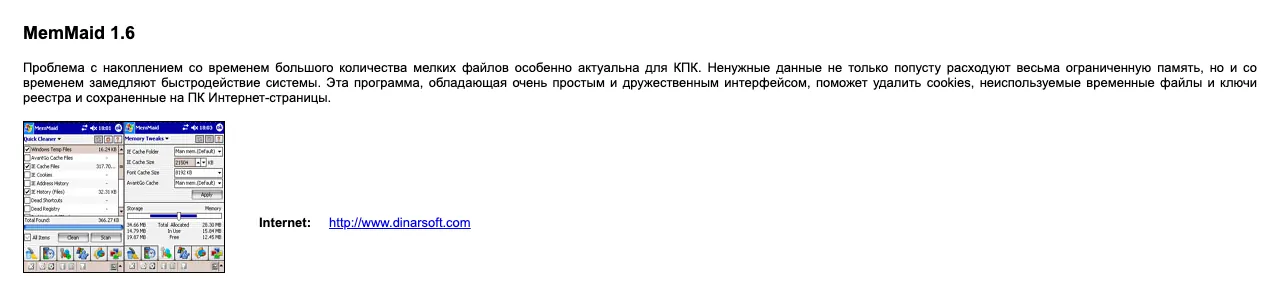
- CHIP magazine, RussiaJun 2006MemMaid 1.6, on the cover disc
MemMaid 1.6, on the cover disc
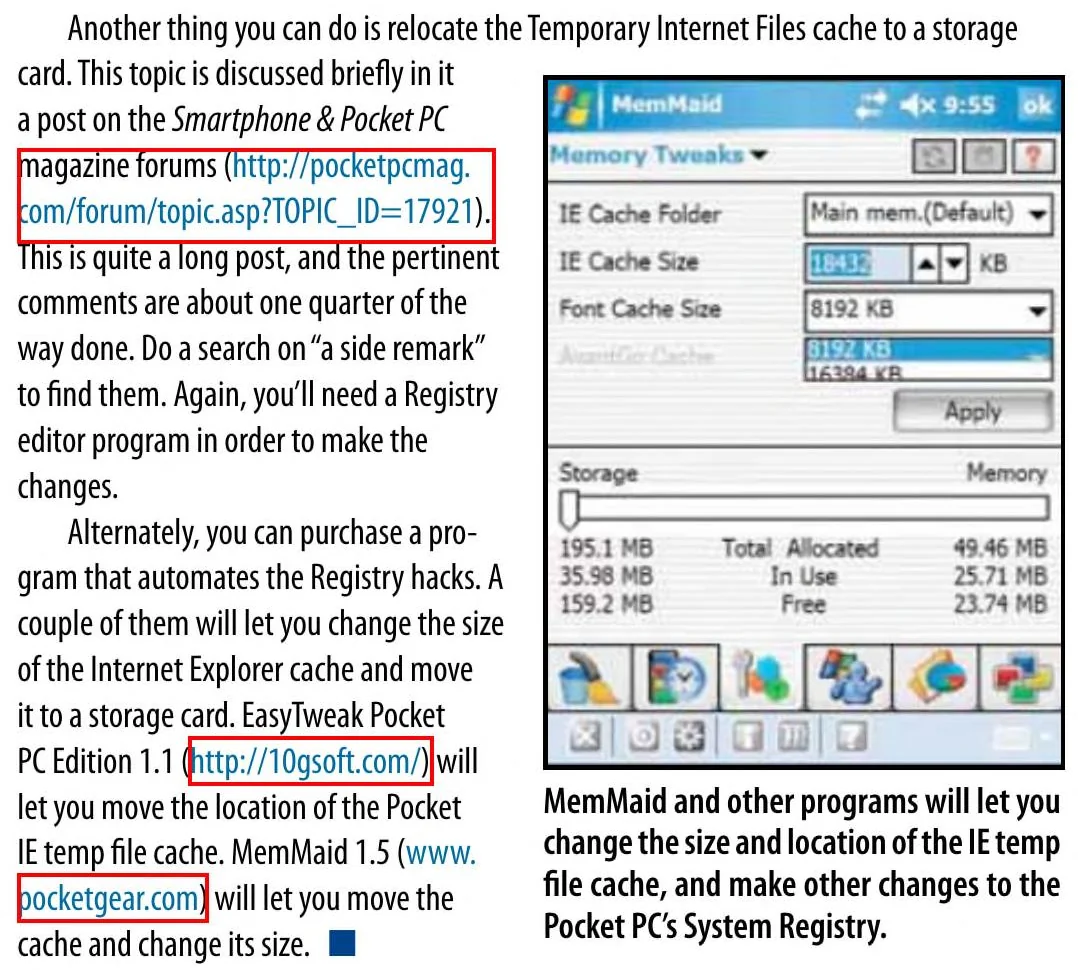
via the Internet Archive, archive.org item chip-dvd-ru-2006-06 - Smartphone & Pocket PCApr 2006Tips and Tricks: move the Temporary Internet Files cache
Tips and Tricks: move the Temporary Internet Files cache
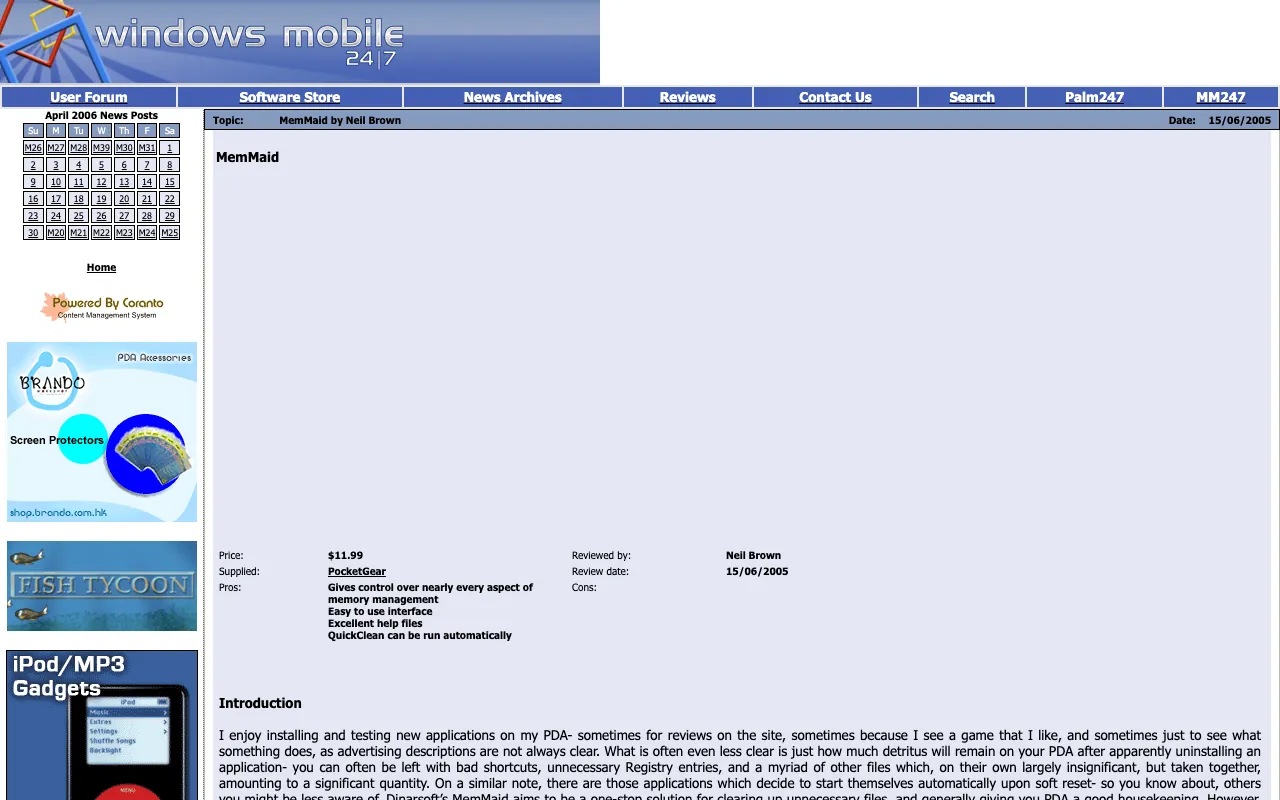
- PDA247Jun 15, 2005MemMaid
MemMaid
Gives control over nearly every aspect of memory management
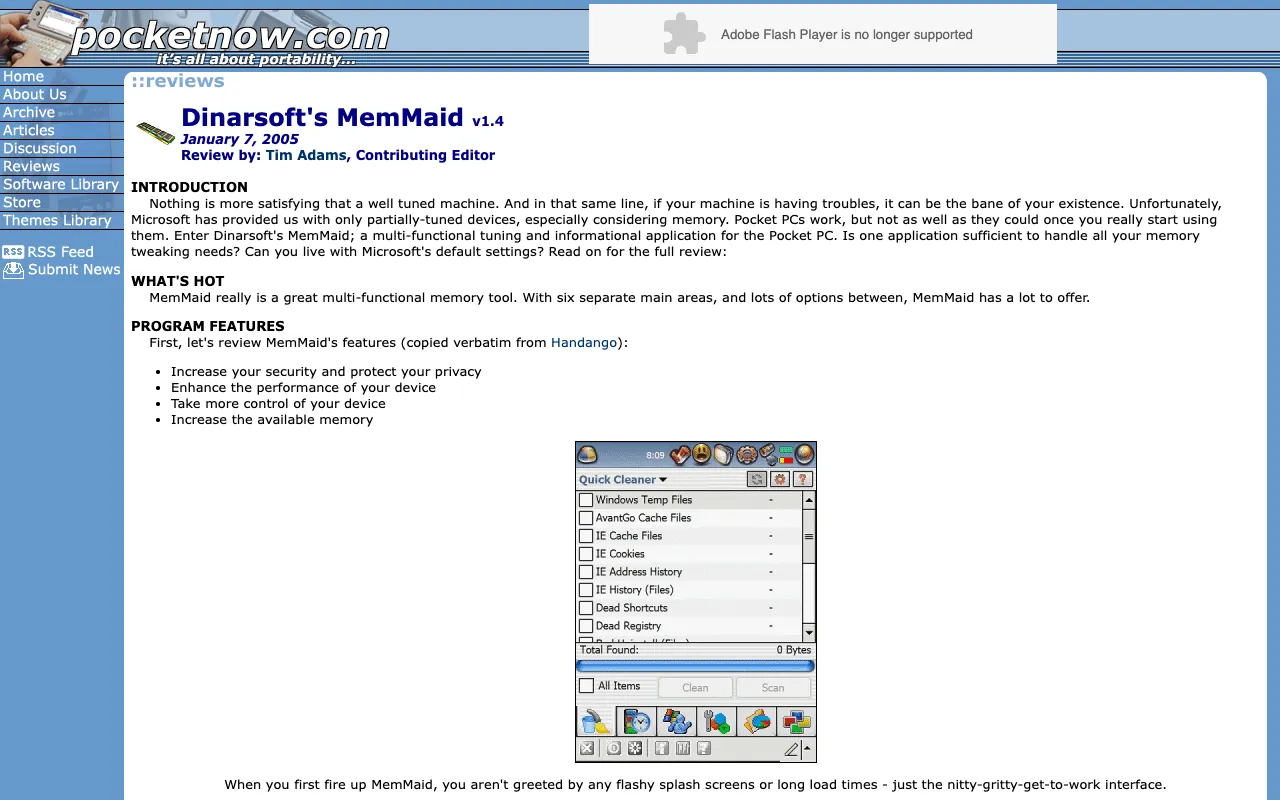
via the Internet Archive, Wayback Machine, April 6, 2006 - PocketnowJan 7, 2005Dinarsoft’s MemMaid v1.4
Dinarsoft’s MemMaid v1.4
it certainly has found a place in my must-have list
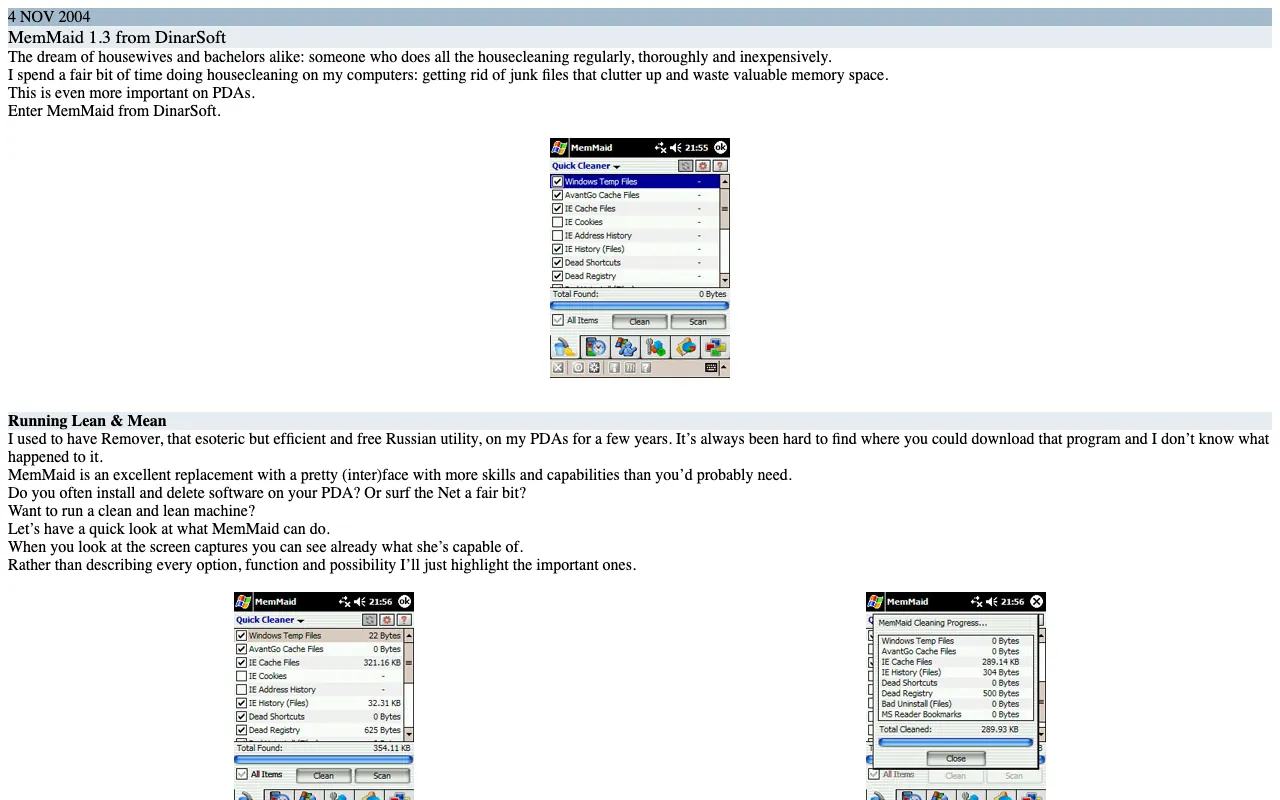
via the Internet Archive, Wayback Machine, February 7, 2005 - PocketPC ReviewsNov 4, 2004MemMaid 1.3 from DinarSoft
MemMaid 1.3 from DinarSoft
MemMaid is a godsend!
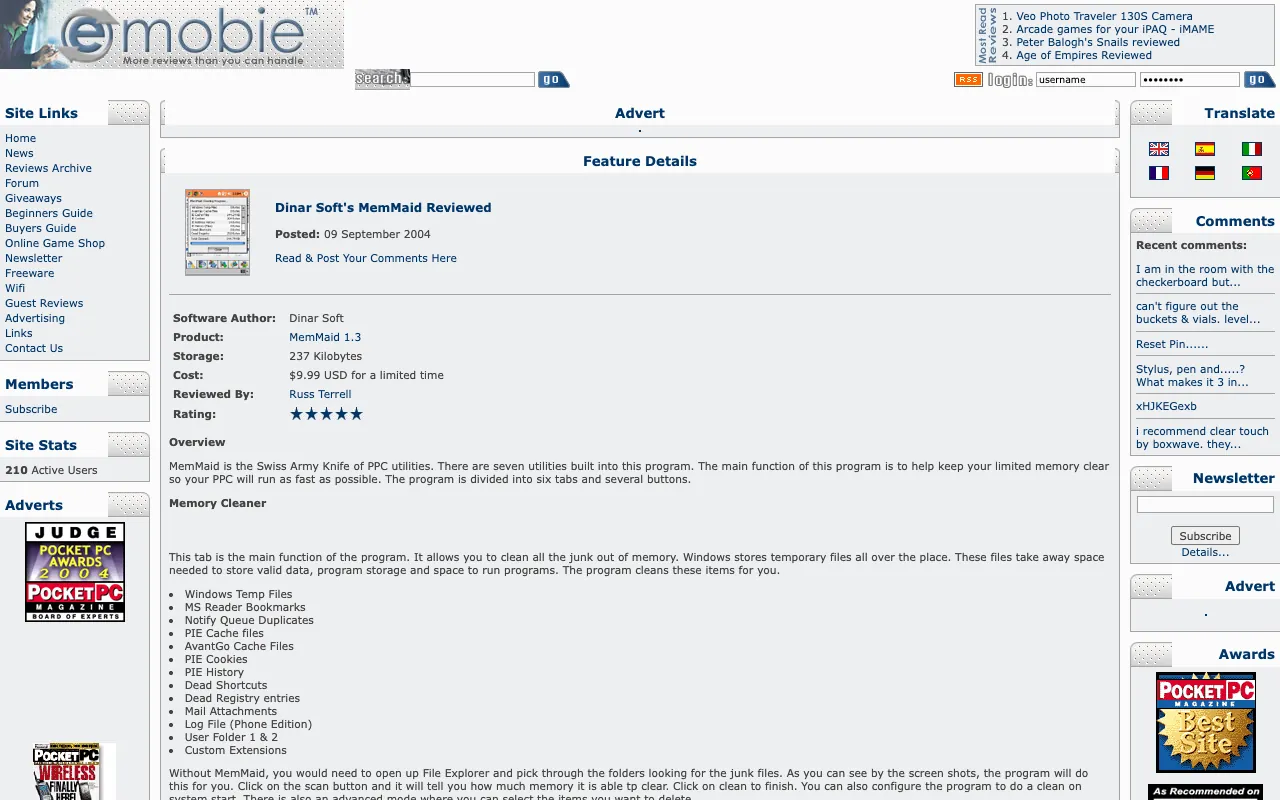
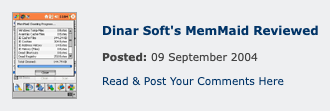
via the Internet Archive, Wayback Machine, November 9, 2004 - eMobieSep 9, 2004Dinar Soft’s MemMaid Reviewed
Dinar Soft’s MemMaid Reviewed
the Swiss Army Knife of PPC utilities
★★★★★
via the Internet Archive, Wayback Machine, December 21, 2004 - Pocket PC DubaiJul 23, 2004MemMaid Review
MemMaid Review
MemMaid Version 1.2 that finally ended my search
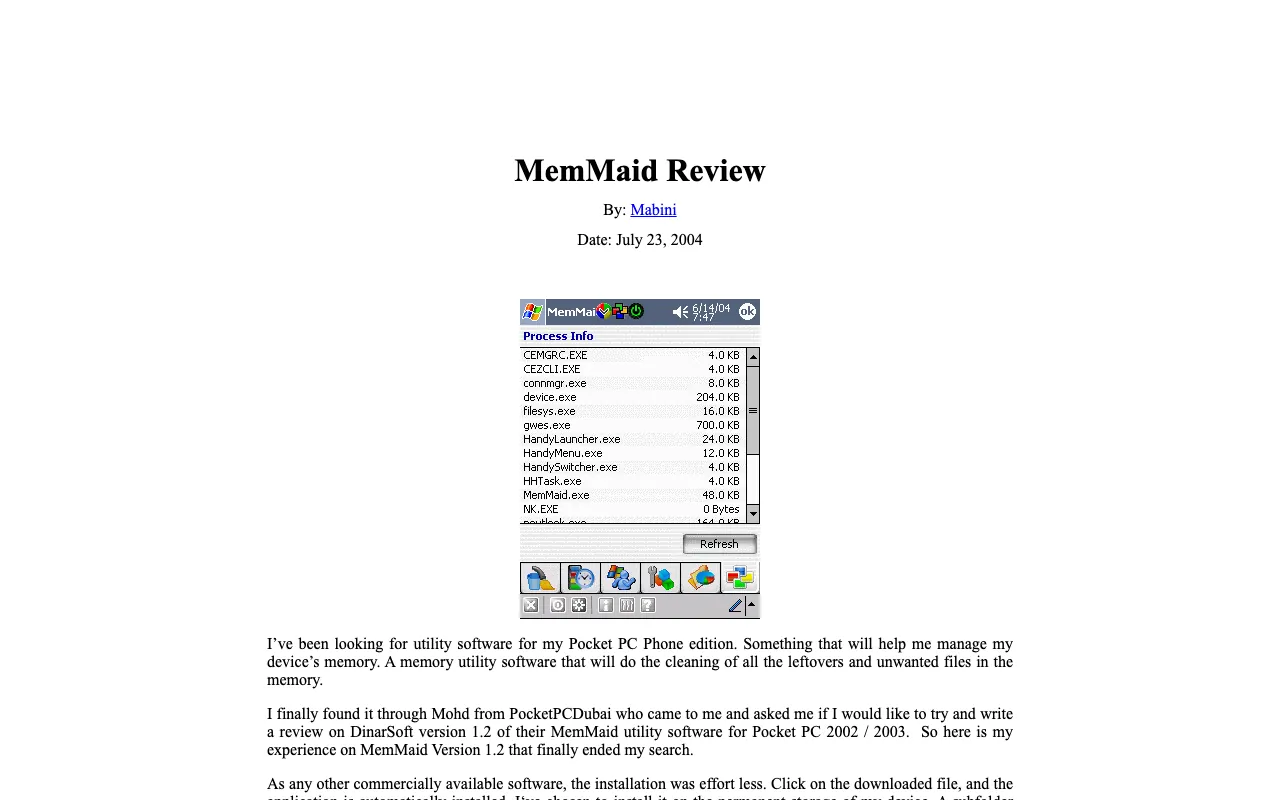
via the Internet Archive, Wayback Machine, August 6, 2004 - GeekzoneJul 1, 2004MemMaid for Pocket PC review
MemMaid for Pocket PC review
a nice well polished tool
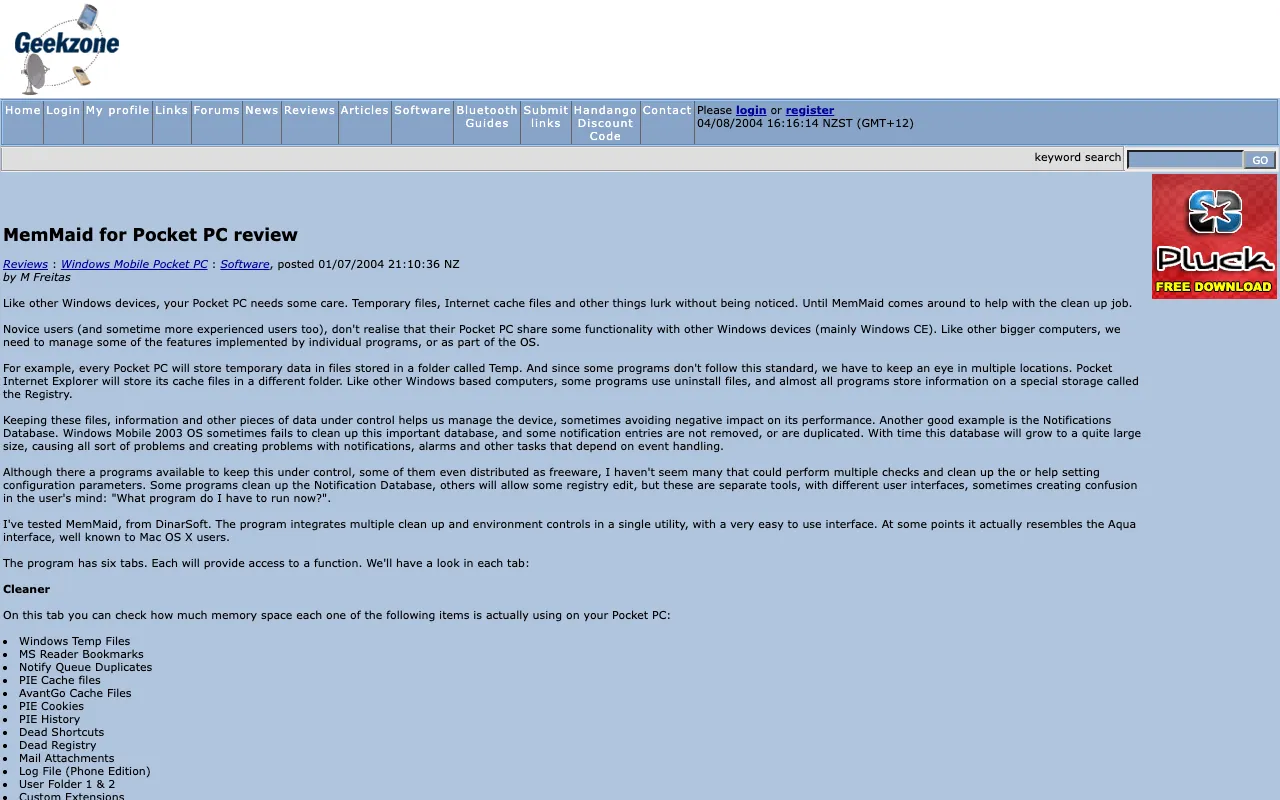
via the Internet Archive, Wayback Machine, August 4, 2004


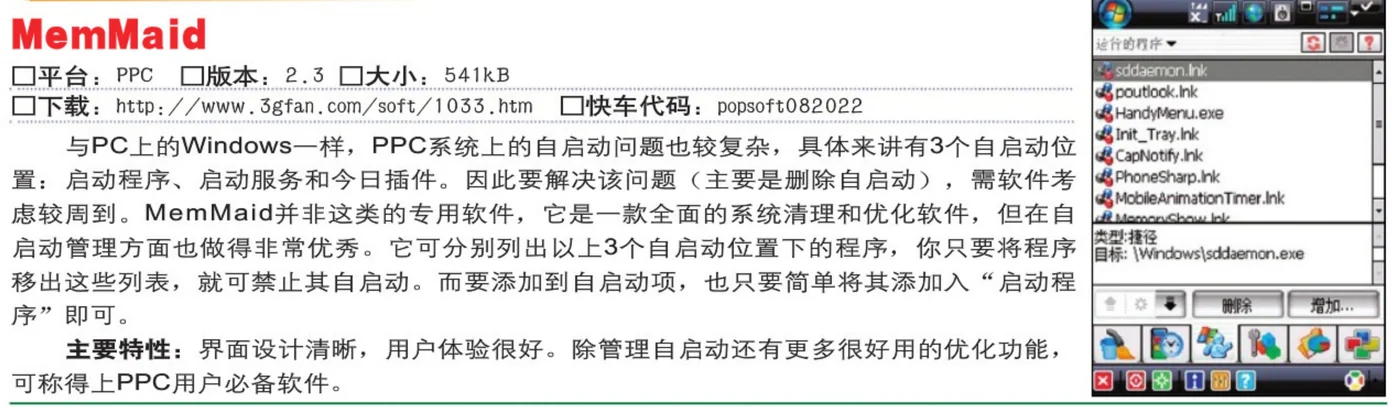





















Download
Here are all 9 installers the Internet Archive kept, as DinarSoft published them. Take the one marked latest: the .CAB installs straight on the device, the .exe installs from a Windows PC. The multilingual files speak eight languages, and version 1.73 is the one for Pocket PC 2002.
| File | Version | Size | SHA-256 |
|---|---|---|---|
| DinarSoftMemMaid.CABInstall on the Pocket PC · latestRecovered from the Internet Archive (Wayback Machine, September 2, 2017) | 2.3 build 230, multilingual | 1,273.3 KB | 0f2b92154e955a0e56135439b0d2cd98ae991812897899cb6ade8389b9869997 |
| DinarSoftMemMaid_Setup.exeRun on a Windows PC with ActiveSync · latestRecovered from the Internet Archive (Wayback Machine, September 2, 2017) | 2.3 build 230, multilingual | 526.5 KB | 3f2babff01895d89aa8a1ed726206968a568c8c119d7881b9829a7b133553645 |
| DinarSoftMemMaid_en.CABInstall on the Pocket PC · latestRecovered from the Internet Archive (Wayback Machine, September 2, 2017) | 2.3 build 230, English | 966.3 KB | 5db295336fdc912e017f7413f8f24f3b635caa8472e1ab84d30d79b41f9dc284 |
| DinarSoftMemMaid_en_Setup.exeRun on a Windows PC with ActiveSync · latestRecovered from the Internet Archive (Wayback Machine, September 2, 2017) | 2.3 build 230, English | 450.5 KB | f43515caab0d12975d0ab88a413e46482fbe67ec7bbc299d3037aefe4a1f0e0c |
| DinarSoftMemMaid_1_73.CABInstall on the Pocket PCRecovered from the Internet Archive (Wayback Machine, September 2, 2017) | 1.73 | 444 KB | b3c914255cf18a7a5e2f83022c2a0ceab6f7d8ff53d292e1e4ba029c375835fa |
| DinarSoftMemMaid_1_73_Setup.exeRun on a Windows PC with ActiveSyncRecovered from the Internet Archive (Wayback Machine, September 2, 2017) | 1.73 | 258.5 KB | 58e28b0243c22ecd3305bfe8200d8e571215086dcd4b0010ce4b4bc13a49026d |
| DinarSoftMemMaid172.exeRun on a Windows PC with ActiveSyncRecovered from the Internet Archive (Wayback Machine, January 29, 2007) | 1.72 | 628 KB | 6f2ad46398be233634343a3991e8bfe5f68d1ff2698bc84b3f3681063075265b |
| DinarSoftMemMaid172.CABInstall on the Pocket PCRecovered from the Internet Archive (Wayback Machine, January 29, 2007) | 1.72 | 496.8 KB | 4103d7945fe40020ad162049d7a9926b7e0394b2f2ad45690604cca4267dfd18 |
| CHIP-2006-06_DinarSoftMemMaidPG15a.exeRun on a Windows PC with ActiveSyncRecovered from the Internet Archive (CHIP magazine’s cover disc, June 2006) | 1.5a, from CHIP magazine’s disc (June 2006) | 512 KB | bd01d928d4738eb5ba4360ac6fdadc60257bcfc13156cd5f49c74be9d5088767 |
Pick an installer you downloaded. Your browser computes its SHA-256 fingerprint on your own device, nothing is uploaded, and looks for it among all 24 DinarSoft files. A match means every byte is the one the Internet Archive kept.
Unlock the full version
Every DinarSoft trial asked for an unlock key after 15 days. In 2026 Yasser Awad made MemMaid free, so here is the key, made the way DinarSoft made it.
One key for every device: MemMaid accepts a key made from Yasser’s own name. Open Tools, About, tap Register, and type the four groups of four letters. For MemMaid 1.5a, 1.72 and 1.73 his name makes this key: CDHG - ACZW - NMGJ - QWEC.
For MemMaid 2.3.
Install it
- On a Pocket PC or Windows Mobile phone. Download the .CAB file marked latest. Copy it to the device on a memory card, through ActiveSync, or download it in Pocket Internet Explorer. Then open File Explorer on the device and tap it. It installs itself, like tapping an .apk on Android.
- From a Windows PC. Connect the device through ActiveSync on Windows XP, or Windows Mobile Device Center on later Windows, and run the Setup .exe. It sends the app to the device.
- In an emulator. Microsoft’s Device Emulator runs Windows Mobile 5 and 6 on a Windows PC. In its File menu, choose Configure and set a shared folder. The device sees that folder as its Storage Card. Put the .CAB there and tap it in File Explorer.
- Unlock it. Open MemMaid, find its Register screen, and type the key from this page.